What Is OCR in Finance? 99% Accuracy & Fast Processing

Modern financial teams waste countless hours on manual data entry, but AI-powered OCR technology now automates recognition and data extraction from scanned financial documents, achieving up to 99% accuracy. This guide explains how OCR works in finance, the AI innovations powering accuracy improvements, and practical implementation steps to transform your document workflows while avoiding common pitfalls.
Contents
- Introduction To Ocr In Finance
- How Ai Enhances Ocr For Finance
- Types Of Financial Documents Processed By Ocr
- Common Misconceptions About Ocr In Finance
- Comparing Ocr With Manual And Legacy Systems
- Benefits Of Ocr For Financial Professionals
- Practical Implementation And Integration Steps
- Conclusion: Unlocking Efficiency With Ocr In Finance
- Frequently Asked Questions About Ocr In Finance
Key Takeaways
| Point | Details |
|---|---|
| Accuracy Advantage | AI-powered OCR achieves up to 99% accuracy when processing financial documents compared to legacy systems. |
| Efficiency Gains | OCR reduces manual data entry by up to 70% but requires human validation for 10-15% of documents. |
| Document Versatility | OCR handles bank statements, invoices, receipts, encrypted PDFs, and low-quality images without scanners. |
| Integration Capability | Modern OCR platforms integrate seamlessly with accounting systems via APIs, enabling automated workflows. |
| Implementation Reality | Success requires platform selection, customization for financial nuances, and balancing automation with human review. |
Introduction to OCR in Finance
Optical Character Recognition (OCR) transforms how financial professionals process documents by automatically converting scanned images and PDFs into editable, structured data. For finance teams, this means bank statements, invoices, and receipts become searchable Excel files instead of static images requiring manual retyping.
Before OCR adoption, accountants spent hours manually entering transaction data, creating bottlenecks during month-end close and tax season. Error rates from repetitive typing reached 1-4%, causing reconciliation headaches and compliance risks. Financial teams needed a better approach.
OCR technology initially emerged in the 1990s for basic text scanning but struggled with financial documents containing tables, multiple currencies, and varying formats. Modern OCR in financial workflows uses AI to handle these complexities reliably.
Today’s financial professionals use OCR to process:
- Bank statements from multiple institutions with different layouts
- Vendor invoices in various formats and languages
- Receipt images captured via smartphone photos
- Tax documents requiring precise data extraction
- Financial reports needing conversion to editable formats
The evolution from legacy OCR to AI-powered solutions represents a fundamental shift. Where older systems required perfectly scanned documents and still produced errors, current technology adapts to real-world conditions like skewed images, coffee stains, and handwritten notes alongside printed text.
How AI Enhances OCR for Finance
Machine learning algorithms fundamentally changed OCR capabilities by teaching systems to recognize patterns across millions of financial documents. Instead of rigid template matching, AI-powered OCR uses machine learning to handle diverse financial documents, encrypted files, and images with up to 99% accuracy.
AI systems learn from each document they process, continuously improving recognition of financial terminology, currency symbols, and accounting formats. When encountering a new bank statement layout, the system adapts rather than fails, maintaining accuracy across institutions.
Key AI enhancements include:
- Natural language processing to understand context and correct obvious errors
- Computer vision to extract data from poor quality images and smartphone photos
- Deep learning models trained specifically on financial document structures
- Adaptive algorithms that handle encrypted PDFs and password-protected files
- Multi-language recognition supporting global financial operations
The technology behind how AI reads financial documents relies on convolutional neural networks that identify text regions, segment characters, and interpret meaning within financial contexts. This approach dramatically outperforms legacy OCR, which often choked on anything beyond perfectly scanned documents.

Speed improvements are equally impressive. AI OCR processes a 20-page bank statement in seconds versus 15-20 minutes of manual data entry. Processing times decrease by 3x compared to older OCR systems.
Pro Tip: Choose OCR platforms specifically trained on financial documents rather than general-purpose tools. Financial-specific systems recognize accounting terminology, understand debit/credit conventions, and handle currency formatting automatically, reducing post-processing cleanup.
The integration of machine learning in fintech extends beyond simple character recognition. Modern systems detect anomalies, flag potential errors for human review, and even suggest categorizations based on transaction patterns.
Types of Financial Documents Processed by OCR
Financial teams apply OCR across a broad spectrum of document types, each presenting unique challenges. OCR effectively processes bank statements, invoices, receipts, encrypted PDFs, and custom financial reports, transforming static files into actionable data.
Bank statements represent the most common use case. Multi-page statements from institutions worldwide feature varying layouts, fonts, and data structures. OCR extracts transaction dates, descriptions, amounts, and running balances into structured Excel or CSV files ready for reconciliation.
Invoice processing benefits enormously from OCR automation:
- Vendor details including name, address, and tax identification
- Line items with descriptions, quantities, unit prices, and totals
- Payment terms, due dates, and invoice numbers
- Tax amounts and applicable rates
- Custom fields specific to industry requirements
Receipt management becomes effortless with OCR. Teams capture smartphone photos of receipts during business travel, and OCR extracts merchant names, purchase dates, amounts, and expense categories automatically. No more lost paper receipts or manual expense report compilation.
Encrypted and password-protected PDFs pose challenges for basic tools but modern OCR handles them seamlessly after authentication. This capability is crucial for secure financial documents like tax returns or confidential contracts.
Custom financial reports, management accounts, and regulatory filings also benefit from OCR. Systems extract specific data fields based on configurable rules, adapting to your organization’s unique reporting requirements.
The financial documents OCR processes extend to historically challenging formats including faxed documents, low-resolution scans, and even handwritten notes when legibility permits. This versatility eliminates the need for perfect source documents.
Common Misconceptions about OCR in Finance
Financial professionals often misunderstand OCR capabilities, leading to unrealistic expectations or reluctance to adopt proven technology. Addressing these misconceptions helps teams implement OCR effectively.
The biggest myth suggests OCR completely eliminates human involvement. Reality differs. Human review remains necessary for 10-15% of documents to ensure data accuracy and compliance in OCR workflows. Complex documents, unusual formats, or degraded source materials sometimes require manual verification.
OCR delivers up to 99% accuracy but human review is essential for 10-15% of documents to maintain quality standards and regulatory compliance in financial operations.
Other common misconceptions include:
- Assuming all OCR solutions perform equally when quality varies dramatically between vendors
- Believing OCR requires perfect source documents when AI systems handle imperfect inputs effectively
- Thinking OCR implementation is plug-and-play when customization improves results significantly
- Expecting zero errors when even the best systems occasionally misread ambiguous characters
- Assuming OCR cannot handle handwriting when modern AI reads clear handwritten text reliably
Document complexity significantly affects performance. A clean bank statement scans perfectly, but a crumpled receipt photographed in poor lighting challenges even advanced systems. Setting realistic expectations based on your specific document types prevents disappointment.
Language support represents another area of confusion. While OCR handles major languages well, specialized financial terminology or regional dialects may require additional training. Not all systems support every language equally.
Integration capabilities vary widely. Some OCR platforms offer robust APIs for seamless workflow automation while others provide only manual upload interfaces. Understanding integration requirements before selection prevents costly mistakes.
Comparing OCR with Manual and Legacy Systems
Quantifying OCR advantages requires comparing performance against manual data entry and older OCR technologies. The differences are substantial.
| Method | Accuracy | Processing Speed | Error Rate | Integration Ease |
|---|---|---|---|---|
| Manual Entry | 96-99% | 20 min/doc | 1-4% | Manual export |
| Legacy OCR | 85-92% | 8 min/doc | 8-15% | Limited APIs |
| AI OCR | 97-99% | 2-3 min/doc | 1-3% | Full API access |
AI-powered OCR achieves up to 99% accuracy and 3x faster processing than traditional and older OCR systems, with significantly lower error rates requiring correction.
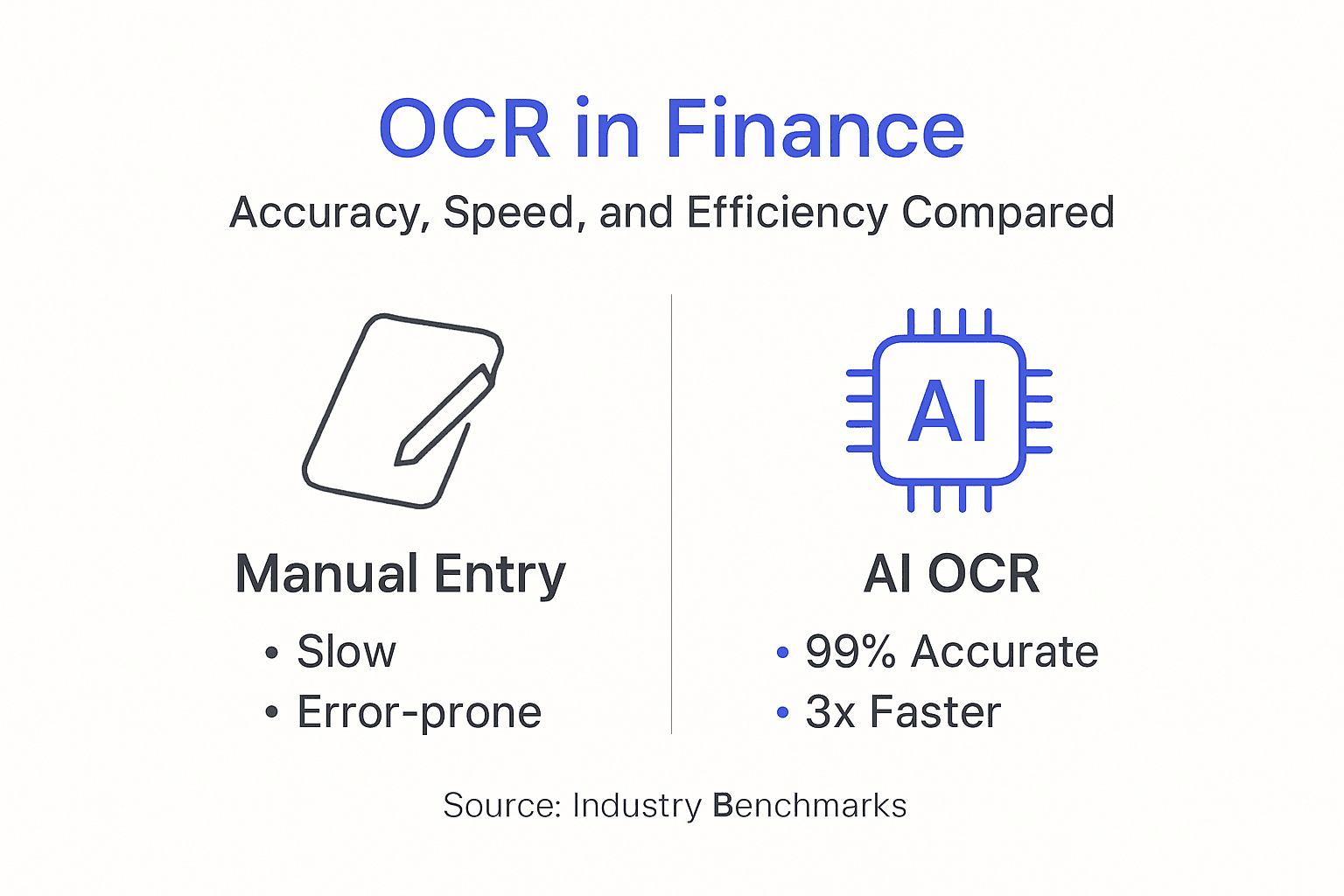
Manual data entry remains accurate when performed carefully but scales poorly. One accountant processes perhaps 20-25 bank statements daily. OCR handles hundreds in the same timeframe. Labor costs compound quickly.
Legacy OCR systems from the 2000s struggle with modern requirements:
- Rigid template requirements that break when formats change
- Poor handling of multi-column layouts and complex tables
- No support for smartphone photos or low-quality images
- Limited language capabilities restricted to major languages
- Minimal integration options requiring manual file transfers
Modern OCR efficiency comparison shows AI systems excel at handling real-world document variability. Where legacy tools failed on skewed scans or unusual fonts, current technology adapts automatically.
Implementation costs deserve consideration. Manual processing has minimal upfront investment but ongoing labor expenses. Legacy OCR requires expensive software licenses and dedicated IT support. Cloud-based AI OCR offers subscription pricing that scales with usage.
Training needs differ too. Manual processes require accounting knowledge. Legacy OCR demands technical expertise for template creation. Modern AI OCR often works with minimal configuration, though customization enhances results.
Pro Tip: Evaluate your organization’s document volume and complexity before choosing a processing method. Small teams with simple, repetitive documents may succeed with legacy tools, while larger operations handling diverse formats benefit enormously from AI OCR investment.
Benefits of OCR for Financial Professionals
Financial teams implementing OCR technology experience transformative improvements across multiple operational dimensions. The benefits extend far beyond simple time savings.
Error reduction stands out as the primary advantage. Manual data entry introduces typos, transposed numbers, and omitted transactions. OCR reduces manual errors, cuts processing time by up to 70%, and improves compliance and fraud detection capabilities by standardizing data capture.
Processing speed improvements free staff for higher-value analysis rather than repetitive data entry. A team spending 20 hours weekly on statement processing redirects that time to variance analysis, forecasting, or client advisory services.
Key benefits of OCR for finance teams include:
- Accelerated month-end close processes through faster reconciliation
- Enhanced audit readiness with complete digital document trails
- Improved compliance through consistent data capture and retention
- Better fraud detection via automated consistency checks across documents
- Reduced storage costs by eliminating physical document archives
- Increased team capacity without proportional headcount growth
Compliance improvements matter significantly in regulated industries. OCR creates searchable digital archives that simplify audit responses and regulatory reporting. Finding specific transactions across years of statements takes seconds instead of hours.
Fraud detection capabilities improve when OCR enables automated cross-checking. Systems flag duplicate invoices, identify unusual transaction patterns, and verify vendor details against approved lists automatically.
Financial decision making benefits from timely, accurate data. Executives access current cash positions, payables aging, and spending trends without waiting for manual compilation. Real-time visibility transforms strategic planning.
Employee satisfaction increases when tedious data entry disappears. Accountants prefer analytical work over typing. OCR adoption often improves retention and team morale alongside operational metrics.
Practical Implementation and Integration Steps
Successful OCR deployment requires systematic planning and execution. Follow this proven approach to maximize results and minimize disruption.
Successful OCR implementation involves platform selection, API integration, staff training, and document-specific customization tailored to your operational requirements.
-
Identify your document scope and volume. Catalog the financial documents you process monthly, noting formats, sources, and complexity levels. This inventory guides platform selection.
-
Evaluate and select an AI OCR platform. Prioritize vendors offering financial document specialization, strong accuracy metrics, and robust integration capabilities. Request demos using your actual documents.
-
Plan your OCR API integration steps with existing accounting systems. Map data flows from document upload through OCR processing to final import into your ERP or accounting software.
-
Configure custom extraction rules for your specific needs. Define required fields, validation rules, and exception handling procedures. Financial reporting often needs customization beyond default settings.
-
Train your team on both system operation and validation procedures. Staff must understand when to trust OCR output and when human review is essential.
-
Implement staged rollout starting with simple, high-volume documents. Bank statement processing often makes an ideal pilot before expanding to complex invoices.
-
Establish quality assurance protocols. Define sampling rates for human review, error correction workflows, and continuous improvement processes.
-
Monitor performance metrics and refine configurations. Track accuracy rates, processing times, and exception frequencies to identify optimization opportunities.
Pro Tip: Choose cloud-based OCR solutions if your team is small or lacks dedicated IT resources. Cloud platforms offer faster deployment, automatic updates, and eliminate infrastructure management compared to on-premise alternatives.
Common implementation pitfalls to avoid:
- Skipping customization and accepting default configurations that miss financial nuances
- Eliminating human review entirely before validating system accuracy on your specific documents
- Failing to integrate OCR with downstream systems, creating new manual steps
- Neglecting staff training which leads to workarounds and abandoned automation
Consult comprehensive workflow automation guide resources for detailed technical implementation assistance. Proper planning prevents expensive missteps.
Conclusion: Unlocking Efficiency with OCR in Finance
OCR technology transforms financial document processing through dramatic improvements in accuracy, speed, and operational efficiency. AI-powered systems now reliably extract data from diverse document types while handling real-world challenges like poor image quality and varying formats.
Successful implementation balances automation benefits with necessary human oversight. The 10-15% of documents requiring review ensure quality while still capturing enormous efficiency gains. Financial teams adopting OCR redirect hours from data entry to strategic analysis.
Future innovations in AI and machine learning promise even greater capabilities. As technology advances, OCR will handle increasingly complex documents while maintaining the human judgment necessary for nuanced financial decisions.
Streamline Your Financial Document Processing with BankStatementFlow
Ready to experience the efficiency gains OCR delivers? BankStatementFlow AI OCR platform offers financial teams a specialized solution achieving 99% accuracy on bank statements, invoices, and receipts while processing documents 3x faster than legacy systems.
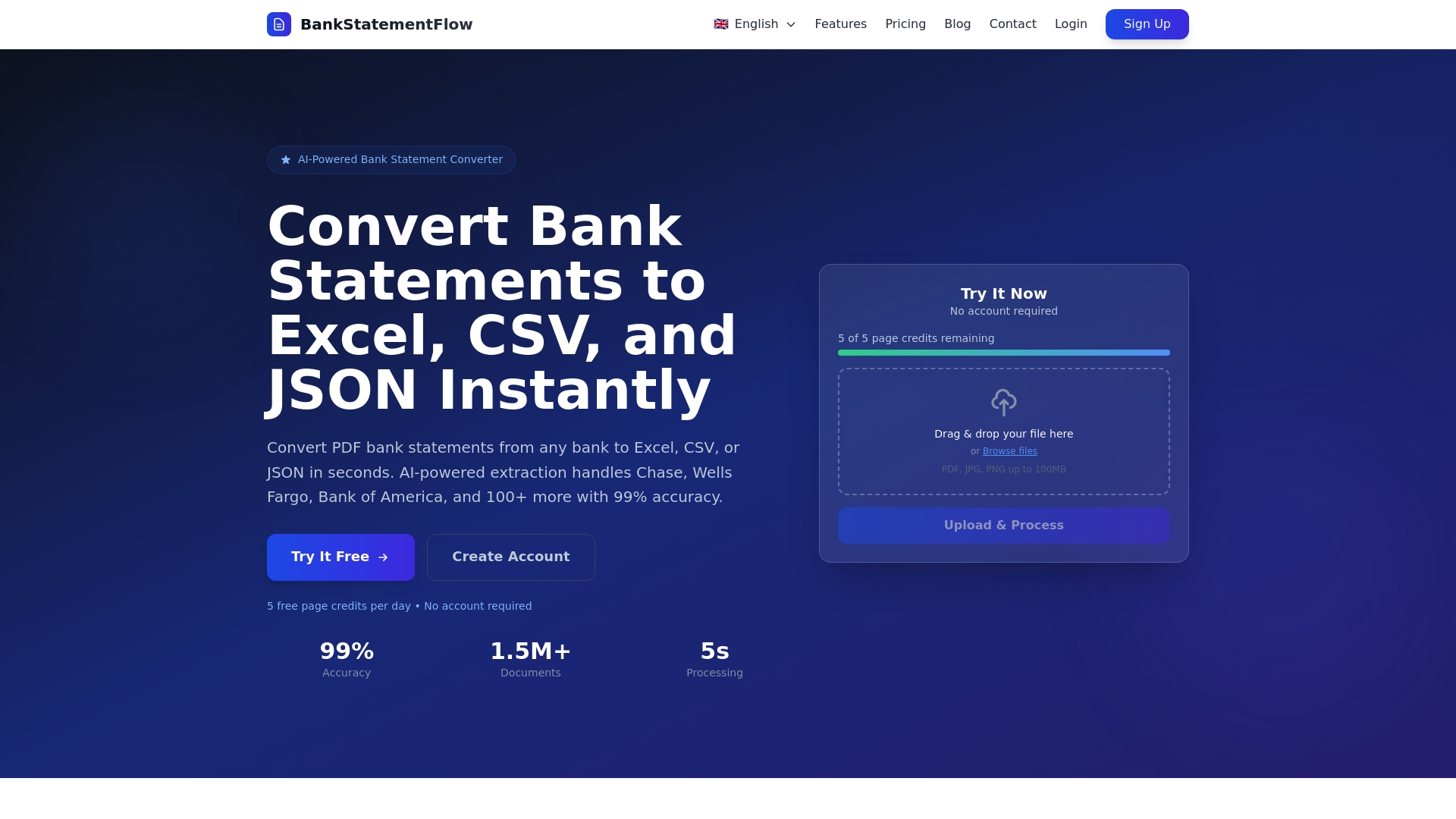
Our platform converts PDFs and images to Excel, CSV, or JSON formats instantly, supporting encrypted files and multi-language documents without manual intervention. API integration enables seamless automation within your existing accounting workflows.
Explore our detailed financial document automation tips and comprehensive API integration guide to accelerate your implementation. Transform your document processing today.
Frequently Asked Questions about OCR in Finance
Does OCR replace accountants and financial professionals?
OCR automates data extraction but does not replace professional judgment, analysis, or decision making. Accountants shift focus from manual data entry to higher-value activities like variance analysis, financial planning, and client advisory services. Human expertise remains essential for interpreting results and handling exceptions.
What accuracy rates can financial teams expect from modern OCR?
AI-powered OCR systems achieve 97-99% accuracy on clearly scanned financial documents like bank statements and invoices. Accuracy depends on source document quality, with clean PDFs performing better than degraded smartphone photos. Most implementations require human review of 10-15% of documents to maintain quality standards.
How does OCR handle encrypted PDFs or handwritten documents?
Modern OCR processes password-protected and encrypted PDFs after authentication, extracting data normally once unlocked. Handwriting recognition works reliably for clear, printed-style handwriting but struggles with cursive or messy writing. Many financial documents combine printed text with handwritten notes, and systems extract the printed portions accurately.
Can OCR integrate with existing accounting software like QuickBooks or Xero?
Yes, most modern OCR platforms offer API integrations or direct connectors for popular accounting systems. Integration enables automated data flow from document upload through OCR processing to final posting in your accounting software. Custom field mapping ensures extracted data aligns with your chart of accounts and coding requirements.
What should teams do when OCR output contains errors?
Establish validation workflows where staff review flagged transactions before finalizing imports. Configure exception rules that automatically flag unusual amounts, missing fields, or low-confidence extractions for human verification. Track error patterns to identify configuration improvements or document quality issues requiring resolution.
How long does OCR implementation typically take for finance teams?
Basic OCR setup takes 1-2 weeks for simple use cases like bank statement processing. Comprehensive implementations with custom field extraction, workflow automation, and system integrations require 4-8 weeks depending on complexity. Cloud-based solutions deploy faster than on-premise installations requiring IT infrastructure setup.