OCR in Financial Workflows: Boosting Global Efficiency

Financial analysts often feel the pressure when hundreds of invoices and receipts land as unreadable images from colleagues in different countries. Manual entry slows everything down and opens the door to costly mistakes. Embracing Optical Character Recognition (OCR) means turning those PDF and photo-based financial documents into reliable, machine-readable data. This practical shift empowers your team to process information faster, with greater accuracy, and move toward real-time decision making across every region.
Table of Contents
- What Is OCR In Financial Workflows?
- Types Of OCR And Key Technologies
- Applications Across Financial Document Types
- Integrating OCR Into Corporate Workflows
- Risks, Compliance, And Accuracy Challenges
Key Takeaways
| Point | Details |
|---|---|
| Efficiency Improvements | OCR significantly reduces manual data entry time, processing 500 invoices in minutes instead of days. |
| Integration with Workflows | Successful OCR integration automates data routing to accounting systems, freeing teams for analytical tasks. |
| Different OCR Types | Selecting the appropriate OCR technology (OMR, OCR, ICR) based on document type optimizes data extraction accuracy. |
| Validation is Crucial | Establishing validation processes and confidence thresholds helps mitigate OCR errors and ensures compliance. |
What Is OCR in Financial Workflows?
OCR stands for Optical Character Recognition. It’s the technology that reads images of documents and converts them into digital text your systems can actually process. Think of it as teaching computers to recognize and understand text the way humans do.
In financial workflows, OCR solves a real problem: most financial documents arrive as images or scanned PDFs. Invoices from vendors come as photos. Bank statements land as image files. Receipts get snapped with a phone camera. Without OCR, you’re stuck manually typing data from these images into your spreadsheets and accounting systems.
OCR technology translates various document types into analyzable, editable, and searchable data that fits directly into your financial operations. Your team no longer extracts information by hand, paragraph by paragraph.
Here’s what actually happens when OCR processes a financial document:
- Image capture: A scanned invoice or receipt enters the system
- Text extraction: The OCR engine identifies characters and recognizes them as readable text
- Data structuring: Extracted information gets organized into structured fields (vendor name, amount, date, account code)
- Quality verification: The system flags uncertain extractions for human review
- System integration: Clean data flows directly into your accounting software, Excel files, or databases
The real value emerges when you consider what this means for multinational teams. Financial documents arrive in different languages, use regional formats, and contain varying layouts. Converting physical documents into digital text through OCR supports faster data access and integration across your global organization.
Your finance team stops performing repetitive data entry and starts analyzing trends, reconciling accounts, and catching anomalies.
OCR doesn’t just digitize documents—it transforms them into actionable business intelligence your entire organization can use.
Without OCR, processing a stack of 500 invoices takes your team two full days of manual work. With OCR handling the extraction, that same batch processes in minutes, with accuracy rates reaching 99% on well-scanned documents.
The technology becomes even more powerful when combined with automation. Once OCR extracts the data, your workflow rules automatically route expenses to the correct cost centers, flag compliance issues, or trigger approvals based on amounts and vendor categories.
Pro tip: Start by identifying your highest-volume document type (invoices, bank statements, or receipts) and test OCR on a small sample before rolling out across your entire workflow—this shows ROI quickly and builds team confidence in the system.
Types of OCR and Key Technologies
OCR isn’t a one-size-fits-all solution. Different financial documents require different recognition approaches. Understanding which type works best for your workflow helps you choose the right tool and set realistic accuracy expectations.
The main OCR types fall into three categories based on what they recognize and how they work:
Optical Mark Recognition (OMR) detects marked data on forms. Think checkboxes, bubbles filled in on expense reports, or marked selections on approval sheets. OMR excels at capturing these binary signals quickly and reliably.
Optical Character Recognition (OCR) converts printed or handwritten characters into machine-readable ASCII data. This handles the text on invoices, bank statements, and receipts. When vendors send clean, printed documents, OCR performs with exceptional accuracy.
Intelligent Character Recognition (ICR) extends OCR by interpreting handwriting and stylized text. Advanced deep learning models including transformers power ICR systems to handle variable handwriting styles, cursive signatures, and non-standard fonts that standard OCR struggles with.
Each type uses distinct technical approaches:
- Pattern recognition: The system learns visual patterns of characters and symbols
- Feature extraction: The technology identifies distinctive marks that define each character
- Neural network processing: Deep learning models compare extracted features against trained data
- Workflow-based processing: Systems orchestrate image preprocessing, character recognition, and validation steps
For financial teams, hybrid approaches work best. Your workflow likely receives mixed document types—some clean scanned invoices, some handwritten receipts, some marked approval forms.
Modern financial OCR systems combine multiple recognition types within a single workflow, automatically selecting the best approach for each document.
The technology stack behind these systems has evolved significantly. Traditional pattern-matching approaches worked reasonably well on consistent, formatted documents. But modern systems leverage neural network-based approaches that enhance recognition across diverse document types, languages, and quality levels.
Your finance team benefits most when OCR technology handles both the recognition task and the validation workflow. The system flags uncertain extractions, learns from corrections, and improves accuracy over time as it processes more documents.
Pro tip: Test your OCR tool on a representative sample of your actual documents before full deployment—some solutions excel with clean scans but struggle with phone photos or low-quality images, so validation against your real-world documents reveals true performance.
Here’s how OCR types compare for financial document processing:
| OCR Type | Best For | Strength | Limitation |
|---|---|---|---|
| OMR | Forms with marks | Rapid mark detection | Only works for checks/bubbles |
| OCR | Printed text (invoices, statements) | High accuracy on clean print | Struggles with handwriting |
| ICR | Handwritten notes, receipts | Reads varied handwriting | Lower accuracy on poor scans |
Applications Across Financial Document Types
OCR doesn’t work the same way for every financial document. Each document type has distinct challenges, data requirements, and accuracy thresholds. Your workflow needs different approaches depending on what you’re processing.
Invoices remain the highest-volume OCR use case. Vendors send them as PDFs, images, or scanned files. OCR extracts vendor name, invoice number, date, line items, amounts, and tax codes. Accuracy matters here because invoicing errors trigger reconciliation problems downstream. When combined with large language models, OCR can identify key-value pairs even when invoice layouts vary significantly between vendors.

Bank statements follow more consistent formats, making them ideal for OCR processing. Statement headers contain account numbers and periods. Line items show dates, descriptions, and amounts. OCR converts these into structured data your accounting team integrates directly into reconciliation workflows. The consistency means OCR achieves exceptional accuracy on bank statements.
Receipts present the opposite challenge. They arrive as phone photos, have variable quality, and contain non-standard layouts. Yet OCR still extracts the essentials: merchant, amount, date, and category. Handwritten notes require ICR capabilities to capture what humans wrote on the receipt.
Extracting financial data from unstructured sources like PDFs and scanned images significantly increases efficiency and accuracy in processing financial statements, invoices, and regulatory documents.
Other critical document types include:
- Contracts: OCR pulls key terms, dates, amounts, and party information for compliance tracking
- Expense reports: Extracts categorized expenses and receipt attachments for approval workflows
- Tax documents: Identifies relevant line items and amounts from 1099s, W2s, and tax returns
- Regulatory filings: Pulls structured data from 10-Ks, 10-Qs, and disclosure documents
The real power emerges when OCR integrates with your existing workflows, automatically routing extracted data to the right systems without manual intervention.
OCR applied to diverse financial documents converts unstructured or semi-structured documents into analyzable data by parsing invoices, contracts, receipts, and bank statements. Your team no longer spends hours manually entering data from each document type.
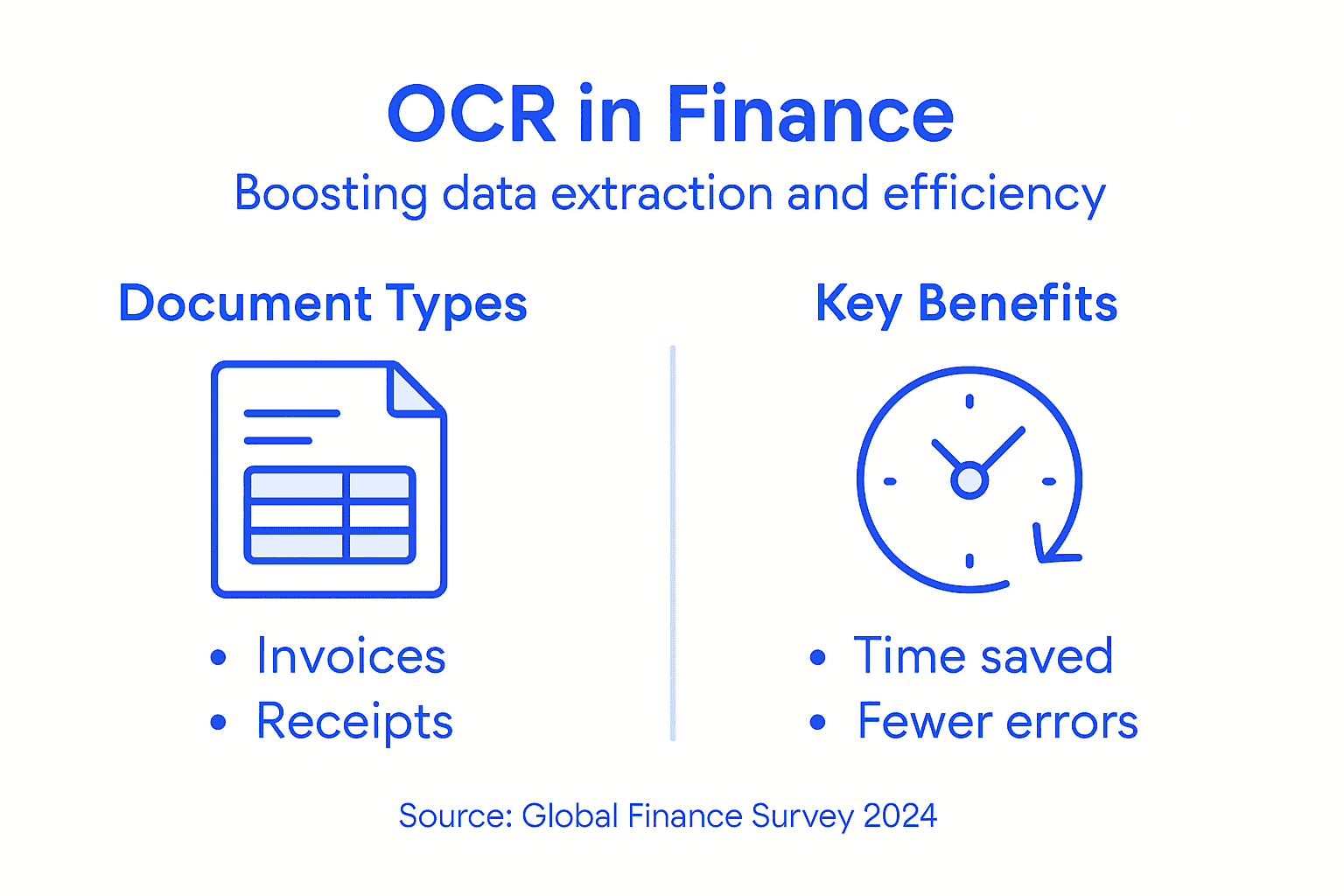
The key insight: different document types need different confidence thresholds and validation rules. A bank statement extraction with 95% confidence might be acceptable. An invoice amount with 95% confidence probably needs human review before payment. Your workflow should reflect these different risk profiles.
Pro tip: Prioritize OCR deployment on your highest-volume document type first, measure the time saved and accuracy improvements, then expand to other document types—this demonstrates quick ROI and builds internal support for broader automation.
Integrating OCR into Corporate Workflows
Integrating OCR into your corporate workflow isn’t a simple plug-and-play installation. It requires thoughtful planning about where OCR fits into existing processes, how data flows between systems, and what validation happens at each stage.
Start by mapping your current workflow. Where do documents currently enter your system? How many people touch each document? Where does manual data entry happen? Those bottleneck points are your OCR opportunities.
API integration connects OCR directly to your accounting software. Instead of exporting OCR results manually, data flows automatically into your general ledger, accounts payable system, or expense management platform. This eliminates the copy-paste step that wastes time and introduces errors.
Validation workflows come next. Not every extraction should go directly into your system. OCR combined with large language models facilitates automated extraction and semantic interpretation from varied financial documents, but confidence thresholds matter. Set different rules for different scenarios:
- High-confidence extractions (99%+) flow automatically to your systems
- Medium-confidence results (95-99%) trigger a quick human review before posting
- Low-confidence extractions get flagged for manual processing
Your team reviews uncertain entries in seconds rather than processing documents from scratch.
Compliance and fraud detection become embedded in your workflow. Incorporating OCR into corporate financial workflows enables automation of compliance verification and fraud detection at scale. Your system can automatically cross-reference vendor data against watchlists, flag duplicate invoices, or identify unusual patterns in expense submissions.
Integration steps typically follow this sequence:
- Document ingestion: Receipts, invoices, and statements arrive via email, upload portal, or scanning
- OCR processing: Text extraction happens automatically in seconds
- Data enrichment: Your system adds context like department, project code, or cost center
- Validation: Confidence scoring determines what needs human review
- Routing: Approved extractions flow to accounting systems; flagged items go to reviewers
- Audit trail: Every action gets logged for compliance and debugging
Successful OCR integration means your team reviews exceptions, not routine documents—freeing them for higher-value work.
Your finance team members shift from data entry operators to data analysts. They spend their time understanding why an expense was flagged, not typing vendor names into spreadsheets.
Pro tip: Run a parallel test for two weeks where OCR processes documents alongside your current workflow, comparing results and building confidence before fully switching over—this reveals real-world accuracy before you commit fully.
Risks, Compliance, and Accuracy Challenges
OCR isn’t perfect. Inaccurate extractions can cascade through your financial systems, creating audit nightmares and regulatory exposure. Your organization needs to understand where OCR fails and how to mitigate those risks.
Accuracy challenges stem from document quality and layout complexity. Faded invoices, unusual fonts, and multi-column layouts confuse OCR engines. A document scanned at low resolution might have characters so pixelated that the system can’t reliably distinguish between similar-looking letters. Handwritten entries introduce even more variability.
OCR accuracy challenges include difficulty processing complex document layouts and degraded texts, which can impair fraud detection and compliance adherence in financial workflows. A misread invoice amount of $15,000 instead of $51,000 creates serious reconciliation issues downstream.
Compliance risks emerge when OCR errors go undetected. Financial institutions face compliance risks because inaccurate OCR outputs can lead to compliance failures and regulatory penalties. Your audit trail must show that extracted data was validated, not just automatically processed.
Common risks include:
- False positives in fraud detection: OCR misreads legitimate vendor names as fraud flags
- Regulatory audit failures: Regulators discover your OCR accuracy rate was never validated
- Data integrity issues: Extracted amounts don’t match source documents due to recognition errors
- Cross-border compliance gaps: Different regions have different data retention and accuracy standards
- Liability exposure: Processing errors traced back to poor OCR implementation
Validation is non-negotiable. High-value transactions require human review. Duplicate detection rules catch the same invoice being processed twice. Confidence scoring flags low-quality extractions before they enter your general ledger.
OCR errors compound quickly—a 2% error rate on 10,000 invoices means 200 problems your team must manually resolve.
Your compliance controls should include:
A quick reference: Common validation controls for OCR accuracy and compliance.
| Control Type | Goal | Typical Method |
|---|---|---|
| Confidence Thresholds | Minimize errors | Set minimum required score |
| Spot-Check Audits | Verify accuracy | Random document comparison |
| Exception Reporting | Detect issues early | Automated daily flagged logs |
| Audit Trails | Ensure traceability | Log extractions and approvals |
- Confidence thresholds: Different minimum accuracy standards for different document types
- Spot-check audits: Random sampling of processed documents against originals
- Exception reporting: Daily reports of extraction failures and flagged items
- Audit trails: Complete records showing what OCR extracted and what humans approved
- Vendor accountability: Clear documentation of which OCR system processed each document
False negatives matter too. Sometimes OCR successfully extracts data that’s actually malformed or fraudulent. Your system needs rules beyond just recognizing text—rules that catch suspicious patterns in the extracted values themselves.
Pro tip: Implement a two-week validation period where OCR processes all documents but nothing posts to your general ledger without human approval, allowing you to measure real accuracy before trusting automated posting.
Transform Your Financial Workflows with AI-Powered OCR Solutions
Managing diverse financial documents like invoices, bank statements, and receipts can feel overwhelming—especially when manual data entry drains your team’s time and accuracy suffers. The article highlights common pain points such as handling multi-language documents, variable layouts, and low-quality images. These challenges slow down your workflow and increase compliance risks.
BankStatementFlow delivers a powerful answer to these problems by automating document processing with advanced machine learning algorithms that achieve up to 99 percent accuracy. Our platform processes password-protected PDFs, phone photos, and screenshots effortlessly, converting unstructured data into structured formats like Excel, CSV, and JSON, perfectly supporting global businesses.
Improve your finance team’s efficiency and reduce costly errors with seamless integration options and custom field extraction tailored for your unique needs. Discover how OCR is redefining financial workflows by visiting BankStatementFlow.
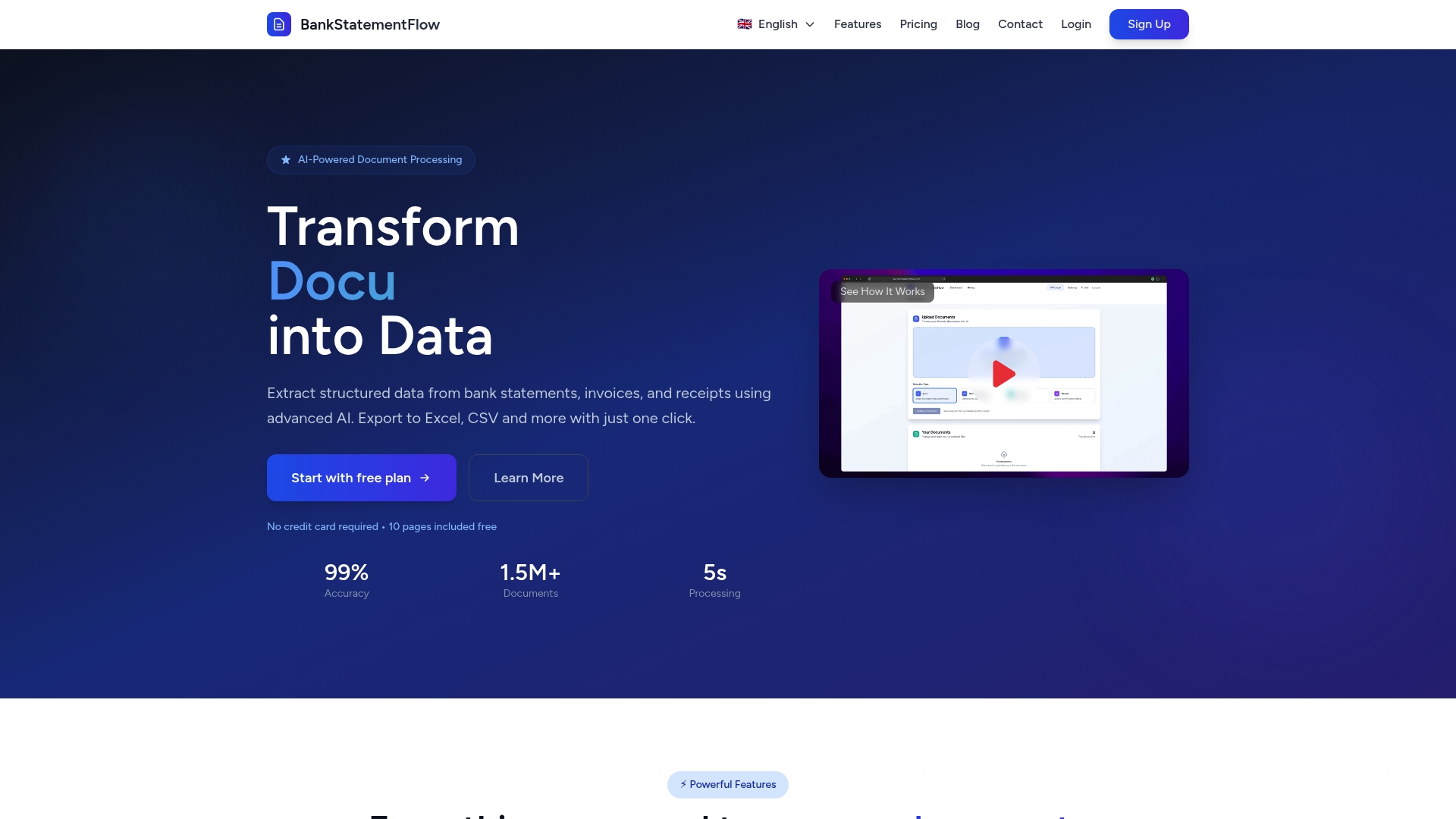
Ready to eliminate manual entry and accelerate your financial operations? Explore the benefits of AI-powered OCR today by visiting our landing page and see how your organization can achieve smarter, faster, and more accurate document processing instantly.
Frequently Asked Questions
What is OCR and how does it work in financial workflows?
OCR, or Optical Character Recognition, is a technology that converts images of documents into digital text. In financial workflows, it processes scanned invoices, receipts, and bank statements, extracting data to reduce manual entry tasks.
What are the different types of OCR used in financial document processing?
The main types of OCR include Optical Mark Recognition (OMR), which detects marked data, Optical Character Recognition (OCR), which interprets printed text, and Intelligent Character Recognition (ICR), which can read handwritten text. Each type serves different document needs in financial processing.
How can I improve the accuracy of OCR in my financial processes?
To enhance OCR accuracy, ensure high-quality scans of documents, utilize validation workflows with confidence thresholds, and regularly review OCR outputs. Testing your OCR tool with real documents before full deployment can also help identify potential challenges.
What are some common applications of OCR in finance?
Common applications of OCR in finance include processing invoices, bank statements, receipts, expense reports, contracts, and regulatory filings. It automates data extraction, enabling faster analysis and improved compliance without manual intervention.
Recommended
- Master Financial Document Workflow Automation for Teams - BankStatementFlow Blog
- Role of Automation in Compliance: Transforming Global Financial Oversight - BankStatementFlow Blog
- Why Automate Document Processing for Finance Teams - BankStatementFlow Blog
- Trends in Financial Automation 2026: What CFOs Need - BankStatementFlow Blog
- f01i.ai – AI Crypto Trading Bot Builder | No Commissions | Automated Trading
- UCOFY | YS Lootah Tech