What is financial document automation? A 2026 guide

The Intelligent Document Processing market reached $4.1 billion in 2026 with explosive 33.4% annual growth, yet most finance professionals underestimate the complexity behind seemingly simple invoice automation. What appears as straightforward digitization actually demands sophisticated AI techniques, careful preprocessing, and strategic implementation to deliver real value. This guide reveals what financial document automation truly involves, the hidden challenges that derail projects, and proven techniques to achieve reliable results that transform finance operations from cost centers into strategic business drivers.
Table of Contents
- Understanding Financial Document Automation And Its Importance
- Challenges And Complexities In Automating Financial Documents
- Techniques And Solutions For Reliable Financial Document Automation
- Applying Financial Document Automation: Best Practices For Finance Teams
- Streamline Your Financial Document Automation With BankStatementFlow
- Frequently Asked Questions
Key takeaways
| Point | Details |
|---|---|
| Automation extracts intelligence | Financial document automation goes beyond simple digitization to intelligent data extraction using advanced AI and machine learning techniques. |
| Real documents create challenges | Poor scan quality, handwritten notes, skewed angles, and complex tables significantly reduce accuracy in production environments. |
| Advanced techniques solve problems | Preprocessing workflows, prompt engineering, and table extraction frameworks overcome edge cases and improve trustworthiness. |
| Strategic implementation drives ROI | Full-scale adoption with process re-engineering and change management shifts finance from cost center to strategic value driver. |
Understanding financial document automation and its importance
Financial document automation transforms how finance teams process invoices, bank statements, purchase orders, receipts, payment advices, and expense reports. Instead of manually reviewing and entering data, automation systems extract structured information from unstructured documents and deliver it in formats like Excel, CSV, JSON, or XML. This technology serves accounting departments, financial controllers, and finance professionals managing document workflows across organizations of all sizes.
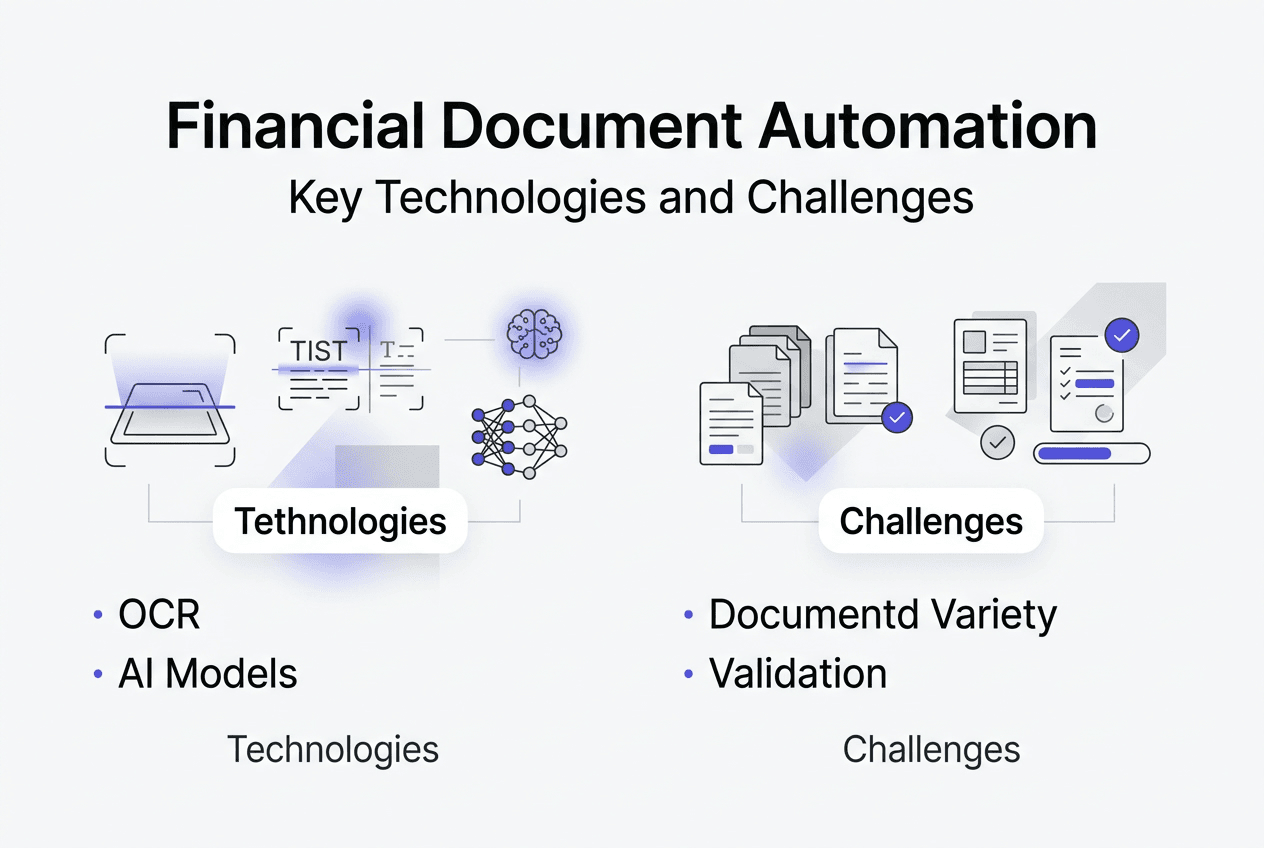
Three distinct technologies power document automation, each with different capabilities. Optical Character Recognition (OCR) converts images into text but lacks understanding of document structure or meaning. Robotic Process Automation (RPA) mimics human actions to move data between systems but struggles with variability. Intelligent Document Processing (IDP) combines machine learning with natural language understanding to extract intelligence from documents, recognizing context, relationships, and business logic within financial data.
Simple digitization falls short because modern finance demands more than converting pixels to characters. You need systems that understand invoice line items belong together, recognize payment terms affect cash flow timing, and distinguish between gross and net amounts. Traditional OCR produces text files requiring extensive manual validation, while IDP delivers structured data ready for immediate use in accounting systems and financial analysis.
Financial document automation delivers measurable improvements across key operational metrics:
- Processing speed increases from hours to minutes per document
- Accuracy improves from 85-90% manual entry rates to 95-99% with proper implementation
- Labor costs decrease by reallocating staff from data entry to analysis and decision making
- Compliance strengthens through consistent application of validation rules and audit trails
- Strategic insights emerge faster when finance teams access structured data immediately
This shift enables finance departments to evolve beyond transactional processing. When automation handles routine extraction and validation, your team focuses on interpreting financial patterns, advising business units, and driving strategic initiatives. The benefits of document automation extend beyond efficiency to fundamentally redefine finance’s organizational role.
Challenges and complexities in automating financial documents
Real-world financial documents present obstacles that rarely appear in vendor demonstrations or pilot projects. Production environments include invoices received as scanned paper, smartphone photos, faxed copies, and PDFs with varying quality levels. Real invoices contain formats including handwritten notes, correction marks, stamps, and annotations that standard extraction tools misinterpret or ignore completely.
Document variability creates the first major challenge. Unlike standardized forms, invoices arrive in thousands of unique layouts depending on supplier, country, industry, and document age. Bank statements follow institution-specific formats with proprietary table structures and terminology. Purchase orders mix structured fields with free-text descriptions that require contextual understanding to parse correctly.

Image quality issues compound extraction difficulty. Low resolution, skewed angles, and complex tables impair accuracy when documents arrive via email forwarding, mobile capture, or legacy fax systems. Shadows from phone cameras, coffee stains on scanned receipts, and folded documents create noise that confuses character recognition algorithms. Multi-column layouts, nested tables, and merged cells challenge even advanced parsing engines.
Many automation projects fail because teams design for happy path scenarios. You test with clean, well-formatted samples that represent perhaps 20% of actual document volume. Production reveals edge cases that destroy accuracy:
- Handwritten amounts overwriting printed totals
- Multi-page invoices where totals appear on different pages than line items
- Currency symbols positioned inconsistently across document regions
- Date formats mixing standards within single documents
- Table headers spanning multiple rows with irregular spacing
Prompt design for AI-powered extraction requires understanding these failure modes. Generic prompts requesting “extract invoice total” produce unreliable results when documents contain multiple total fields, subtotals, tax amounts, and payment allocations. The manual invoice extraction challenges that frustrate human processors equally confuse AI systems without specific guidance on handling ambiguity.
Pro Tip: Configure extraction systems to return null values rather than guesses when confidence falls below defined thresholds. False data corrupts financial records worse than missing data, which triggers manual review workflows.
Data validation presents another complexity layer. Extracting text differs fundamentally from validating business logic. You might successfully extract an invoice date of “February 30” or a negative unit price, but these values fail business rules. Effective automation requires validation frameworks that check extracted data against accounting principles, vendor master records, and historical patterns before accepting results.
Techniques and solutions for reliable financial document automation
Preprocessing transforms problematic document images into clean inputs that maximize extraction accuracy. A systematic workflow addresses common quality issues before AI models attempt data extraction:
- Upsampling increases resolution of low-quality images to minimum thresholds required for character recognition
- Denoising removes artifacts, speckles, and background patterns that interfere with text detection
- Thresholding converts grayscale images to high-contrast black and white for clearer character boundaries
- Deskewing corrects rotated or tilted documents to align text horizontally
- Border removal eliminates edge shadows and scanning artifacts that confuse layout analysis
Preprocessing techniques like upsampling, denoising, thresholding, and deskewing enhance data quality before extraction engines process documents. This investment in image preparation delivers significant accuracy improvements, particularly for documents captured via mobile devices or received through multiple forwarding steps.
Table extraction requires specialized approaches based on layout complexity. Simple tables with clear borders respond well to traditional libraries like Tabula or Camelot that detect grid structures. Complex layouts with merged cells, nested tables, or borderless formats demand deep learning frameworks such as Table Transformer or LayoutLM that understand spatial relationships and content hierarchy. Table extraction libraries and deep learning frameworks address simple and complex layouts respectively.
| Approach | Best For | Limitations |
|---|---|---|
| Traditional OCR | Clean scans, standard fonts | Fails on handwriting, poor quality |
| Rule-based extraction | Consistent vendor formats | Breaks with layout changes |
| Template matching | High-volume single suppliers | Requires template per format |
| AI-powered IDP | Variable documents, multi-vendor | Needs training data, higher cost |
Prompt engineering transforms generic AI models into reliable extraction tools. Effective prompts specify exact field definitions, provide examples of edge cases, and establish fallback logic for ambiguous situations. Instead of “extract the total,” precise prompts state “extract the final amount due after all taxes and discounts, labeled as ‘Total,’ ‘Amount Due,’ or ‘Balance,’ returning null if multiple conflicting totals exist.”
Pro Tip: Place image inputs early in prompt sequences when using vision-capable AI models. Models process information sequentially, and early image positioning improves context understanding for subsequent extraction instructions.
Advanced solutions combine multiple techniques to handle the full spectrum of document challenges. Hybrid systems might use template matching for known vendors, AI extraction for variable formats, and human-in-the-loop validation for low-confidence results. This layered approach balances accuracy, speed, and cost across diverse document portfolios. The how to automate financial documents process benefits from understanding which technique suits each document type and quality level.
Confidence scoring enables intelligent routing. Instead of processing every document identically, systems evaluate extraction confidence and route low-scoring results to manual review queues. This preserves high accuracy while automating the majority of straightforward documents. Automation accuracy examples demonstrate how confidence-based routing maintains quality standards across variable document streams.
Applying financial document automation: best practices for finance teams
Finance is shifting from cost center to strategic driver through full-scale AI-powered automation adoption, but success requires more than technology deployment. Finance leaders must champion process re-engineering, stakeholder engagement, and organizational change alongside system implementation. Incremental automation of isolated tasks delivers limited value compared to comprehensive workflow transformation.
Prioritize process redesign before technology selection. Map current document workflows from receipt through posting, identifying manual touchpoints, validation steps, exception handling, and approval chains. Question whether existing processes make sense in an automated environment. You might eliminate approval layers when automated validation catches errors more reliably than human reviewers, or consolidate steps that existed only because manual processing required them.
Vendor selection demands evaluation beyond accuracy claims. Request demonstrations using your actual documents, not vendor-provided samples. Test edge cases including poor-quality scans, handwritten annotations, and unusual formats. Verify the system handles your document volumes, supports required output formats, and integrates with existing accounting platforms. Consider implementation timelines, training requirements, and ongoing support quality.
Pilot testing reveals implementation challenges before full deployment:
- Select representative document samples including difficult cases, not just clean examples
- Define success metrics covering accuracy, processing time, exception rates, and user satisfaction
- Involve end users who will operate the system daily in testing and feedback
- Document failure patterns to guide system tuning and process adjustments
- Measure baseline performance of current manual processes for comparison
Change management determines whether teams embrace or resist automation. Communicate how automation eliminates tedious data entry while creating opportunities for analytical work that builds career skills. Address job security concerns directly by explaining how automation enables finance growth and strategic contribution rather than headcount reduction. Provide thorough training on exception handling, confidence score interpretation, and validation workflows.
Performance monitoring ensures sustained value delivery. Track metrics including straight-through processing rates, manual intervention frequency, error rates by document type, and processing time distributions. Compare actual accuracy against vendor claims and pilot results. Monitor user satisfaction and identify friction points where automation creates new problems. The automation checklist for finance teams provides frameworks for measuring implementation success.
Scale automation incrementally by document type and complexity. Start with high-volume, standardized documents like bank statements before tackling variable formats like vendor invoices. Build confidence and expertise with simpler use cases, then apply lessons learned to more challenging automation scenarios. This phased approach manages risk while demonstrating quick wins that build organizational support.
Integration with downstream systems multiplies automation value. Extracted data flowing directly into ERP systems, accounts payable platforms, or financial reporting tools eliminates manual transfer steps and associated errors. API connectivity enables real-time data exchange rather than batch processing delays. The workflow automation guide explores integration patterns that maximize end-to-end efficiency.
Streamline your financial document automation with BankStatementFlow
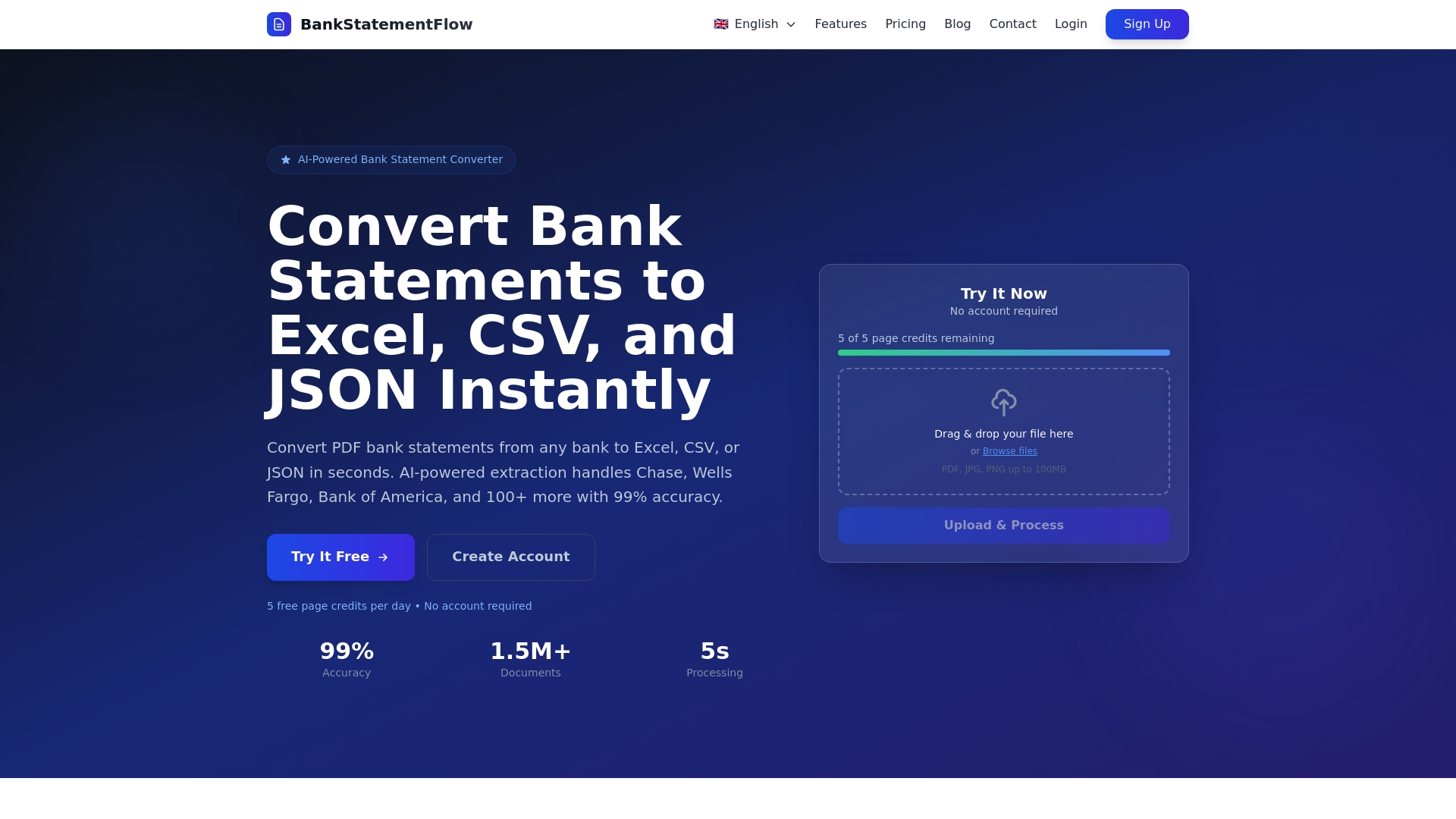
BankStatementFlow delivers AI-powered conversion of financial documents into structured Excel, CSV, JSON, and XML formats with up to 99% accuracy. The platform handles bank statements, invoices, receipts, and other financial documents regardless of format, supporting password-protected PDFs and mobile photos without requiring scanners. Finance professionals gain immediate access to structured data ready for analysis, reconciliation, and reporting.
The system processes documents in multiple languages and regional formats, making it suitable for global finance operations. API access enables seamless integration into existing workflows, while custom field extraction adapts to unique business requirements. Enterprise security features protect sensitive financial data throughout processing. Explore AI-powered bank statement conversion to see how automation transforms financial document workflows.
Pro Tip: Leverage automated CSV and Excel outputs to eliminate manual data entry entirely. Configure export formats to match your accounting system import specifications, creating straight-through processing from document receipt to posted transactions.
Learn more about implementing effective automation through the automation best practices blog, which provides detailed guidance on technology selection, workflow design, and performance optimization for finance teams.
Frequently asked questions
What documents are typically automated in financial document automation?
Invoices, bank statements, purchase orders, receipts, payment advices, and expense reports represent the most commonly automated financial documents. Automation focuses on extracting key data fields relevant for accounting, compliance, and financial analysis rather than capturing every document element. The specific documents you automate depend on transaction volumes, processing costs, and strategic priorities within your finance operations.
How accurate is financial document automation in real-world conditions?
Accuracy varies widely depending on document quality, format consistency, and implementation approach. High accuracy figures typically reflect ideal, clean documents rather than messy real-world data including handwritten notes, poor scans, and variable layouts. Ongoing training, preprocessing workflows, and confidence-based routing improve actual performance. Expect 85-95% straight-through processing rates for well-implemented systems, with remaining documents requiring manual review or validation.
What are key steps to implementing document automation in finance?
Start by assessing document types, volumes, and current processing costs to identify high-value automation opportunities. Select appropriate technology including AI capabilities, preprocessing tools, and integration options that match your requirements. Pilot with representative samples including difficult cases to validate performance before full deployment. Train staff on exception handling, validation workflows, and system operation. Continuously monitor accuracy, processing rates, and user satisfaction to optimize performance and expand automation scope over time.
How does financial document automation integrate with existing accounting systems?
Modern automation platforms provide API connectivity and standard export formats that integrate with ERP systems, accounts payable platforms, and financial reporting tools. Integration typically involves mapping extracted fields to destination system data structures, configuring validation rules, and establishing exception handling workflows. Some platforms offer pre-built connectors for popular accounting software, while others require custom integration development. Evaluate integration capabilities during vendor selection to ensure seamless data flow across your technology stack.
What ROI can finance teams expect from document automation?
ROI depends on current processing volumes, labor costs, error rates, and automation scope. Organizations typically see 60-80% reduction in manual processing time, 50-70% decrease in data entry errors, and reallocation of 30-50% of staff time from transactional work to analytical activities. Payback periods range from 6 to 18 months depending on implementation costs and document volumes. Beyond direct cost savings, automation enables faster close cycles, improved compliance, and strategic finance contributions that deliver additional business value.
Recommended
- Financial document processing checklist for automation 2026 - BankStatementFlow Blog
- Document security in finance for SMEs in 2026 - BankStatementFlow Blog
- Financial data management checklist for automation 2026 - BankStatementFlow Blog
- Trends in Financial Automation 2026: What CFOs Need - BankStatementFlow Blog