Financial workflow automation: streamline with 99% accuracy

Most finance teams assume automation is a luxury reserved for enterprises with massive IT departments and seven-figure technology budgets. That assumption is costing them time and money. Financial workflow automation is the use of technology to execute repetitive finance tasks, like processing invoices, reconciling accounts, and generating reports, without manual intervention. Teams of every size are seeing real gains from it. This guide covers what automation actually means, the benefits you can expect, which processes to tackle first, common implementation pitfalls, and practical strategies to make it work for your team.
Table of Contents
- What is financial workflow automation?
- How financial workflow automation transforms finance teams
- Types of financial processes you can automate
- Challenges and best practices for successful implementation
- Our perspective: What most guides get wrong about financial automation
- Streamline your financial workflows with BankStatementFlow
- Frequently asked questions
Key Takeaways
| Point | Details |
|---|---|
| Transforms finance operations | Financial workflow automation speeds up processes, reduces errors, and boosts data quality for any team. |
| Apply to repetitive tasks | Start by automating repetitive finance workflows like invoices, payments, and reconciliations. |
| Expect integration challenges | Integration issues and planning are common hurdles, so phased implementations and robust validation are vital. |
| Strategy beats tools | Effective automation succeeds more from process redesign and team buy-in than from technology alone. |
What is financial workflow automation?
Financial workflow automation replaces manual, rule-based tasks in your finance operations with software-driven processes. Instead of a team member manually keying invoice data into a spreadsheet or chasing approvals by email, automated systems handle those steps consistently and at scale.
The processes most commonly replaced include:
- Invoice capture and routing for approval
- Payment scheduling and execution
- Bank statement reconciliation
- Expense report collection and validation
- Financial close and reporting cycles
Three core technologies power most automation implementations. Robotic Process Automation (RPA) uses software bots to mimic human actions in existing systems, clicking buttons, copying data, and filling forms. AI and machine learning add intelligence on top of RPA, enabling the system to read unstructured documents, learn from exceptions, and make judgment calls. Middleware and integration platforms connect your existing tools, like your ERP, accounting software, and banking portals, so data flows between them without manual exports.
The goals are straightforward: faster processing, fewer errors, a clear audit trail, and less time spent on low-value tasks. As Forrester notes, automation enables faster, more accurate document processing across the board.
“The real value of financial automation isn’t speed alone. It’s the compounding effect of accuracy over thousands of transactions.”
For a deeper foundation, the financial document automation guide covers how document-level automation fits into the broader workflow picture. If your team handles sensitive data, understanding secure financial data workflows is equally important before you build out your automation stack.
One thing worth clarifying: automation doesn’t mean replacing your finance team. It means redirecting their expertise toward analysis, strategy, and exception handling instead of data entry and manual chasing.
How financial workflow automation transforms finance teams
Manual finance processes have three persistent problems: they’re slow, they’re error-prone, and they scale poorly. A team that can process 500 invoices a month by hand hits a ceiling fast when volume doubles. Automation removes that ceiling.
The numbers back this up. Cycle times drop by 20 to 50 percent for teams that implement workflow automation effectively. That’s not a marginal improvement. It means a monthly close that took 10 days can realistically happen in 5 to 8.
The tangible benefits finance teams report most often include:
- Faster processing cycles with fewer bottlenecks
- Significantly reduced manual errors in data entry and reconciliation
- Complete audit trails that satisfy compliance requirements without extra effort
- Better cross-team collaboration because approvals and exceptions are routed automatically
- Lower overhead costs as volume scales without proportional headcount increases
The document processing benefits extend beyond speed. When data quality improves, downstream reporting becomes more reliable, and your team spends less time correcting errors before month-end. Real-world automation examples in accounting show how even small teams achieve measurable accuracy gains quickly.

For teams considering the business case, the benefits of automated processing in 2026 include stronger regulatory compliance posture and faster audit readiness, two factors that matter more than ever.
Pro Tip: Start with data quality before you automate anything. Garbage in still means garbage out, even with the best automation tools. Audit your source documents and input formats first, then build your workflows around clean, consistent data.
Types of financial processes you can automate
Not all automation delivers equal returns. Some processes are ripe for immediate wins; others require more groundwork. Here’s a comparison of the most common finance workflows and what automation looks like for each:
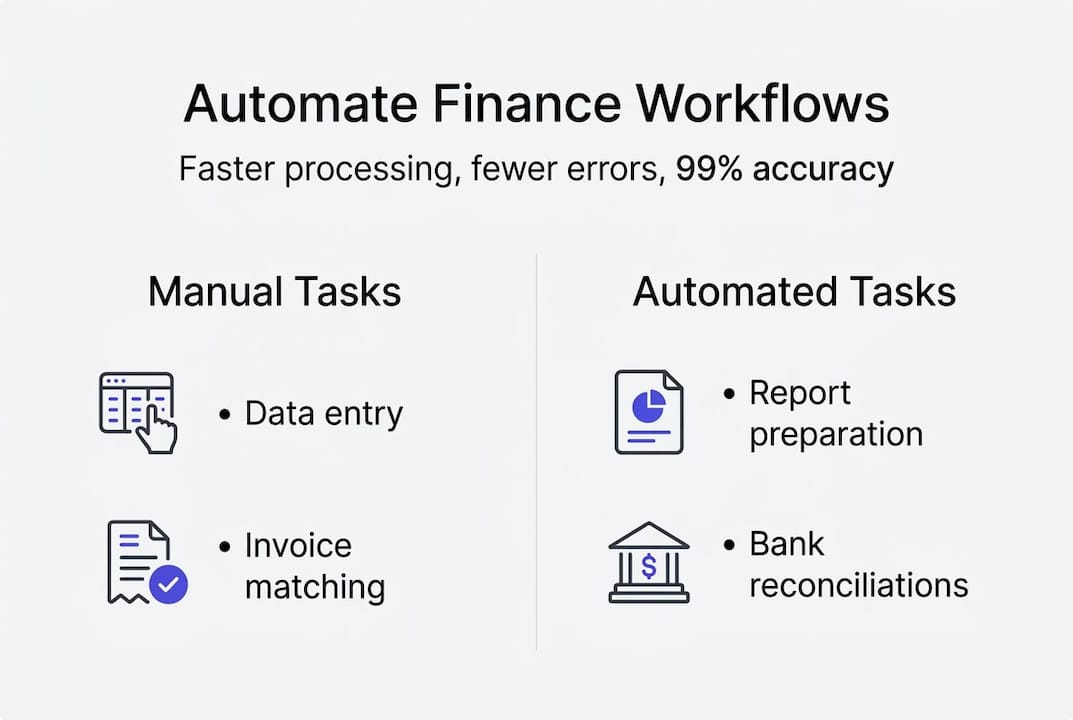
| Process | Manual pain point | Automation approach | ROI speed |
|---|---|---|---|
| Accounts payable | Manual invoice keying, slow approvals | AI extraction, automated routing | Fast |
| Accounts receivable | Manual matching, follow-up emails | Auto-matching, scheduled reminders | Fast |
| Bank statement processing | Manual download, copy-paste to spreadsheets | Automated extraction to Excel or CSV | Very fast |
| Expense management | Paper receipts, manual categorization | OCR capture, rule-based categorization | Medium |
| Financial reporting | Manual data pulls, formatting | Scheduled report generation | Medium |
As most repetitive finance tasks can be automated for substantial efficiency gains, the question isn’t whether to automate but where to start.
Here’s a prioritized order for most finance teams:
- Invoice processing captures immediate time savings with high transaction volume
- Payment scheduling reduces late fees and strengthens vendor relationships
- Bank reconciliation eliminates the most error-prone manual matching task
- Financial reporting frees analysts from formatting to focus on insight
Small teams benefit most from starting with bank statement processing and invoicing because the volume-to-effort ratio is highest. Larger enterprises often tackle accounts payable first because the dollar value of errors and delays is greatest. The workflow automation guide breaks down process selection in more detail, and if you’re ready to act, automate financial documents is a practical starting point.
Challenges and best practices for successful implementation
Every automation project runs into friction. Knowing what’s coming helps you plan around it rather than react to it.
Integration issues affect 65% of teams, costs regularly exceed initial budgets, and typical setup timelines run 6 to 13 months. These aren’t reasons to avoid automation. They’re reasons to plan carefully.
| Challenge | Impact | Mitigation strategy |
|---|---|---|
| Legacy system integration | Delays, data silos | Use middleware or API layers to bridge old and new systems |
| Cost overruns | Budget strain, project stalls | Phase the rollout; start with one high-ROI process |
| Poor data quality | Errors propagate at scale | Audit and clean source data before automating |
| Unrealistic timelines | Team burnout, rushed deployment | Build in buffer time; treat 6 months as a minimum baseline |
| User resistance | Low adoption, workarounds | Involve end users early; train before go-live |
Best practices that consistently separate successful rollouts from failed ones:
- Phase your rollout rather than automating everything at once. Start with one process, prove the value, then expand.
- Invest in the right middleware to connect your existing tools. Forcing automation onto incompatible systems creates more problems than it solves.
- Build modular, reusable automation so components can be updated independently as your tools evolve.
The automation data checklist is a useful resource for evaluating data readiness, and the processing checklist helps teams validate their document workflows before going live.
Pro Tip: Allocate dedicated time for user training, not just a one-hour session before launch. Teams that invest in ongoing training see adoption rates climb significantly and resistance drop within the first 90 days.
Our perspective: What most guides get wrong about financial automation
Here’s the uncomfortable truth most automation guides skip: the technology is rarely the hard part. The hard part is your process.
We’ve seen finance teams spend months evaluating platforms, comparing features, and negotiating contracts, only to automate a broken workflow and wonder why results are disappointing. As Forrester’s research confirms, teams underestimate the strategic redesign needed, focusing too much on technology over process.
The teams that get the best results start differently. They ask: what does our team hate doing most? What tasks create the most friction, errors, or complaints? Then they map those workflows carefully before touching any tool. They bring in stakeholders from accounting, IT, and operations early, not as an afterthought.
Technology amplifies what’s already there. A clean, well-designed process becomes faster and more accurate with automation. A messy, inconsistent process becomes a messy, inconsistent process running at scale. Staying current on automation trends in 2026 matters, but only after your foundation is solid. Build iteratively, measure outcomes, and adjust before expanding.
Streamline your financial workflows with BankStatementFlow
Automation shortens processing cycles, reduces errors, and gives your team time back for work that actually requires human judgment. The challenge is finding tools that fit your existing workflows without requiring a full IT overhaul.
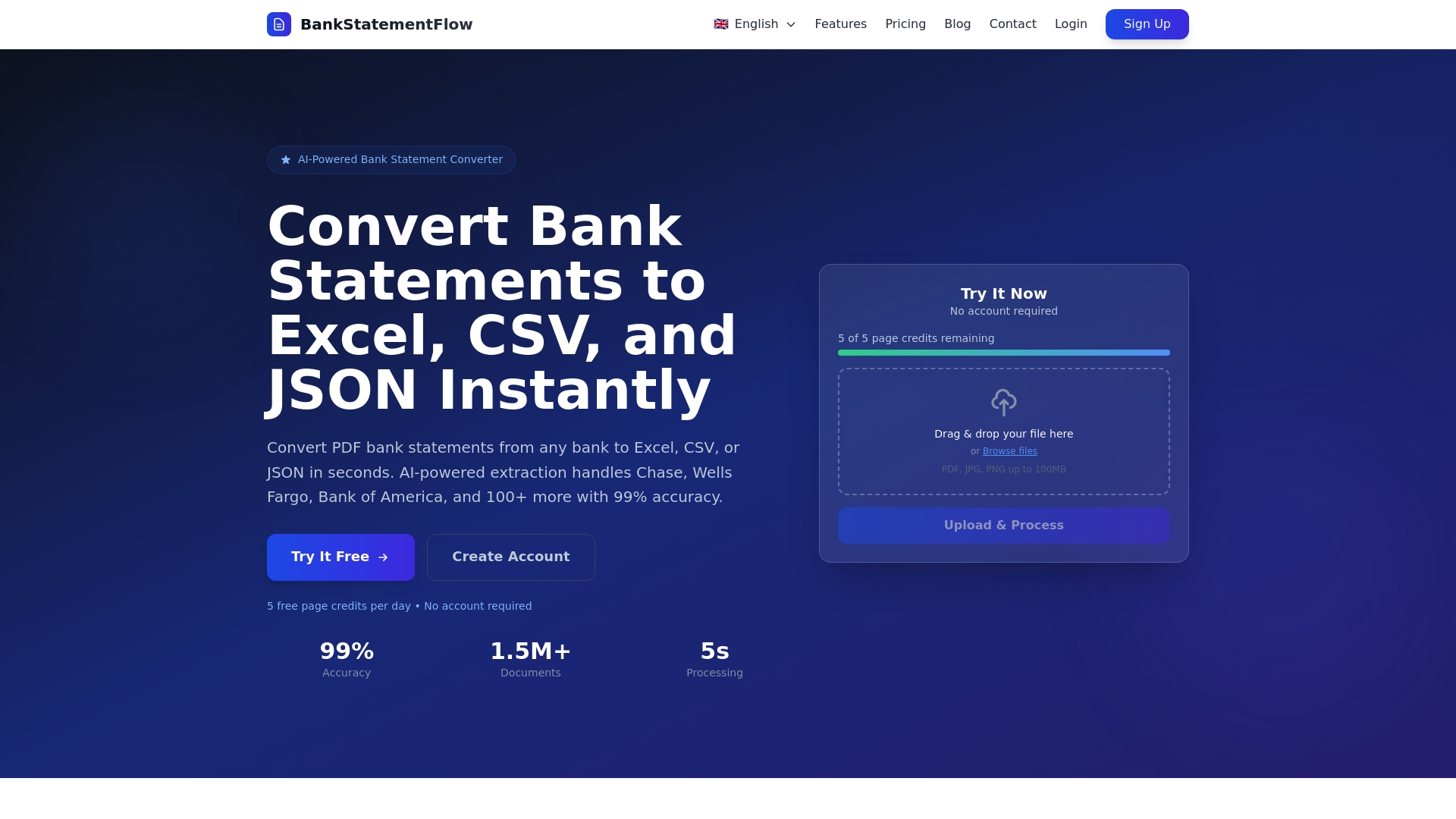
BankStatementFlow makes it straightforward to convert bank statements and financial documents into structured, usable data in seconds, with up to 99% accuracy. Whether you need to turn a credit card statement into a clean spreadsheet using the credit card to Excel tool, or batch-process scanned documents with the images to PDF tool, the platform fits into your workflow without friction. Start with one process, see the results, and build from there.
Frequently asked questions
What are the first financial processes I should automate?
Start with repetitive, high-volume tasks like invoice processing, bank reconciliation, and expense reports for the fastest ROI. Most repetitive tasks deliver substantial efficiency gains when automated first.
How long does it take to implement workflow automation?
Most enterprises need 6 to 13 months for full implementation due to integration complexity and change management. Typical setup timelines reflect the reality of connecting automation to existing systems.
Does financial workflow automation require AI, or can it use simpler tools?
You can start with rule-based RPA for structured tasks and layer in AI over time for document reading and exception handling. A blend of RPA and AI yields the best long-term results, but basic automation doesn’t require advanced AI from day one.
What is the biggest risk when automating financial workflows?
Integration failures and poor data quality are the most common causes of automation project setbacks. 65% of teams report integration issues as their top challenge, making phased rollouts and data validation essential from the start.
Recommended
- Master financial document organization: 99% accuracy guide - BankStatementFlow Blog
- Financial document processing checklist for automation 2026 - BankStatementFlow Blog
- Optimize secure financial data workflows with automation - BankStatementFlow Blog
- Financial data management checklist for automation 2026 - BankStatementFlow Blog