Master Financial Document Workflow Automation for Teams

Every Finance team faces the challenge of juggling countless statements, invoices, and reports while striving for accuracy and speed. Manual document workflows slow growth and expose your data to unnecessary risks, leaving teams vulnerable to errors. By adopting a structured financial planning process and embracing digital automation, you can transform disjointed tasks into an organized, secure ecosystem that supports growth, compliance, and better decision making.
Table of Contents
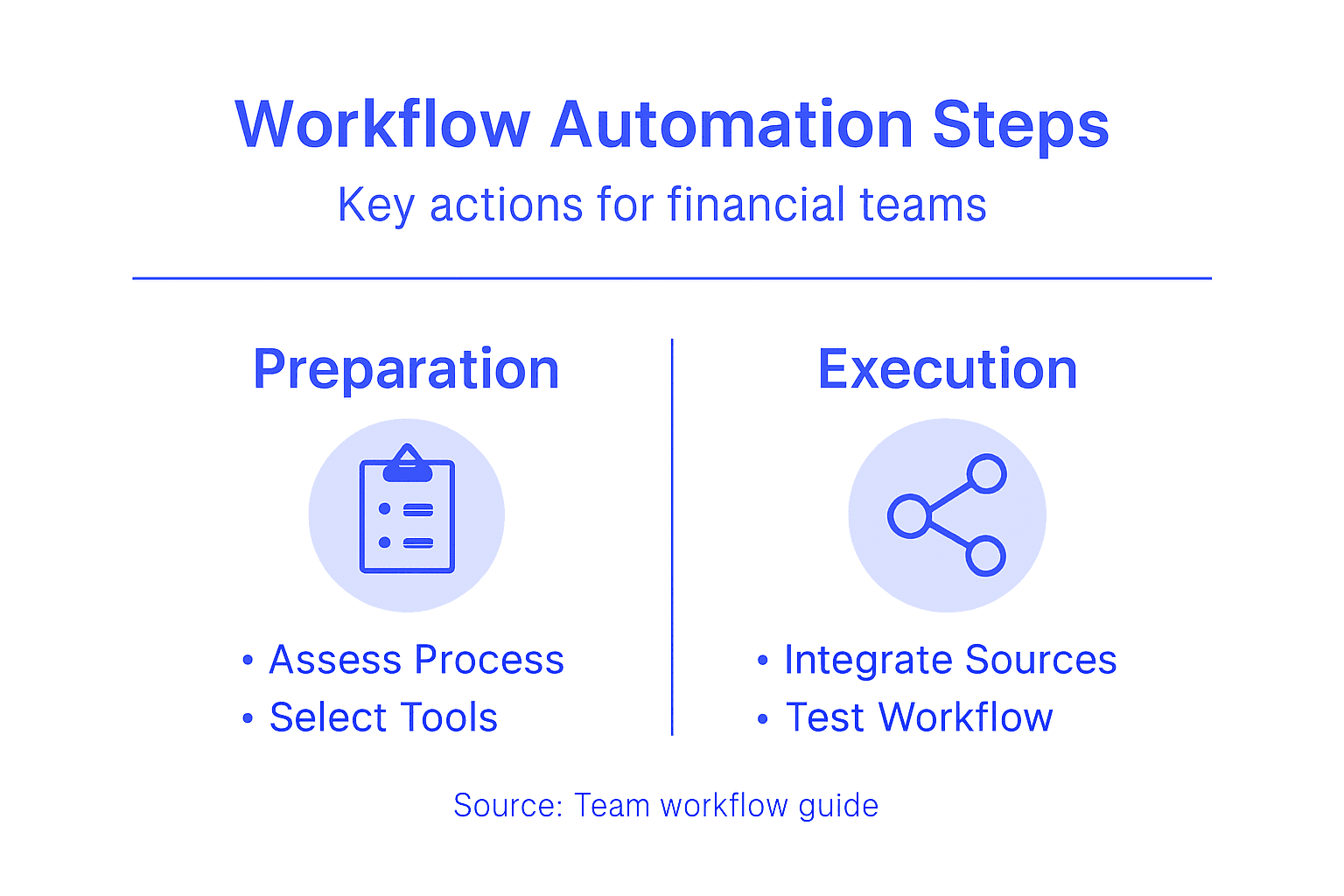
- Step 1: Assess Your Current Financial Document Process
- Step 2: Select And Configure An Automation Platform
- Step 3: Integrate Document Sources And Set Permissions
- Step 4: Customize Data Extraction Fields And Formats
- Step 5: Test And Verify Automated Workflows
- Step 6: Optimize And Monitor For Continuous Improvement
Quick Summary
| Key Point | Explanation |
|---|---|
| 1. Assess Current Processes | Evaluate existing financial document workflows to identify inefficiencies and areas for automation. |
| 2. Choose the Right Platform | Select an automation platform that fits your technical needs and enhances document processing efficiency. |
| 3. Integrate Document Sources | Ensure seamless access and security by integrating all document sources with appropriate permission levels. |
| 4. Customize Data Extraction | Define and customize data fields for accurate information extraction tailored to specific reporting needs. |
| 5. Implement Continuous Improvement | Regularly monitor and optimize workflows to maintain efficiency and adapt to changing organizational demands. |
Step 1: Assess your current financial document process
Assessing your financial document workflow is the critical first step toward transforming how your team manages critical financial information. By thoroughly evaluating your existing processes, you’ll uncover inefficiencies, redundancies, and opportunities for strategic automation that can save time and reduce errors.
To conduct a comprehensive assessment, follow these strategic steps:
- Map out current document handling procedures from receipt to final storage
- Identify manual touchpoints where team members currently input or process documents
- Track time spent on document processing tasks for each workflow stage
- Document pain points like repetitive data entry, file naming challenges, or storage complexity
Your assessment should answer key diagnostic questions about current performance. Financial planning process frameworks recommend collecting both quantitative and qualitative data during this stage. This means not just tracking metrics, but also understanding the human experience of your current workflow.
Start by gathering input from team members who interact with financial documents daily. Ask them about challenges, bottlenecks, and frustrations they experience. Create a detailed inventory of document types, processing steps, and current tools used.
The most effective workflow transformations begin with honest, comprehensive self-assessment.
Pro tip: Create a visual workflow diagram to help your team understand current processes and identify improvement opportunities more effectively.
Step 2: Select and configure an automation platform
Selecting the right financial document automation platform can transform your team’s efficiency and accuracy. This critical step involves carefully evaluating solutions that align with your specific workflow requirements and technological infrastructure.
Begin by conducting a comprehensive evaluation of potential platforms using these key criteria:
- Assess compatibility with existing financial systems and software
- Evaluate data extraction accuracy for different document types
- Compare integration capabilities across potential solutions
- Review security and compliance features specific to financial document processing
Digital solutions for financial management emphasize the importance of thoroughly understanding your organization’s functional requirements before platform selection. Look beyond basic features and consider long-term scalability, customization options, and the platform’s ability to adapt to your unique financial document workflows.
During your selection process, request comprehensive demos, trial periods, and detailed documentation from potential vendors. Engage your IT and finance teams in collaborative evaluations to ensure the chosen platform meets technical and operational requirements.
The right automation platform acts as a strategic partner in your financial document management journey.
Pro tip: Create a weighted scoring matrix to objectively compare different automation platforms based on your specific organizational needs and priorities.
Step 3: Integrate document sources and set permissions
Integrating diverse document sources and establishing robust permission frameworks is crucial for creating a secure and efficient financial document automation workflow. This step transforms how your team manages and accesses critical financial information across different platforms and systems.
To successfully integrate document sources and configure permissions, focus on these key strategic elements:
- Identify all document source locations including cloud storage, email, shared drives, and physical archives
- Map current document access protocols for different team members and roles
- Determine granular permission levels for reading, editing, and sharing documents
- Establish clear user authentication mechanisms
Digital financial management solutions emphasize the critical importance of designing comprehensive integration strategies that balance accessibility with stringent security requirements. This means creating a system that allows seamless document flow while protecting sensitive financial information.
Begin by conducting a thorough audit of existing document sources and current access permissions. Collaborate with IT security teams to develop a permission matrix that aligns with your organization’s compliance requirements and operational needs. Consider implementing role-based access controls that automatically grant or restrict document access based on an employee’s specific job function.
Effective document integration is about creating a secure, fluid ecosystem of financial information.
Pro tip: Implement a periodic permission review process to ensure your access controls remain current and aligned with organizational changes.

Step 4: Customize data extraction fields and formats
Customizing data extraction fields represents the critical bridge between raw financial documents and actionable, structured information. This step empowers your team to transform diverse financial documents into precise, standardized digital formats that drive strategic decision-making.
To effectively customize your data extraction process, consider these strategic approaches:
- Identify standard data points required across different financial document types
- Create template configurations for recurring document structures
- Define custom field mappings to match your organization’s specific reporting needs
- Configure output formats like CSV, Excel, or JSON for seamless integration
Public financial management solutions emphasize designing extraction workflows that accommodate varied document formats while maintaining consistent data quality. This means building flexibility into your extraction process to handle nuanced financial document variations.
Begin by conducting a comprehensive review of your most common financial document types. Work closely with finance and IT teams to map out exact data field requirements, ensuring the extraction process captures every critical piece of information. Leverage machine learning capabilities to train your system on document variations, improving accuracy and reducing manual intervention over time.
Effective data extraction is about transforming unstructured information into strategic organizational intelligence.
Pro tip: Create sample document libraries to test and refine your extraction configurations before full-scale implementation.
Step 5: Test and verify automated workflows
Testing and verifying automated financial document workflows ensures your system delivers accurate, reliable results before full-scale implementation. This critical stage validates that your automation platform performs precisely as expected across various document types and scenarios.
Develop a comprehensive testing strategy using these key approaches:
- Create diverse test document sets representing different financial document formats
- Design systematic validation scripts to check data extraction accuracy
- Compare automated results against manual reference data
- Simulate real-world processing scenarios with complex document variations
AI-driven verification systems recommend implementing rigorous testing protocols that go beyond basic functionality checks. This means developing nuanced test cases that challenge the system’s extraction capabilities and validate compliance with financial reporting standards.
Begin by establishing a controlled testing environment where you can systematically evaluate your workflow’s performance. Start with a small, representative sample of financial documents and progressively increase complexity. Involve team members from finance, IT, and compliance departments to ensure comprehensive validation from multiple perspectives.
Effective workflow testing transforms potential vulnerabilities into robust, reliable automation processes.
Pro tip: Develop a standardized test scoring matrix to objectively quantify and track your automation platform’s performance across different document types and extraction scenarios.
Step 6: Optimize and monitor for continuous improvement
Continuous improvement transforms your financial document workflow from a static system into a dynamic, evolving platform that adapts to your organization’s changing needs. This final stage ensures your automation solution remains efficient, accurate, and aligned with emerging business requirements.
Implement a robust optimization strategy through these critical practices:
- Establish performance baseline metrics for document processing speed and accuracy
- Create regular review schedules to assess workflow effectiveness
- Collect and analyze user feedback from team members
- Track key performance indicators related to document processing
Continuous improvement practices emphasize the importance of systematic, iterative enhancements that go beyond simple monitoring. This means developing a proactive approach to identifying and implementing workflow refinements based on real-world performance data.
Begin by setting up comprehensive monitoring dashboards that provide real-time insights into your automated workflow’s performance. Schedule monthly or quarterly retrospective meetings with cross-functional teams to discuss challenges, celebrate successes, and brainstorm potential improvements. Leverage machine learning capabilities to help identify patterns and optimization opportunities that might not be immediately apparent.
Continuous improvement is not a destination, but an ongoing journey of incremental enhancements.
Pro tip: Implement a weighted scoring system that allows team members to rank and prioritize potential workflow improvements, ensuring the most impactful changes receive immediate attention.
Use this comparison to understand how manual vs. automated financial document workflows differ:
| Aspect | Manual Process | Automated Workflow |
|---|---|---|
| Document Handling | Prone to lost files | Centralized and trackable |
| Data Accuracy | High risk of input errors | Minimizes human errors |
| Processing Speed | Slower, labor intensive | Rapid and consistent |
| User Permissions | Often inconsistent | Role-based and auditable |
| Compliance Management | Tedious and fragmented | Streamlined and documented |
| Scalability | Limited by team capacity | Easily handles growth |
Here’s a summary of document automation workflow benefits at each major step:
| Workflow Step | Key Value Delivered | Example Impact |
|---|---|---|
| Assessment & Mapping | Identifies inefficiencies | Reveals process bottlenecks |
| Platform Selection | Aligns with business needs | Ensures tech and compliance fit |
| Integration & Permissions | Secures data access | Reduces risk of data breaches |
| Data Extraction Customization | Improves data accuracy | Reduces manual entry errors |
| Testing & Verification | Ensures reliability | Detects errors before launch |
| Ongoing Optimization | Drives continuous improvement | Sustains efficiency improvements |
Transform Your Financial Document Workflow with BankStatementFlow
Many teams struggle with cumbersome manual processes, data inaccuracies, and fragmented access control when managing financial documents. This article highlights key challenges like inefficient data extraction, complex permission setups, and the need for continuous optimization that slow down financial operations and increase risk. If your goal is to eliminate tedious manual tasks, reduce errors, and build a secure, scalable workflow, then embracing advanced automation is essential.
Leverage the power of BankStatementFlow, a cutting-edge SaaS platform that specializes in AI-powered financial document processing. With up to 99% accuracy and support for diverse formats such as bank statements, invoices, and receipts, our solution lets you extract and transform unstructured data into ready-to-use formats like Excel and CSV within moments. Whether dealing with encrypted PDFs or mobile phone images, BankStatementFlow simplifies data handling while providing the robust security and custom field extraction capabilities your team needs.
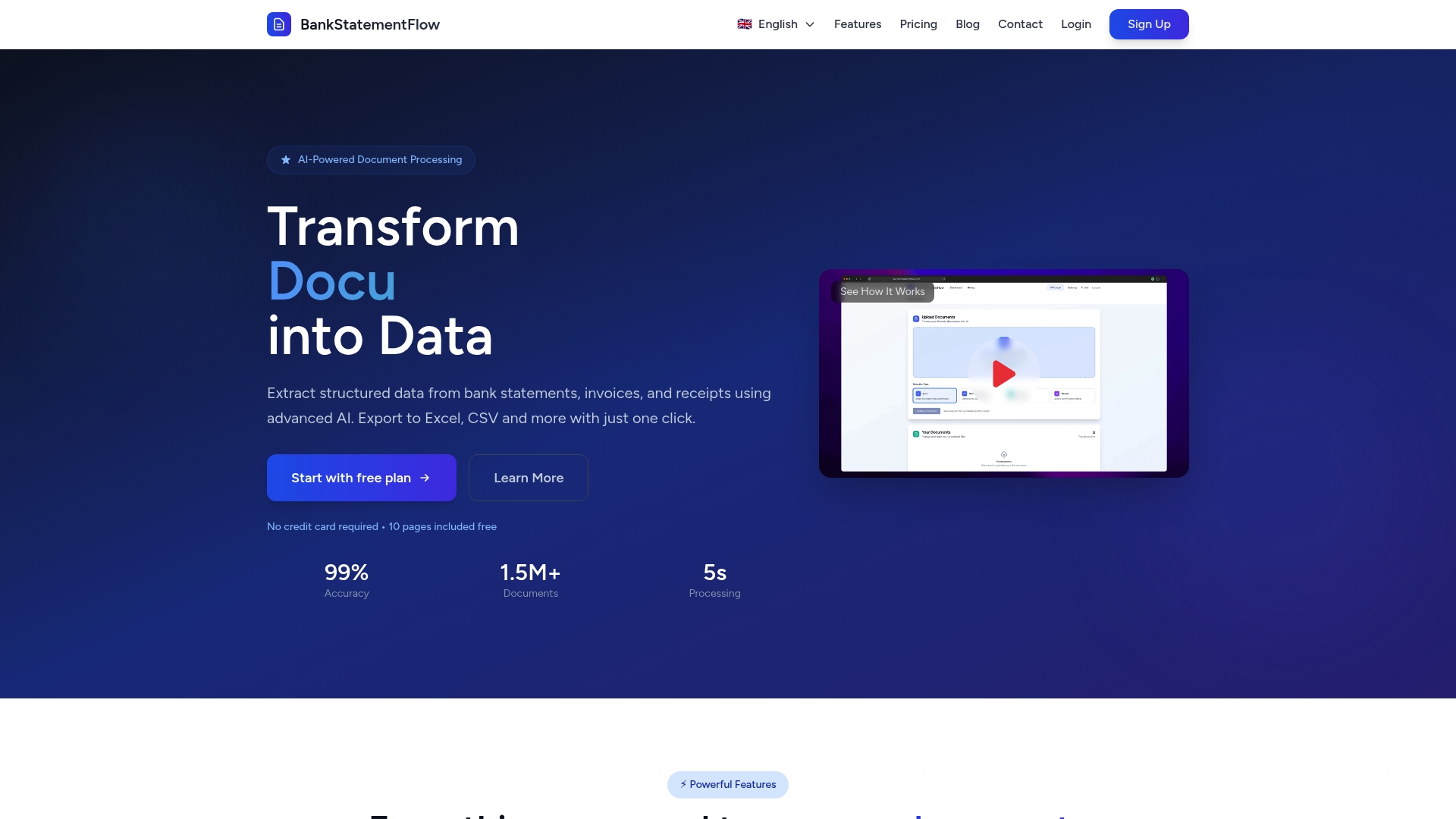
Take control of your financial document automation journey today by exploring how our platform can seamlessly integrate into your existing workflows. Visit BankStatementFlow now and discover how easy it is to improve processing speed, enforce role-based permissions, and achieve continuous workflow enhancements. Stop struggling with outdated manual processes and start optimizing with intelligent automation built specifically for financial teams.
Frequently Asked Questions
How do I assess my current financial document workflow?
Assess your current financial document workflow by mapping out the handling procedures from receipt to storage. Identify manual touchpoints and track the time spent on each processing task to uncover inefficiencies.
What criteria should I use to select a financial document automation platform?
Evaluate automation platforms based on their compatibility with your existing systems, data extraction accuracy, integration capabilities, and security features. Create a weighted scoring matrix to objectively compare platforms based on your specific needs.
How can I ensure proper integration and user permissions for my automation workflow?
Identify all document source locations and map current access protocols. Establish granular permission levels for different team members and ensure secure user authentication mechanisms are in place.
What steps should I take to customize data extraction fields effectively?
To customize data extraction fields, identify standard data points required across your documents and create template configurations. Work with your finance and IT teams to configure output formats that match your organization’s reporting needs.
How can I test and verify my automated workflows for accuracy?
Develop a testing strategy that includes creating diverse test document sets and systematic validation scripts. Simulate real-world scenarios to ensure the automated workflow delivers reliable results before full-scale implementation.
What practices can I adopt for continuous improvement in my financial document workflow?
Establish baseline metrics for processing speed and accuracy, and create regular review schedules to assess effectiveness. Collect user feedback and track key performance indicators to identify areas for ongoing optimization.
Recommended
- Why Automate Document Processing for Finance Teams - BankStatementFlow Blog
- How to Automate Financial Documents for Fast, Accurate Data - BankStatementFlow Blog
- Role of Automation in Compliance: Transforming Global Financial Oversight - BankStatementFlow Blog
- Trends in Financial Automation 2026: What CFOs Need - BankStatementFlow Blog