Financial document processing checklist for automation 2026

Finance teams waste countless hours on manual document processing, risking costly errors and compliance issues. A well-structured financial document processing checklist transforms this chaos into a predictable, efficient workflow. By standardizing each step from data capture to final reporting, teams can reduce errors, accelerate close cycles, and prepare for seamless automation. This guide walks you through essential criteria, actionable checklist items, and technology comparisons to help your team achieve automation success in 2026.
Table of Contents
- Establishing Criteria For An Effective Financial Document Processing Checklist
- Key Checklist Items To Optimize Financial Document Processing Workflows
- Comparing Automation Technologies And Their Impact On Checklist Implementation
- Making The Right Decision: Tips For Integrating And Evolving Your Checklist With Automation
- Upgrade Your Financial Document Processing With BankStatementFlow
Key takeaways
| Point | Details |
|---|---|
| Standardized checklists reduce errors | Checklists create predictable workflows that cut manual mistakes and streamline financial close processes. |
| Automation delivers massive savings | Teams save up to 44 hours weekly and reduce invoice processing costs by 90%. |
| AI plus human oversight wins | Combining AI automation with human review boosts accuracy by 31% and slashes false positives. |
| Vendor evaluation is critical | Choose partners based on compliance readiness, innovation speed, and seamless integration capabilities. |
| Continuous improvement matters | Regular checklist reviews after each close identify bottlenecks and keep processes aligned with business needs. |
Establishing criteria for an effective financial document processing checklist
A robust checklist serves as your roadmap through every phase of financial document processing, from initial data capture to final reporting. Without clear criteria, your checklist becomes just another document gathering digital dust. A checklist transforms chaotic financial close into a predictable process by outlining steps and clear ownership.
Your checklist must assign specific responsibility for each task. When everyone owns a step, no one truly owns it. Bottlenecks emerge when team members assume someone else will handle validation or approvals. Designate a single owner for data extraction, another for exception handling, and a third for final reconciliation. This clarity eliminates finger-pointing and accelerates processing times.
Data accuracy and compliance cannot be afterthoughts. Your checklist should include validation checkpoints that catch errors before they cascade through your systems. With real-time e-invoicing mandates expanding globally in 2026, compliance steps must be baked into every workflow stage. Build in verification points for tax calculations, currency conversions, and regulatory reporting requirements specific to your jurisdictions.
Adaptability separates effective checklists from static documents. After each financial close, gather your team to review what worked and what created friction. Did invoice approvals stall because of unclear escalation paths? Did data extraction fail on certain document formats? Document these insights and update your checklist immediately. A living checklist evolves with your business.
Integration capabilities determine whether your checklist enables or hinders automation. Modern finance teams need checklists that work seamlessly with ERP systems, accounting software, and automation tools. When evaluating your financial document checklist for SMEs, consider how each step connects to your technology stack. Manual handoffs between systems create opportunities for errors and delays.
Pro Tip: Start with a basic checklist covering your most frequent document types, then expand gradually. Trying to build a comprehensive checklist for every scenario upfront leads to complexity that teams ignore.
Key criteria to evaluate:
- Coverage of all workflow phases from intake through archival
- Clear task ownership with backup assignments for continuity
- Built-in compliance checkpoints aligned with current regulations
- Flexibility to accommodate exceptions without breaking the process
- Integration points with existing financial systems and tools
Key checklist items to optimize financial document processing workflows
Standardizing document formats at intake prevents downstream chaos. Establish clear requirements for file types, naming conventions, and completeness before documents enter your workflow. Reject incomplete submissions immediately rather than letting them clog your pipeline. This upfront discipline saves hours of back-and-forth later.

Automate optical character recognition with human oversight for optimal results. Pure automation misses context that humans catch instantly. A hybrid approach where AI handles initial extraction and humans verify exceptions delivers the best accuracy. Configure your OCR to flag low-confidence extractions for manual review rather than letting questionable data flow through unchecked.
Implement multi-level review checkpoints throughout your workflow. First-level review catches obvious errors like mismatched totals or missing signatures. Second-level review examines business logic, such as whether expense categories align with purchase orders. Third-level review focuses on compliance and audit readiness. Each level serves a distinct purpose and prevents different error types.
Deploy AI-powered validation to identify outliers and fraud risks automatically. Machine learning models spot patterns humans miss, such as duplicate invoices with slightly altered details or unusual payment timing. Set thresholds that trigger automatic alerts when transactions fall outside normal parameters. This proactive approach catches issues before payment processing.
Schedule regular audits of your checklist effectiveness. Manual reporting still carries an average of 4 errors per 100 entries, highlighting the ongoing need for process refinement. Track metrics like processing time per document type, error rates by workflow stage, and bottleneck frequency. Use this data to prioritize checklist improvements.
Your essential checklist items:
- Document intake validation: Verify format, completeness, and readability before processing begins.
- Automated data extraction: Deploy OCR with confidence scoring to identify items needing human review.
- First-pass accuracy check: Compare extracted data against source documents for obvious discrepancies.
- Business logic validation: Confirm transactions align with purchase orders, contracts, and approval hierarchies.
- Fraud and outlier detection: Apply AI models to flag unusual patterns or suspicious activities.
- Compliance verification: Ensure all regulatory requirements are met before finalizing records.
- Multi-party approval routing: Automate approval workflows based on transaction type and amount thresholds.
- Exception handling protocol: Define clear escalation paths for items that fail automated validation.
- Final reconciliation: Match processed documents against bank statements and general ledger entries.
- Secure archival: Store processed documents in compliant repositories with appropriate retention policies.
“The difference between good and great finance teams is not just technology but how systematically they apply it through documented processes.”
Exploring how to automate financial documents reveals additional strategies for optimizing each checklist item. The key is balancing automation speed with accuracy safeguards.
Comparing automation technologies and their impact on checklist implementation
OCR and AI vision models form the foundation of modern document processing. Traditional OCR excels at clean, structured documents but struggles with handwritten notes or poor-quality scans. Advanced AI vision models handle these challenges better but require quality benchmarks like FinCriticalED to ensure accuracy meets financial reporting standards. Evaluate vendors on their ability to process your specific document types, not just their marketing claims.
Agentic AI represents the next evolution in automation. Unlike simple rule-based systems, agentic AI supports autonomous tasks such as exception handling, fraud detection, and supplier management. These systems learn from each interaction, improving accuracy over time. However, they require substantial training data and ongoing oversight to prevent drift from your business rules.
Integration challenges remain the biggest obstacle to automation success. Fragmented systems with inconsistent data formats create friction that undermines automation benefits. Your checklist must account for data transformation steps between systems. When evaluating automation tools, prioritize those offering pre-built connectors to your ERP and accounting platforms. Custom integrations are expensive and create maintenance burdens.
Real-time collaboration tools within intelligent AP networks streamline approvals dramatically. Cloud-based platforms enable simultaneous access for multiple reviewers, eliminating the delays of sequential approval chains. Supplier onboarding becomes faster when vendors can submit documents directly into your workflow. Look for platforms that support mobile approvals so decisions do not wait for someone to return to their desk.
Compliance with evolving e-invoicing regulations must drive technology selection. Countries worldwide are mandating real-time reporting and specific data formats. Your automation platform needs continuous updates to handle these changes without manual intervention. Verify that vendors have dedicated compliance teams monitoring regulatory changes and pushing updates proactively.
| Technology | Primary Benefit | Implementation Challenge | Best Use Case |
|---|---|---|---|
| Traditional OCR | Fast processing of structured documents | Struggles with poor quality or handwritten text | High-volume standard invoices |
| AI vision models | Handles diverse document types and quality levels | Requires extensive training data | Mixed document formats |
| Agentic AI | Autonomous exception handling and learning | Needs ongoing oversight and validation | Complex workflows with many variables |
| Intelligent AP networks | Real-time collaboration and supplier integration | Requires supplier adoption and training | Organizations with distributed approval chains |
| Robotic process automation | Automates repetitive manual tasks | Brittle when processes change | Stable, high-volume processes |
Pro Tip: Pilot automation technologies on a single document type or business unit before enterprise rollout. This approach identifies integration issues and builds internal expertise without risking your entire operation.
Exploring invoice processing automation provides deeper insights into technology selection criteria. The right platform depends on your document volumes, complexity, and existing technology investments.
Making the right decision: tips for integrating and evolving your checklist with automation
Continuous review after each financial close identifies bottlenecks before they become chronic problems. Schedule a 30-minute retrospective with your team to discuss what slowed processing this cycle. Document specific issues like which document types caused the most rework or where approvals stalled. Update your checklist immediately to address these pain points.
Balance automation with human oversight for optimal results. Integrating human oversight into AI workflows boosts decision-making accuracy by 31% and cuts false positives by 67%. Design your checklist so automation handles routine tasks while humans focus on exceptions requiring judgment. This division maximizes efficiency without sacrificing quality.
Align checklist updates with compliance and ERP changes. When regulations shift or your organization upgrades systems, your checklist must evolve in lockstep. Assign someone to monitor regulatory updates and technology roadmaps, then schedule quarterly reviews to incorporate necessary changes. Reactive updates after problems emerge cost far more than proactive adjustments.
Choose vendors based on innovation speed, compliance readiness, and integration capabilities. A vendor’s current features matter less than their ability to evolve with your needs. Evaluate their release frequency, customer advisory boards, and track record adapting to regulatory changes. Strong integration capabilities prevent your checklist from becoming a manual bridge between disconnected systems.
Train your team regularly on checklist changes and tool updates. The best checklist fails if your team does not understand or follow it. When you update processes, conduct brief training sessions explaining why changes matter and how they improve workflows. Make your checklist easily accessible and searchable so team members can reference it during processing.
Implementation priorities:
- Establish baseline metrics before automation to measure improvement accurately
- Start with your highest-volume, most standardized document types
- Build feedback loops so frontline processors can flag checklist issues immediately
- Create escalation protocols for exceptions that fall outside standard workflows
- Document tribal knowledge from experienced team members into checklist steps
The financial document workflow automation guide offers additional frameworks for successful implementation. Success requires treating your checklist as a living document that grows with your organization.
Upgrade your financial document processing with BankStatementFlow
Transforming your financial document workflows from manual chaos to automated efficiency starts with the right tools. BankStatementFlow delivers AI-powered bank statement conversion that extracts data with up to 99% accuracy, handling everything from password-protected PDFs to phone photos. Our platform integrates seamlessly with your existing systems, reducing manual work while improving data quality.
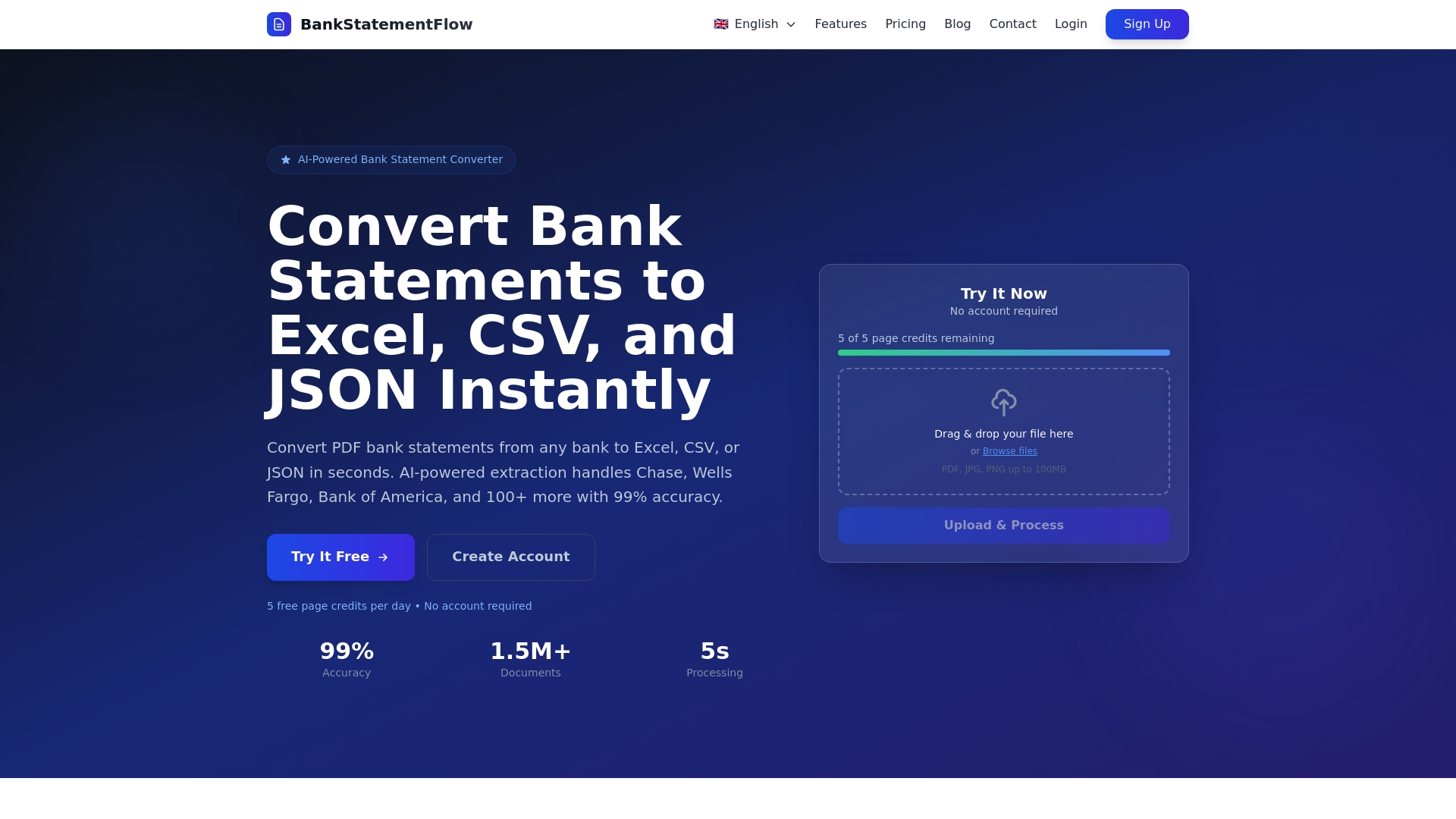
Whether you are processing bank statements, invoices, or receipts, our machine learning algorithms adapt to your specific document formats and business rules. Export structured data instantly to Excel, CSV, JSON, or XML formats that feed directly into your accounting systems. Explore our financial document checklist for SMEs to see how other finance teams have streamlined their workflows and prepared for automation success.
What is a financial document processing checklist?
What is a financial document processing checklist?
A financial document processing checklist is a detailed list of steps teams follow to manage financial documents accurately and efficiently from intake through archival. It standardizes processes across team members, assigns clear responsibilities for each task, and ensures compliance with regulatory requirements. By creating predictable, repeatable workflows, checklists prepare organizations for automation by eliminating ad hoc decisions and undocumented procedures.
How does automation impact financial document processing?
Automation saves finance teams up to 44 manual work hours weekly and cuts invoice processing costs by as much as 90%. It enhances data accuracy by eliminating manual data entry errors, reduces processing times from days to minutes, and enables real-time financial visibility. Teams can redirect saved time toward strategic analysis rather than repetitive data handling.
What technologies support effective financial document checklists?
OCR extracts data from documents automatically, while AI automates validation, exception handling, and fraud detection. Agentic AI systems handle complex tasks autonomously, learning and improving over time. Human oversight improves decision accuracy by 31% and reduces false positives by 67%, making hybrid approaches most effective for financial processing.
How often should the financial document checklist be updated?
Review your checklist after each financial close to identify bottlenecks, processing delays, and error patterns. Update the checklist quarterly or whenever regulations change, technology upgrades occur, or business processes evolve. Continuous improvement ensures your checklist remains relevant and effective as your organization grows and market conditions shift.
Recommended
- Financial document checklist for SMEs: boost accuracy - BankStatementFlow Blog
- How to Automate Financial Documents for Fast, Accurate Data - BankStatementFlow Blog
- Master Financial Document Workflow Automation for Teams - BankStatementFlow Blog
- Blog - BankStatementFlow | AI Document Processing Insights