Master financial document organization: 99% accuracy guide

Manual financial document management drains time and breeds costly errors for accounting teams. Misplaced receipts, inconsistent filing systems, and endless data entry create bottlenecks that delay reporting and increase audit risk. This guide walks you through an automated financial document organization process designed specifically for small to medium enterprises. You’ll learn how to prepare your systems, execute AI-powered extraction workflows, and verify results to achieve up to 99% accuracy while cutting processing time by 75%. Transform chaotic document handling into a streamlined, audit-ready system that frees your team for strategic analysis.
Table of Contents
- Key takeaways
- Preparing for financial document automation
- Executing the automation process: capture, extraction, and validation
- Verifying results and optimizing the financial document workflow
- Explore AI-powered financial document tools
- Frequently asked questions
Key Takeaways
| Point | Details |
|---|---|
| Time and cost savings | Automation accelerates processing and reduces costs by using AI powered extraction, OCR, and validation across financial documents. |
| Three phase workflow | Automation follows preparation, execution, and verification to improve speed, data quality, and audit readiness. |
| Hybrid OCR AI | Most SMEs benefit from hybrid OCR and AI approaches that handle standardized data and complex formats. |
| Preparation and governance | Establish retention policies and a classification schema aligned to your chart of accounts before automation. |
Preparing for financial document automation
Successful automation starts with honest assessment of your current document landscape. Count monthly volumes across all financial document types: bank statements, invoices, receipts, purchase orders, and expense reports. Track processing time per document type and identify bottlenecks where manual entry causes delays. Document your existing filing system’s strengths and weaknesses to understand what needs improvement.
For SMEs processing less than 50 documents monthly, manual organization remains cost-effective before transitioning to AI-based automation. Between 50 and 500 documents per month represents the sweet spot where automation delivers clear ROI through time savings and error reduction. Above 500 documents, automation becomes essential for maintaining operational efficiency and competitive advantage.
Establish compliance foundations before implementing technology. Audit preparation requires maintaining original documents and complete audit trails, with IRS retention rules varying by document type. Set up digital retention policies that mirror regulatory requirements: seven years for tax documents, three years for supporting records, and permanent retention for incorporation papers. Create a document classification schema that aligns with your chart of accounts and reporting needs.
Choose technology that matches your complexity level. Basic OCR handles standardized forms with consistent layouts. AI-powered intelligent document processing tackles varied formats, handwritten notes, and multi-page documents. Workflow automation connects extraction to your ERP or accounting system. Most SMEs benefit from hybrid approaches combining OCR for structured data with AI for complex extraction tasks.
Pro Tip: Start with your highest-volume, most standardized document type like bank statements or utility invoices. Master automation for one category before expanding to complex documents with variable formats.
| Task | Manual Approach | Automated Approach |
|---|---|---|
| Document sorting | 15-20 min per batch | 2-3 min per batch |
| Data entry | 3-5 min per document | 30 sec per document |
| Validation | Manual cross-checking | Automated rules with exceptions |
| Filing | Physical or folder-based | Tagged and searchable database |
| Retrieval time | 5-10 min average | Instant search results |
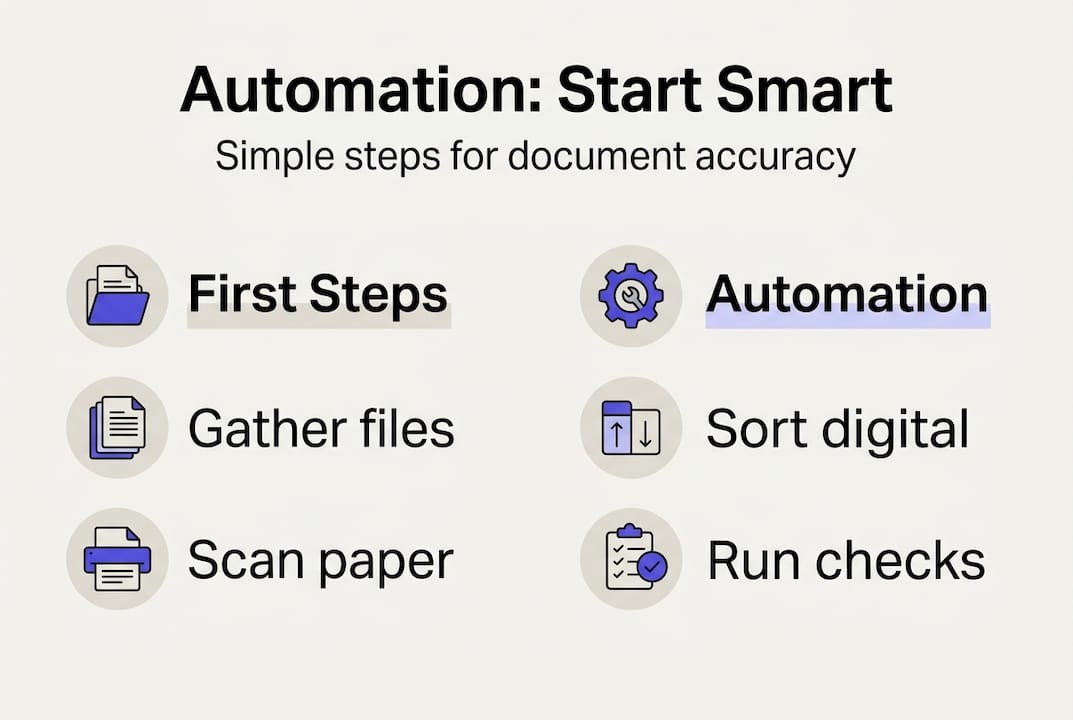
Preprocessing sets up smooth automation. Establish intake procedures for physical documents: scan at 300 DPI minimum, save as searchable PDFs, and use consistent naming conventions. For digital documents, create email rules that route statements and invoices to designated folders. Implement a staging area where documents await processing, separate from your archive of processed files. This automation checklist for finance teams ensures nothing falls through cracks during initial setup.
Executing the automation process: capture, extraction, and validation
The execution phase transforms unstructured documents into structured, actionable data through three connected steps. Document capture and classification uses OCR and AI IDP to identify document types and route them to appropriate extraction workflows. Processing and validation applies business rules and machine learning to extract key fields and flag anomalies. Integration pushes clean data into ERP systems where accounting teams can analyze rather than manually enter information.
Start with document capture that handles multiple input channels. Email attachments flow through automated parsing that extracts PDFs and images. Mobile uploads from phone cameras process receipt photos without requiring scanners. Batch uploads handle month-end statement dumps from financial institutions. Your capture system should normalize all inputs into consistent formats: convert images to PDFs, apply deskewing for crooked scans, and enhance low-contrast documents for better recognition.
Classification routes documents to specialized extraction models. Train your system to recognize bank statements by header logos and account number patterns. Identify invoices through vendor names and line item tables. Flag receipts by merchant identifiers and transaction timestamps. Accurate classification at this stage prevents extraction errors downstream and ensures the right validation rules apply to each document type.
Extraction pulls structured data from classified documents using field-specific models:
- Header information: vendor names, invoice numbers, dates, due dates, account identifiers
- Line item details: descriptions, quantities, unit prices, amounts, tax rates
- Financial totals: subtotals, tax amounts, discounts, final amounts due
- Payment terms: net days, early payment discounts, late fees
- Metadata: document confidence scores, processing timestamps, extraction version
These invoice extraction steps create the foundation for accurate financial reporting and analysis.
Pro Tip: Set confidence thresholds at 85% for automated processing. Documents scoring below this threshold route to exception queues for human review, balancing speed with accuracy.
| Method | Accuracy Range | Cost Per Document | Best Use Case |
|---|---|---|---|
| Template OCR | 85-92% | $0.05-$0.15 | Standardized forms from repeat vendors |
| AI extraction | 95-99% | $0.20-$0.50 | Variable formats and complex layouts |
| Full AP automation | 97-99% | $0.75-$1.50 | End-to-end processing with ERP integration |
| Hybrid OCR plus AI | 96-99% | $0.30-$0.70 | Mixed document types with quality variation |
Validation catches errors before they reach your accounting system. Implement mathematical checks that verify line items sum to totals and tax calculations match rates. Cross-reference vendor names against your approved supplier list to flag potential duplicates or fraud. Compare extracted amounts to purchase order values for three-way matching. Flag unusual patterns like weekend transactions or amounts outside normal ranges for that vendor.

Hybrid OCR and AI methods mitigate hallucinations and improve extraction accuracy especially for edge cases like multi-page documents or low-quality scans. When OCR struggles with handwritten notes or faded text, AI models trained on diverse datasets fill gaps. When AI generates implausible values, OCR provides grounding in actual text. This redundancy creates resilience against the weaknesses of each individual technology.
Handle exceptions systematically through dedicated review queues. Low-confidence extractions need human verification of flagged fields only, not complete re-entry. Documents with missing required fields route to specialists who can contact vendors for clarification. Duplicate detection queues prevent double payment by surfacing potential matches for review. Track exception rates by document type and vendor to identify training opportunities that reduce future manual intervention.
Verifying results and optimizing the financial document workflow
Verification transforms raw extraction output into audit-ready financial data. AI reduces processing time 60-75% and cuts costs 40-55%, but validation remains essential for exceptions to maintain accuracy. Implement multi-layer verification that catches errors at different stages: field-level validation during extraction, document-level checks before export, and batch-level reconciliation after integration.
Field-level validation applies data type and format rules instantly. Date fields must parse to valid calendar dates. Currency amounts require numeric values with proper decimal placement. Account numbers match expected patterns for your chart of accounts. Percentage fields fall within 0-100 range. These simple checks catch extraction errors immediately rather than discovering them during month-end close.
Document-level verification ensures internal consistency across all extracted fields. Invoice totals equal the sum of line items plus tax minus discounts. Payment terms match vendor master data. Purchase order references exist in your procurement system. Bank statement transactions balance to opening plus closing amounts. Create automated workflows that flag documents failing these checks for specialist review rather than blocking entire batches.
| Common Error | Cause | Recommended Fix |
|---|---|---|
| Transposed digits | OCR misread similar characters | Add check digit validation |
| Missing decimal | Format confusion between regions | Enforce currency format rules |
| Wrong vendor match | Similar names in database | Implement fuzzy matching with confidence scores |
| Duplicate flagging | Legitimate recurring charges | Add business logic for expected duplicates |
| Date format errors | Mixed MM/DD/YY and DD/MM/YY | Standardize on ISO 8601 format |
Exception handling workflows separate routine processing from problem resolution. Configure exception queues by error type: missing data, low confidence, validation failures, and duplicate suspects. Assign queue ownership to team members with appropriate expertise. Track resolution time and root causes to identify systematic issues requiring model retraining or process adjustments.
Integration with ERP systems completes the automation cycle by eliminating manual data entry. Export validated documents in formats matching your accounting software’s import specifications. Map extracted fields to corresponding general ledger accounts, cost centers, and project codes. Schedule automated imports during off-peak hours to avoid system conflicts. Implement reconciliation reports that compare imported records to source documents, catching any transformation errors.
Pro Tip: Establish a monthly feedback loop where your team reviews a random sample of processed documents. Flag any errors for model retraining, improving AI accuracy over time while maintaining human oversight.
Optimization never stops after initial implementation. Monitor key metrics monthly: processing time per document type, exception rate by category, extraction accuracy by field, and cost per processed document. Set improvement targets: reduce exception rates by 10% quarterly, increase straight-through processing from 70% to 90%, cut average processing time by 20%. Use these metrics to justify additional training data, model upgrades, or workflow refinements.
Audit preparation becomes simpler with proper structuring of invoice data for accuracy. Maintain complete audit trails showing original documents, extraction timestamps, validation results, and any manual corrections. Store documents with immutable timestamps and user attribution for all changes. Generate audit reports showing processing statistics, exception handling, and data lineage from capture through integration. This documentation satisfies auditor requirements while demonstrating control effectiveness.
Continuous improvement targets the bottlenecks limiting your automation success. If specific vendors consistently generate exceptions, work with them to standardize invoice formats. If certain document types show low accuracy, invest in additional training data for those models. If integration errors occur frequently, refine field mappings and add pre-import validation. Track which improvements deliver the biggest gains in throughput and accuracy, focusing resources where they generate maximum return.
The benefits of document automation extend beyond time savings to strategic advantages. Faster month-end close enables quicker management reporting and decision-making. Improved accuracy reduces audit adjustments and compliance risk. Better data quality supports more sophisticated financial analysis. Most importantly, automation frees your accounting team from repetitive data entry to focus on variance analysis, forecasting, and strategic planning that drives business growth.
Explore AI-powered financial document tools
Mastering financial document organization requires the right technology foundation. BankStatementFlow specializes in AI-powered bank statement conversion that transforms PDFs and images into structured Excel, CSV, or JSON formats with up to 99% accuracy. The platform handles password-protected files, multi-page statements, and even phone photos without requiring expensive scanners.
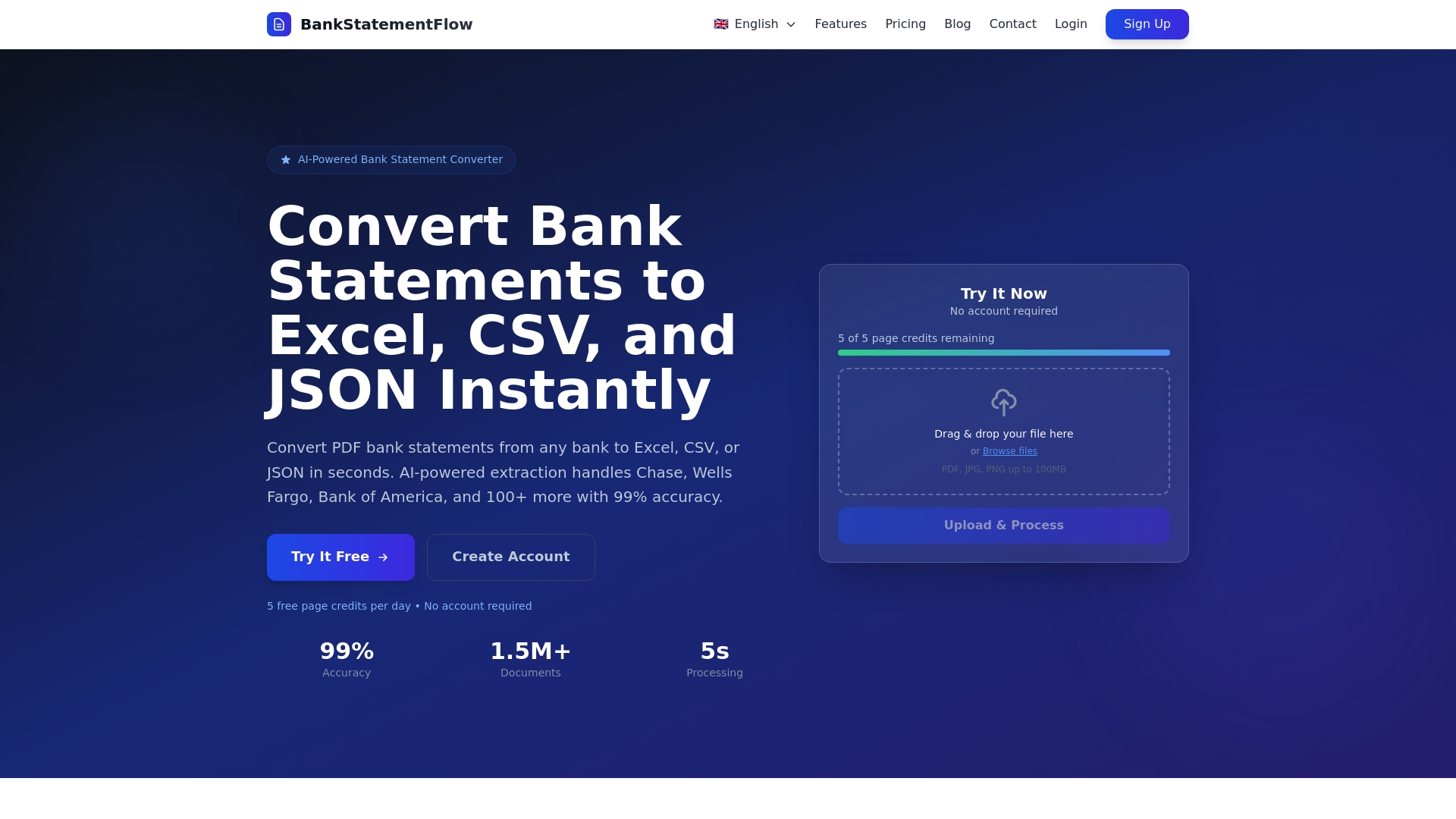
Start with the free online bank statement converter to experience instant conversion without registration. For accounting teams processing dozens of statements monthly, the PDF bank statement to CSV tool streamlines reconciliation by delivering transaction data in spreadsheet format ready for analysis. Advanced features include custom field extraction, API access for workflow integration, and support for multiple languages and regional formats. These tools complement the automation strategies covered in this guide, helping SME finance teams achieve the accuracy and efficiency gains that transform financial operations.
Frequently asked questions
How accurate is AI in financial document organization?
AI extraction accuracy ranges from 95-99%, significantly outperforming manual methods in both speed and cost. Accuracy depends on document quality, format consistency, and model training. Hybrid approaches combining OCR with AI achieve the highest accuracy by leveraging each technology’s strengths while compensating for weaknesses. Validation workflows catch the remaining 1-5% of errors before they impact financial reporting, ensuring audit-ready data quality.
What document volume justifies switching to automation?
Manual organization works effectively for SMEs processing fewer than 50 documents monthly, where automation costs exceed time savings. Between 50 and 500 documents per month, automation delivers clear ROI through reduced processing time and improved accuracy. Above 500 documents, automation becomes essential for maintaining efficiency. Calculate your break-even point by comparing current processing costs against automation subscription fees plus implementation time.
How do I handle exceptions and edge cases in automation?
Exception queues and confidence scoring are critical for catching errors and managing edge cases effectively. Configure workflows to route low-confidence extractions to human reviewers rather than blocking entire batches. Hybrid OCR plus AI methods handle challenging scenarios like handwritten notes, poor scan quality, and multi-page documents with varying layouts. Regular model retraining on corrected exceptions continuously improves accuracy for your specific document mix.
What integration options work best for SME accounting systems?
Most modern accounting platforms support CSV or Excel imports for transaction data, making these formats ideal starting points. API integrations offer real-time data flow but require technical resources for setup and maintenance. Scheduled batch imports balance automation benefits with implementation simplicity. Choose integration methods matching your technical capabilities and processing volume. Start with simple file exports, then graduate to API integration as volumes increase and ROI justifies development investment.
How long does financial document automation implementation take?
Basic automation for a single document type typically requires 2-4 weeks including system setup, initial training, and workflow testing. Comprehensive implementations covering multiple document types across full accounts payable or receivable processes take 2-3 months. Factor in time for team training, process documentation, and parallel processing during transition. Phased rollouts starting with high-volume, standardized documents deliver quick wins while building expertise for more complex automation stages.
Recommended
- What is financial document automation? A 2026 guide - BankStatementFlow Blog
- Financial document checklist for SMEs: boost accuracy - BankStatementFlow Blog
- Financial document processing checklist for automation 2026 - BankStatementFlow Blog
- Financial data management checklist for automation 2026 - BankStatementFlow Blog