Financial data formats for efficient conversion in 2026

Financial professionals spend countless hours wrestling with unstructured documents, manually extracting transaction details from PDFs, scanned receipts, and bank statements. The challenge isn’t just converting these documents into digital formats. It’s selecting the right financial data format that maximizes accuracy, enables automation, and meets regulatory compliance requirements. Understanding the strengths and limitations of popular formats like XBRL, iXBRL, CSV, and OFX is essential for building efficient workflows. This guide examines key financial data formats, evaluation criteria, and practical comparisons to help you make informed decisions that reduce errors and streamline your financial data management processes in 2026.
Table of Contents
- Criteria For Choosing Financial Data Formats: What Matters Most
- Understanding Structured Data Formats: XBRL And iXBRL
- Other Popular Financial Data Formats: CSV And OFX
- Comparing Financial Data Formats: Usability, Compliance, And Automation
- Enhance Your Financial Data Conversion With BankStatementFlow
Key takeaways
| Point | Details |
|---|---|
| Format selection criteria | Evaluate accuracy, compliance requirements, system compatibility, and automation potential before choosing a financial data format. |
| XBRL and iXBRL dominance | These structured formats enable regulatory reporting and combine machine readability with human-friendly presentation for financial data. |
| CSV simplicity tradeoff | CSV files offer universal compatibility and ease of use but lack metadata and validation features needed for complex financial workflows. |
| OFX for bank integration | OFX provides rich XML-based structure designed specifically for financial institution data exchange and software integration. |
| Error rates matter | Over 6,500 XBRL tagging errors occurred in SEC filings during 2023, highlighting the importance of validation and quality control. |
Criteria for choosing financial data formats: What matters most
Selecting the right financial data format requires evaluating several critical factors that directly impact your team’s efficiency and accuracy. The format you choose determines how easily you can automate processes, maintain compliance, and integrate with existing systems.
Accuracy and data validation stand at the top of selection criteria. Formats with built-in validation rules help prevent errors before they propagate through your financial systems. Implementing consistent financial data standards significantly mitigates ambiguity and redundancy. Without proper validation mechanisms, a single misplaced decimal or incorrect account code can cascade into significant reporting errors.
Regulatory compliance requirements vary by industry and jurisdiction. Public companies filing with the SEC must use XBRL for financial statements. Banks and financial institutions often require OFX for transaction data exchange. Understanding your specific compliance obligations narrows your format choices considerably.
System compatibility affects how smoothly data flows through your existing technology stack. Consider these compatibility factors:
- Native support in your accounting software and ERP systems
- API availability for custom integrations and automated workflows
- Export and import capabilities across different platforms
- Data transformation requirements and associated costs
The balance between human readability and machine readability creates an important tradeoff. Formats like CSV excel at human readability but require additional processing for validation. XBRL prioritizes machine readability but challenges human review without specialized tools.
Automation potential determines long-term efficiency gains. Structured formats with rich metadata enable sophisticated automation, while simpler formats may require manual intervention for complex scenarios. Evaluate how each format supports financial data checklist automation workflows specific to your organization’s needs.
Pro Tip: Create a weighted scoring matrix with your top five selection criteria. Assign importance weights based on your organization’s priorities, then score each format objectively to identify the best fit for your specific use case.
Understanding structured data formats: XBRL and iXBRL
XBRL (eXtensible Business Reporting Language) represents the global standard for exchanging financial information between organizations and regulators. This XML-based format uses taxonomies to tag each data element with precise definitions, enabling automated processing and comparison across different reports and time periods.
The tagging system works by assigning standardized labels to financial concepts. Revenue, assets, liabilities, and thousands of other elements receive specific tags from approved taxonomies. These tags create a common language that software applications understand without human interpretation.

iXBRL (Inline XBRL) solves a critical limitation of traditional XBRL. iXBRL enables embedding XBRL data within HTML documents for human and machine readability. Financial analysts can review reports in standard web browsers while software simultaneously extracts structured data for analysis. This dual-purpose design eliminates the need to maintain separate human-readable and machine-readable versions.
Common tagging challenges create significant obstacles for organizations implementing XBRL:
- Selecting incorrect taxonomy elements for specific financial concepts
- Applying inconsistent tags across reporting periods
- Failing to validate tagged data against taxonomy rules
- Missing required tags for mandatory disclosure items
Incorrect tagging can lead to validation errors causing inaccurate reporting. A misclassified expense item might pass initial validation but create misleading comparisons when regulators aggregate data across multiple filers. The consequences extend beyond technical errors to potential compliance violations and restatements.
Benefits for regulators and analysts include unprecedented data accessibility. Regulators can analyze thousands of filings simultaneously, identifying trends and anomalies that would be impossible with traditional PDF documents. Analysts build sophisticated models pulling data directly from XBRL filings without manual data entry.
Pro Tip: Before implementing XBRL, invest in comprehensive taxonomy training for your financial reporting team. Understanding the logic behind tag selection prevents most common errors and reduces validation cycles significantly. Consider working with XBRL specialists for your first few filing cycles to establish best practices.
Other popular financial data formats: CSV and OFX
CSV (Comma-Separated Values) files represent the simplest approach to financial data exchange. CSV files are simple, widely supported, and human-readable but lack metadata. Each line contains a record, with commas separating individual fields. You can open CSV files in any text editor or spreadsheet application without specialized software.
The flat tabular structure of CSV creates both advantages and limitations. Data appears in straightforward rows and columns, making manual review and editing simple. However, this simplicity means CSV files contain no information about data types, relationships between records, or validation rules. A date might appear as text, a number, or various date formats depending on how the source system exports it.
OFX (Open Financial Exchange) takes a more sophisticated approach. OFX uses XML, designed for financial info exchange between banks and software. This format includes rich metadata describing account types, transaction categories, and security information. Banks generate OFX files for customers to download and import directly into accounting software like QuickBooks or Xero.
Key structural differences impact how you work with each format:
- CSV requires manual field mapping and data type specification
- OFX includes self-describing tags that software recognizes automatically
- CSV files need external documentation to interpret field meanings
- OFX embeds transaction metadata like merchant information and check numbers
Use case scenarios help clarify when each format makes sense. CSV excels for simple data exports, ad hoc analysis, and situations requiring maximum compatibility. Need to share transaction data with a colleague who lacks specialized software? CSV works universally. For CSV export in accounting workflows, the format provides quick access to data for spreadsheet analysis.
OFX shines in automated bank reconciliation scenarios. Financial institutions provide OFX downloads that accounting software imports with minimal manual intervention. The format’s structure preserves transaction details that would require multiple CSV columns or separate files to represent fully.
| Feature | CSV | OFX |
|---|---|---|
| Structure | Flat table | Hierarchical XML |
| Metadata | None | Rich transaction details |
| Validation | Manual | Built-in data types |
| Best for | Simple exports, analysis | Bank integration, automation |
Comparing financial data formats: usability, compliance, and automation
Evaluating formats across multiple dimensions reveals their relative strengths for different organizational needs. Human readability, machine processing capabilities, and regulatory acceptance create a complex decision matrix.
Human readability varies dramatically. CSV files open in any text editor with immediately understandable content. XBRL and OFX require XML viewers or specialized software to interpret tagged structures. iXBRL bridges this gap by rendering as standard HTML while maintaining machine-readable tags underneath.
Machine readability and interoperability determine automation potential. Structured formats like XBRL and OFX enable sophisticated automated processing because their tags provide explicit data meaning. CSV requires additional programming logic to interpret field positions and infer data types. The lack of standardization means CSV files from different sources often require custom parsing logic.
Validation and error rates highlight quality control differences. In 2023, over 6,500 XBRL tagging errors were found in SEC filings. While this number seems high, it represents errors caught by automated validation before causing downstream problems. CSV files offer no comparable validation mechanism, meaning errors often go undetected until they cause reconciliation failures or reporting inaccuracies.
Regulatory compliance requirements mandate specific formats for certain use cases:
- SEC filers must submit financial statements in XBRL format
- European regulators increasingly require iXBRL for tax filings
- Banking regulations often specify OFX for certain transaction reporting
- CSV remains acceptable for internal reporting but rarely meets external compliance needs
Automation capabilities and integration ease separate formats designed for manual processing from those built for systematic workflows. Adoption of standards like XBRL and OFX improves data quality and interoperability. Organizations implementing financial automation compliance strategies benefit from formats with robust validation and standardized structures.
| Format | Human Readable | Machine Readable | Compliance Use | Automation Level |
|---|---|---|---|---|
| CSV | Excellent | Limited | Internal only | Basic |
| OFX | Poor | Excellent | Bank reporting | High |
| XBRL | Poor | Excellent | SEC, regulatory | Very High |
| iXBRL | Excellent | Excellent | Tax, regulatory | Very High |
Optimal use scenarios emerge from this comparison. Choose CSV for quick data exports, ad hoc analysis, and maximum compatibility when automation isn’t critical. Select OFX for bank integration and automated transaction processing. Implement XBRL or iXBRL when regulatory compliance demands structured reporting or when building sophisticated financial analysis systems.
Enhance your financial data conversion with BankStatementFlow
Transforming unstructured financial documents into your preferred data format no longer requires manual data entry or complex scripting. BankStatementFlow’s AI-powered platform automates the conversion of PDFs, scanned documents, and images into structured formats like Excel and CSV.
Our machine learning algorithms achieve up to 99% accuracy extracting transaction details, account information, and financial data from bank statements, invoices, and receipts. The platform handles password-protected PDFs and supports multiple languages and regional formats, making it ideal for global financial teams.
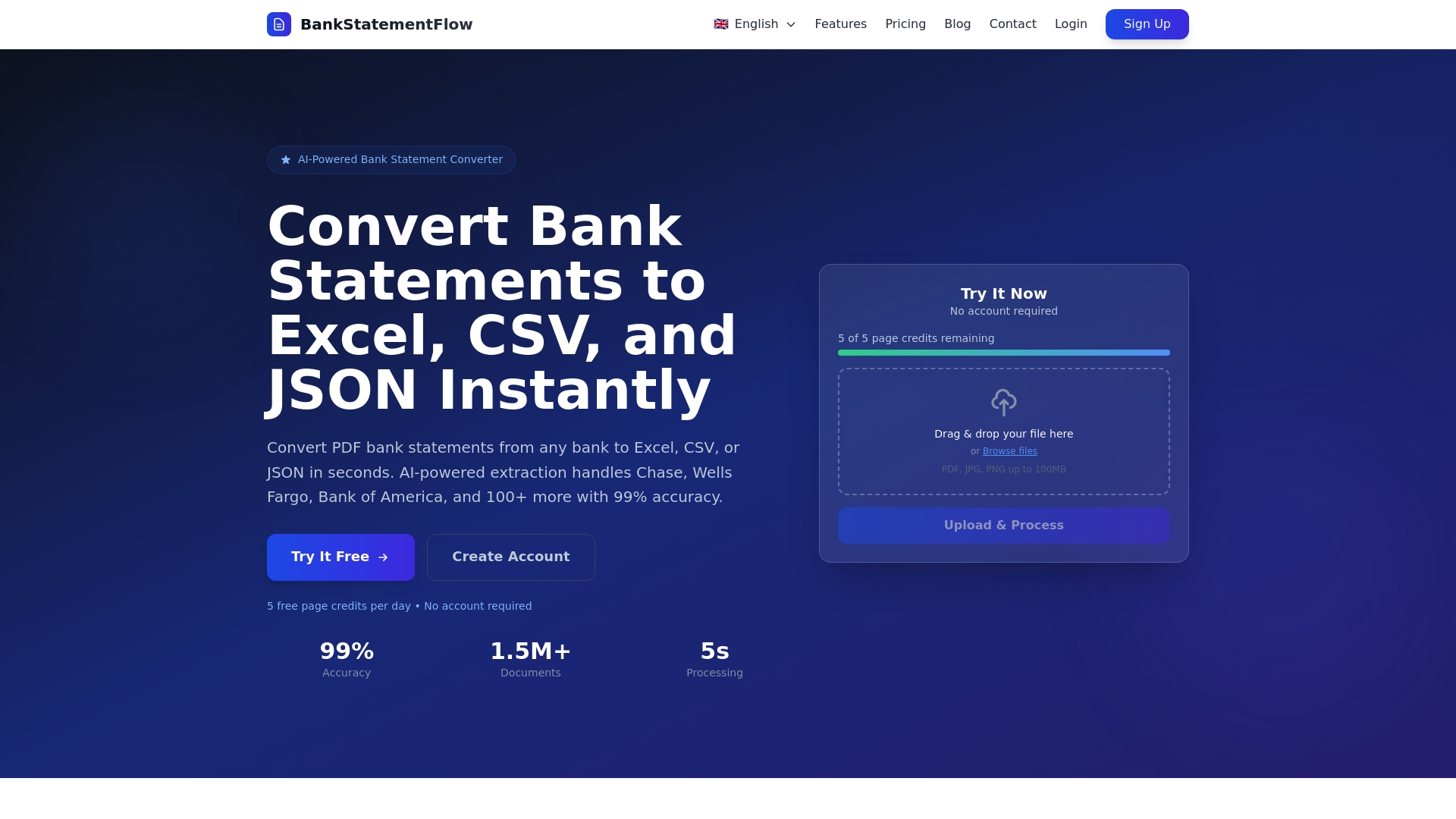
Integrate BankStatementFlow into your existing workflows through our API, or use the web interface for quick conversions. Custom field extraction adapts to your specific document types, while enterprise security features protect sensitive financial data. Export to CSV, Excel, JSON, or XML formats based on your downstream system requirements. Convert your financial documents efficiently and focus your team’s expertise on analysis rather than data entry.
FAQ
What is the difference between XBRL and iXBRL?
XBRL is a machine-readable data standard that tags financial information with standardized labels from approved taxonomies. iXBRL embeds these XBRL tags within HTML documents, creating files that display normally in web browsers while maintaining full machine readability. This dual-purpose design eliminates the need for separate human-readable and machine-readable versions of financial reports.
Why are tagging errors common in XBRL reports?
Complex taxonomies with thousands of available tags create confusion about which elements to use for specific financial concepts. Manual tagging processes introduce human error, especially when preparers lack comprehensive taxonomy training. In 2023, over 6,500 XBRL tagging errors were found in SEC filings. These errors lead to inaccurate financial reporting and potential compliance violations requiring costly restatements.
Which financial data format is best for automation?
XBRL and OFX are preferred for automated, compliant data workflows because their structured tags enable software to interpret data meaning without human intervention. Adoption of standards like XBRL and OFX improves data quality and interoperability. CSV is simpler and more universally compatible but lacks metadata and validation features, limiting automation potential for complex financial processes. The choice depends on your specific compliance requirements and system integration needs.
Can I convert between different financial data formats?
You can convert between formats, but the process varies in complexity and potential data loss. Converting from structured formats like XBRL to simpler formats like CSV is straightforward but loses metadata and validation rules. Converting from CSV to XBRL requires adding tags and structure, often needing manual intervention to ensure accuracy. Specialized conversion tools and platforms can automate much of this process while preserving data integrity.
How do I choose between CSV and OFX for bank data?
Choose OFX when integrating directly with accounting software for automated bank reconciliation, as it preserves transaction metadata and account details. Select CSV when you need maximum flexibility for custom analysis, data manipulation in spreadsheets, or compatibility with systems that don’t support OFX. OFX provides richer structure and better automation, while CSV offers simplicity and universal accessibility for manual review and ad hoc reporting needs.