Unlock accuracy: the role of automation in accounting

Most accounting firms have invested in modern software and still find themselves buried in reconciliation errors, late closes, and manual data fixes. The assumption is that better software equals better accuracy. It doesn’t. True accuracy gains come from automating the processes that run underneath your software, not just upgrading the interface on top. Repetitive tasks like transaction categorization consume 25 to 35% of bookkeeping time alone. This guide breaks down what accounting automation actually is, where it delivers the most value, where it fails, and how to roll it out without disrupting your firm.
Table of Contents
- What automation really means for accounting
- Which accounting tasks are best suited for automation?
- Where automation falls short: Limits and risks
- Key steps to successful automation in your accounting firm
- The human factor and the future: Why automation plus expertise wins
- Unlock the benefits of automation with BankStatementFlow
- Frequently asked questions
Key Takeaways
| Point | Details |
|---|---|
| Automate key tasks | Start with repeatable processes like categorization, reconciliation, and payroll for major accuracy gains. |
| Human expertise matters | Automation enhances, not replaces, accountants—judgment, ethics, and strategic advice remain critical. |
| Prioritize clean data | Preparing solid data foundations maximizes automation ROI and reduces costly errors. |
| Mitigate automation risks | Use robust governance and phased implementation to manage data, privacy, and compliance concerns. |
| Adopt a hybrid model | Combine AI’s speed with expert review for the most accurate and compliant accounting workflows. |
What automation really means for accounting
Automation in accounting is not the same as digitization. Scanning a paper invoice and storing it as a PDF is digitization. Having a system read that invoice, extract the line items, match them to a purchase order, and post the journal entry without human input is automation. The distinction matters because firms often mistake one for the other and wonder why accuracy hasn’t improved.
The core technologies powering modern accounting automation include several distinct layers. Key methodologies include RPA for rule-based tasks, AI and ML for data extraction and anomaly detection, OCR for document reading, workflow orchestration for end-to-end pipelines, and agentic AI for autonomous exception resolution and forecasting. Each layer handles a different type of complexity.
Here is what a connected automation pipeline typically handles:
- Transaction categorization: Matching transactions to the correct GL codes using learned patterns
- Bank reconciliation: Real-time matching of bank feeds against ledger entries
- Invoice processing: Extracting vendor data, amounts, and due dates from unstructured PDFs
- Journal entries: Auto-posting recurring entries based on predefined rules
- Payroll processing: Calculating deductions, taxes, and net pay with minimal manual input
- Month-end close: Triggering checklists, flagging exceptions, and consolidating reports automatically
“59% of accounting firms have adopted AI and cloud-based tools, while 28% are actively using learning-based systems that improve over time.” The firms seeing the biggest accuracy gains are not using these tools in isolation. They are connecting them into pipelines where the output of one step feeds directly into the next.
Understanding AI in accounting as a layered system rather than a single tool is what separates firms that see marginal improvements from those that see transformational ones.
Which accounting tasks are best suited for automation?
Not every accounting task responds equally well to automation. The highest gains come from tasks that are high-volume, rule-based, and document-intensive. Here is a quick comparison of task suitability by automation type:

| Task | Best automation type | Why it fits |
|---|---|---|
| Transaction categorization | ML/AI | Learns from historical patterns |
| Bank reconciliation | RPA + AI | Rule-based matching with exception flags |
| Invoice data extraction | OCR + ML | Reads unstructured documents accurately |
| Payroll calculations | RPA | Strict rules, consistent inputs |
| Audit judgment | Human only | Requires contextual and ethical reasoning |
| Complex tax interpretation | Human + AI assist | Policy nuance exceeds current AI capability |
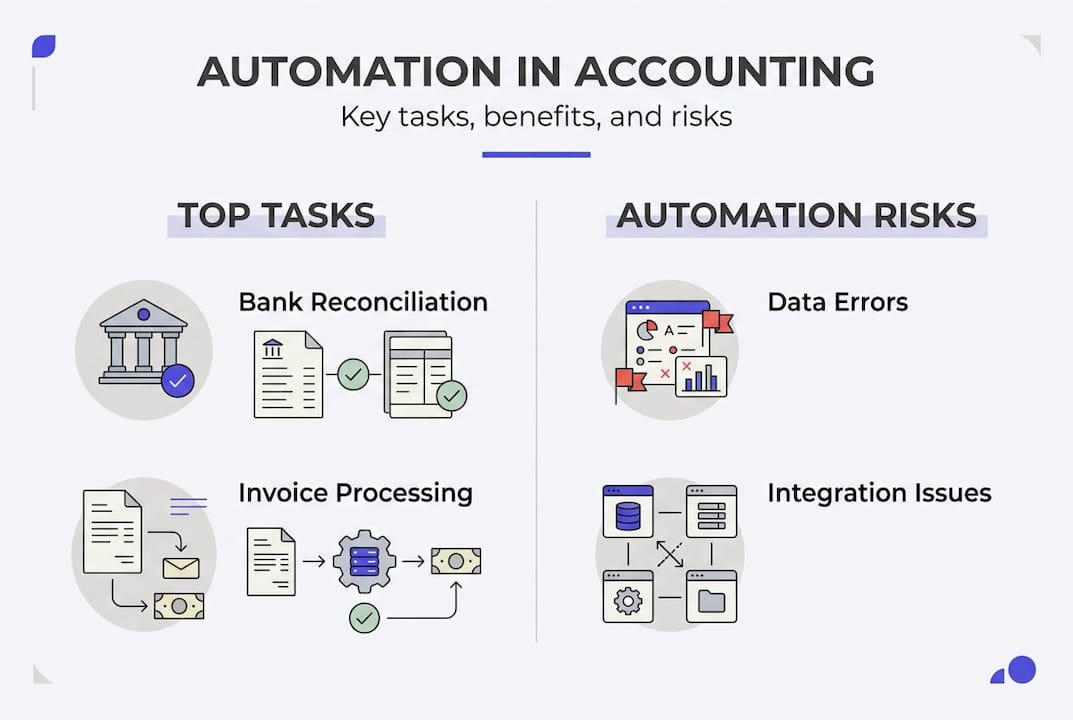
The top five tasks where automation delivers the fastest, most measurable ROI are:
- Transaction categorization: Categorization consumes 25 to 35% of bookkeeping time. AI can automate 70 to 90% of this work once trained on your chart of accounts.
- Bank reconciliation: Automated matching eliminates the manual line-by-line review that causes most reconciliation delays.
- Month-end close: Automated checklists and exception alerts cut close cycles from weeks to days.
- Invoicing: Extracting and validating invoice data removes the bottleneck that slows accounts payable.
- Payroll processing: Consistent rule sets make payroll one of the cleanest automation wins available.
Exploring document automation use-cases specific to accounting firms shows just how quickly these gains compound. The automation benefits become especially clear when you stack multiple automated workflows together.
Pro Tip: Start your automation program with the single highest-volume, document-intensive process in your firm. Quick wins build internal confidence and generate the data you need to justify broader rollout.
Where automation falls short: Limits and risks
Automation is not a fix-all. Firms that treat it as one tend to discover its limits at the worst possible moment, usually during an audit or a compliance review.
Common failure points include:
- Messy or inconsistent data: RPA breaks when source data formats change unexpectedly
- Unstructured documents: Handwritten notes, non-standard layouts, and image-heavy PDFs challenge even advanced OCR
- UI changes: Automated bots that scrape web interfaces fail when a vendor updates their portal
- Policy interpretation: Determining whether a transaction qualifies under a specific tax rule requires human judgment
- AI hallucinations: AI inaccuracies in procedural math and spreadsheet logic are a documented risk, not a theoretical one
- Audit and compliance review: Regulators expect human accountability, not just automated outputs
“46 to 69% of accounting professionals identify AI as a top risk to process reliability and compliance.” That number should not discourage adoption. It should shape how you govern it.
The answer is not to avoid automation but to build strong oversight into every workflow. That means phased rollouts, robust testing before go-live, and clear escalation paths when exceptions occur. Reviewing AI in compliance and audits gives you a clearer picture of where human review must remain non-negotiable.
Key steps to successful automation in your accounting firm
A successful automation rollout is not a technology project. It is a process improvement project that happens to use technology. Here is a proven implementation roadmap:
| Phase | Key actions | Success metric |
|---|---|---|
| Foundation | Standardize chart of accounts, clean legacy data | Data consistency rate above 95% |
| Pilot | Automate one high-volume workflow end-to-end | Error rate reduction vs. manual baseline |
| Governance | Define rules, thresholds, and exception handling | Zero unreviewed exceptions in production |
| Upskilling | Train staff on new tools and oversight roles | Staff confidence score above 80% |
| Scale | Expand to additional workflows using pilot learnings | ROI positive within 6 months of scale |
Follow these steps in order:
- Standardize your data: Standardizing charts of accounts and cleaning up legacy sources is the unglamorous work that makes everything else possible.
- Define your rules: Document exactly how each task should be handled before you automate it. Automation amplifies whatever process you give it, good or bad.
- Run a focused pilot: Pick one interconnected workflow, not a single isolated task. End-to-end pilots reveal integration issues that task-level tests miss.
- Measure against your baseline: Track error rates, processing time, and staff hours before and after. Numbers justify the next phase of investment.
- Scale with governance: Expand only after your oversight model is proven. Add fairness checks, privacy controls, and audit trails as you grow.
The automation rollout checklist and processing checklist are practical tools for keeping each phase on track. When you want to optimize data accuracy at the document level, starting with clean inputs is always the right move.
Pro Tip: Choose a pilot workflow that crosses at least two departments, such as accounts payable and general ledger. Cross-functional pilots expose the integration gaps that single-department tests miss entirely.
The human factor and the future: Why automation plus expertise wins
Automation does not replace accountants. It changes what accountants spend their time on. That shift is significant, and firms that manage it well gain a real competitive edge.
AI-transformed firms show a 2x readiness index compared to firms still relying on manual processes, and emerging markets are leading adoption in several categories. But the data also shows that wages rise and employment holds where expert judgment remains part of the workflow.
Here is how accountants’ roles evolve when automation handles the repetitive work:
- From data entry to data analysis: Time shifts from inputting numbers to interpreting what they mean
- From reconciliation to risk management: Accountants focus on flagging anomalies and advising on exposure
- From reporting to advisory: Clients get strategic guidance, not just financial statements
- From rule-following to rule-setting: Accountants define the logic that automation executes
Skepticism, ethical judgment, and contextual reasoning are not skills that AI can replicate. A system can flag an unusual transaction. Only an experienced accountant can determine whether it represents fraud, a one-time event, or a policy gap that needs fixing. Reviewing automation in financial reporting shows how this human-plus-machine model plays out in practice across reporting cycles.
The firms that will lead in the next decade are not the ones that automate the most. They are the ones that pair automation with the sharpest human judgment.
Unlock the benefits of automation with BankStatementFlow
The strategies covered in this guide only deliver results when you have tools built for the job. Manual workarounds and generic software leave accuracy gaps that compound over time.
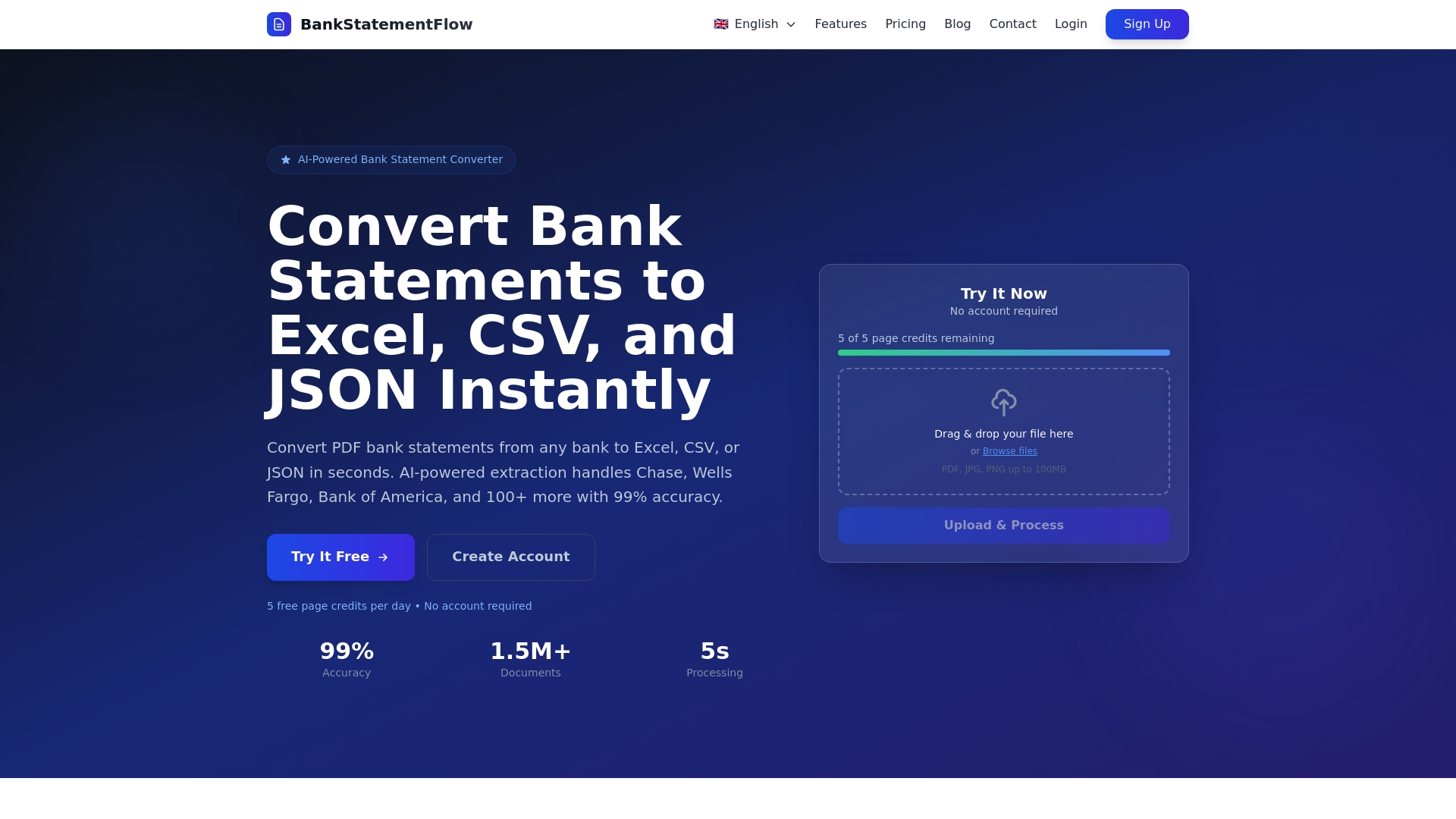
BankStatementFlow’s AI-powered statement conversion turns PDF bank statements, invoices, and receipts into structured Excel, CSV, JSON, or XML data with up to 99% accuracy. The platform handles password-protected files, phone photos, and multi-language documents without requiring scanners or manual reformatting. Whether you are piloting your first automated workflow or scaling across your entire firm, BankStatementFlow integrates directly into your existing processes via API, giving your team clean, structured data from the first document processed. Start converting financial documents accurately and at speed, so your accountants can focus on the work that actually requires their expertise.
Frequently asked questions
Which accounting tasks are most impacted by automation?
Tasks like transaction categorization, bank reconciliation, month-end close, journal entries, and payroll benefit most from automation because they are high-volume, rule-based, and repeatable.
Can automation fully replace accountants in the near future?
No. Automation augments accountants by handling repetitive tasks, but human expertise remains essential for judgment, ethics, and complex scenarios that AI cannot reliably navigate.
What is the biggest risk of automation in accounting?
The biggest risks are errors from messy data, integration failures, and AI inaccuracies in procedural math, especially when oversight processes are weak or absent.
How should a firm get started with accounting automation?
Start by standardizing charts of accounts and cleaning legacy data, then pilot automation on one document-intensive workflow before measuring results and scaling.
Recommended
- Role of automation in financial reporting: boost speed - BankStatementFlow Blog
- Unlock benefits of automated document processing in 2026 - BankStatementFlow Blog
- Master financial document organization: 99% accuracy guide - BankStatementFlow Blog
- Role of AI in Accounting: Automate Documents for Accuracy - BankStatementFlow Blog