Extract bank statement data with 99% AI accuracy

Manual processing of bank statements drains financial teams with slow, error-prone data entry that consumes hours each month. AI-driven data extraction can slash workload by up to 90% while improving accuracy to over 99%, transforming how accounting professionals handle financial documents. This guide walks you through the tools, methods, challenges, and best practices for automating data extraction from bank statements to achieve speed and precision.
Table of Contents
- Prerequisites: Tools And Data Preparation
- Core Techniques For Bank Statement Data Extraction
- Integration And Output Management
- Common Errors And Troubleshooting
- Security And Compliance Considerations
- Expected Outcomes And Benchmarks
- Streamline Your Bank Statement Processing With Bankstatementflow
- Frequently Asked Questions
Key takeaways
| Point | Details |
|---|---|
| AI OCR delivers 99% accuracy | AI-based OCR achieves up to 99% extraction accuracy, vastly outperforming manual and template methods. |
| Preprocessing boosts results | Image enhancement improves OCR rates by 15%-25%, critical for scanned or low-quality statements. |
| API integration streamlines workflow | Direct connection to accounting systems automates data flow and eliminates manual transfers. |
| Human review catches edge cases | Validation loops identify misclassifications and ensure data quality for critical reporting. |
| Automation cuts processing time 90% | Teams reduce manual entry dramatically and speed monthly close by 30%-50%. |
Prerequisites: tools and data preparation
Before launching automated extraction, you need the right foundation. Start with an AI-powered OCR platform specialized for bank statements. Generic OCR tools struggle with financial document complexity, while purpose-built systems recognize transaction tables, dates, and amounts with far higher precision.
You’ll need access credentials for any encrypted or password-protected PDF bank statements your organization receives. Many banks deliver statements as secured files, and automated tools can only extract data after authentication. Keep a secure vault of passwords or decryption keys organized by institution to avoid processing bottlenecks.
Understanding common statement formats helps you customize extraction workflows. Bank statements vary widely in layout, from single-page summaries to multi-page transaction logs. Review samples from your primary institutions to identify field locations, date formats, and column structures. This knowledge guides configuration of your extraction tool’s field mapping.
Preprocessing tools for image enhancement are essential when working with scanned documents or phone photos. De-skewing corrects tilted pages, noise reduction removes artifacts, and contrast adjustment sharpens faded text. These steps can improve OCR performance by up to 25%, making the difference between clean extraction and frustrating errors.
Integration readiness with your accounting software matters for smooth data flow. Check whether your platform offers API access, supported export formats like Excel or CSV, and compatibility with your ERP system. A seamless connection eliminates manual file transfers and reduces the risk of version confusion.
Essential preparation checklist:
- Select an AI-powered extraction platform with financial document specialization
- Compile access credentials for all encrypted statement sources
- Document common statement layouts from your key banking partners
- Install preprocessing software for image quality enhancement
- Verify API compatibility with your accounting or ERP system
Pro Tip: Test your extraction workflow with a small batch of diverse statement formats before scaling up. This pilot reveals configuration gaps and helps you refine field mappings without disrupting production accounting cycles.
| Preparation Element | Impact on Extraction Success |
|---|---|
| AI-specialized platform | Recognizes financial layouts 40% better than generic OCR |
| Preprocessing tools | Reduces recognition errors by 15%-25% on scanned inputs |
| Format documentation | Cuts configuration time by 50% through targeted mapping |
| API readiness | Eliminates manual transfer steps and speeds integration |
For a deeper dive into structuring your extraction process, explore this step-by-step bank statement processing guide that covers end-to-end workflow design.
Core techniques for bank statement data extraction
AI-powered OCR combined with machine learning forms the backbone of modern bank statement extraction. These systems learn from thousands of statement examples, adapting to variable layouts and improving accuracy over time. Unlike rigid template-based methods that break when formats change, machine learning models recognize patterns like transaction tables and balance summaries regardless of positioning.
Template-based extraction struggles with the real-world diversity of bank statements. A template works only for the exact format it was designed for, meaning you need a separate template for each bank and statement type. When an institution updates its layout, all existing templates fail. This brittleness makes template methods impractical for organizations dealing with multiple banking relationships.
Preprocessing input images before OCR reduces recognition errors significantly. Scanned statements often suffer from skew, blur, or low contrast that confuses even advanced OCR engines. Running images through enhancement filters corrects these issues, delivering cleaner input that yields more accurate text extraction. The quality improvement compounds when processing large batches.
Multi-language and regional variations require customizable OCR models. Banks in different countries format dates, currencies, and amounts differently. A model trained primarily on US statements may struggle with European formats where commas and periods swap roles in numbers. Choose platforms that support regional customization or allow you to train models on your specific statement types.
Comparison of extraction methods:
| Method | Accuracy | Flexibility | Setup Effort | Best For |
|---|---|---|---|---|
| AI OCR + ML | 95%-99% | High, adapts to new formats | Moderate, needs training data | Organizations with diverse statement sources |
| Template-based | 70%-90% | Low, breaks with format changes | High, requires template per format | Single bank with stable format |
| Manual entry | 85%-95% | Maximum, handles any format | Minimal | Very low volumes only |
Key advantages of AI techniques:
- Automatic adaptation to new statement layouts without manual reconfiguration
- Continuous accuracy improvement through model retraining with real usage data
- Handling of partial occlusion or quality degradation that would break templates
- Multi-format processing in a single workflow instead of format-specific pipelines
Pro Tip: Regularly retrain your AI models with statements your team has validated. This creates a feedback loop where the system learns your specific formats and field priorities, boosting precision above baseline accuracy rates.
For technical background on how these systems work, review this explanation of OCR technology and see practical AI examples in banking to understand real-world implementations. Understanding what OCR means in finance provides context for why this technology transformed financial document processing.
Integration and output management
Extracting data is only half the battle. You need structured output in formats your accounting systems can consume. Modern extraction platforms export to Excel, CSV, JSON, and XML, covering virtually all integration scenarios. Excel works well for manual review and small-scale imports, while CSV suits bulk uploads to accounting software. JSON and XML enable sophisticated API integrations for real-time data flow.

API integration takes automation to the next level by eliminating file transfers entirely. Configure your extraction platform to push validated data directly into your ERP or accounting system via API calls. This approach reduces errors from manual file handling and ensures data appears in your system immediately after extraction completes. Many platforms offer webhook support, triggering downstream processes automatically when new statements arrive.
Batch processing supports handling large volumes efficiently. Instead of processing statements one at a time, queue them for bulk extraction during off-peak hours. Batch mode leverages parallel processing to extract from dozens or hundreds of statements simultaneously, dramatically reducing total processing time. Schedule batches to run overnight so fresh data awaits your team each morning.
Custom field extraction allows tailoring data output to your organizational reporting needs. Standard extraction captures transaction dates, descriptions, and amounts, but you might need merchant categories, tax classifications, or project codes. Configure custom field rules to parse these elements from transaction descriptions or apply machine learning to classify transactions automatically based on patterns.
Output management workflow:
- Configure export format based on your integration target (Excel for review, CSV for bulk import, JSON for API)
- Set up validation rules to flag suspicious extractions before export (negative deposits, missing dates, unusual amounts)
- Route validated output to appropriate systems via API, scheduled file transfer, or manual review queue
- Archive original statements and extraction results for audit trails and troubleshooting
- Monitor error rates and extraction quality metrics to identify issues requiring attention
Integration options by use case:
- Immediate processing: API integration with webhook triggers for real-time data availability
- Daily batches: Scheduled CSV exports uploaded automatically to accounting software
- Manual oversight: Excel output with human review before final import
- Audit requirements: JSON with complete metadata archived alongside original PDFs
For comprehensive workflow design, this step-by-step bank statement processing resource covers integration patterns and best practices for connecting extraction to downstream systems.
Common errors and troubleshooting
Misclassifications and date parsing errors top the list of extraction issues. Without domain-specific training, AI models may confuse transaction descriptions with account numbers or misinterpret date formats like MM/DD/YYYY versus DD/MM/YYYY. These errors propagate into accounting records if uncaught, requiring time-consuming corrections. Human-in-the-loop review catches extraction errors that automation misses, especially for unusual transaction types or format variations.
Encrypted or password-protected files block extraction entirely without proper credentials. Many financial institutions deliver statements as secured PDFs requiring passwords to open. Automated systems need these passwords configured in advance or they’ll skip the files and generate error logs. Maintain a secure credential store linked to each statement source so extraction proceeds smoothly.
Low-quality inputs cause up to 25% of OCR errors according to research on financial document processing. Scanned statements with poor contrast, skewed orientation, or compression artifacts confuse recognition engines. Implement preprocessing to enhance image quality before OCR runs. De-skewing, noise reduction, and contrast normalization prevent these avoidable errors and improve batch success rates.
Amount parsing failures occur when OCR misreads numbers due to formatting quirks. Commas, periods, and currency symbols vary by region, and OCR sometimes confuses similar characters like O and 0. Validate extracted amounts against expected ranges and flag outliers for review. Configure your system to recognize your specific regional number formats to reduce these misreads.
Error mitigation strategies:
- Train models with validated examples of your specific statement formats and edge cases
- Implement validation rules that flag suspicious extractions based on amount ranges, date logic, and field completeness
- Route flagged records to human reviewers before final import into accounting systems
- Monitor error rates by statement source to identify problematic formats needing model refinement
- Keep preprocessing pipelines updated to handle new image quality challenges
Pro Tip: Track error patterns over time to identify systematic issues. If a particular bank’s statements consistently cause date parsing failures, that signals a need for format-specific training or preprocessing adjustments rather than case-by-case corrections.
Learn about specific issues and fixes in this guide to common bank statement errors and fixes, and understand the broader value in why extract bank statement data to motivate investment in quality improvement.
Security and compliance considerations
Handling financial data demands strict security protocols at every step. Bank statements contain sensitive account numbers, transaction details, and personal information that must be protected from unauthorized access. Choose extraction platforms that encrypt data both in transit and at rest, using industry-standard protocols like TLS for transmission and AES-256 for storage.
Compliance with SOC 2, GDPR, and regional regulations is non-negotiable for cloud-based extraction services. SOC 2 certification demonstrates that a platform maintains appropriate security controls for customer data. GDPR compliance matters if you process statements for European entities, requiring specific data handling and retention practices. Verify your platform’s certifications before processing production data.
Secure transmission protocols protect data moving between systems. When integrating extraction platforms with accounting software via API, ensure connections use HTTPS with valid certificates. Avoid emailing extracted data files without encryption, as email travels through multiple servers where it could be intercepted. Use secure file transfer protocols or direct API connections instead.
Enterprise security features like role-based access control limit who can view and process statements. Not every team member needs access to all financial data. Configure permissions so users see only the statements relevant to their responsibilities. Audit logs track all data access and extraction activity, creating accountability and supporting compliance investigations.
Security checklist for automated extraction:
- Verify platform holds current SOC 2 Type II certification and relevant regional compliance attestations
- Confirm data encryption standards for both storage (at rest) and transmission (in transit)
- Implement role-based access controls limiting statement visibility by user role and department
- Enable audit logging to track all document access, extraction runs, and data exports
- Establish secure credential management for accessing password-protected statement files
- Schedule regular security reviews and penetration testing for integrated systems
- Maintain documented data retention and deletion policies aligned with regulatory requirements
Regularly update software and monitor for vulnerabilities to maintain compliance over time. Security isn’t a one-time setup but an ongoing practice. Subscribe to security bulletins from your platform vendor and apply patches promptly. Conduct periodic access reviews to remove permissions for departed employees and adjust roles as responsibilities change.
Expected outcomes and benchmarks
AI-driven extraction achieves approximately 99% accuracy on well-formatted bank statements, minimizing the need for manual error correction. This accuracy rate applies to standard fields like dates, amounts, and transaction descriptions when processing digital PDFs or high-quality scans. Edge cases like handwritten annotations or severely degraded documents may require additional validation, but these represent a small fraction of typical volumes.
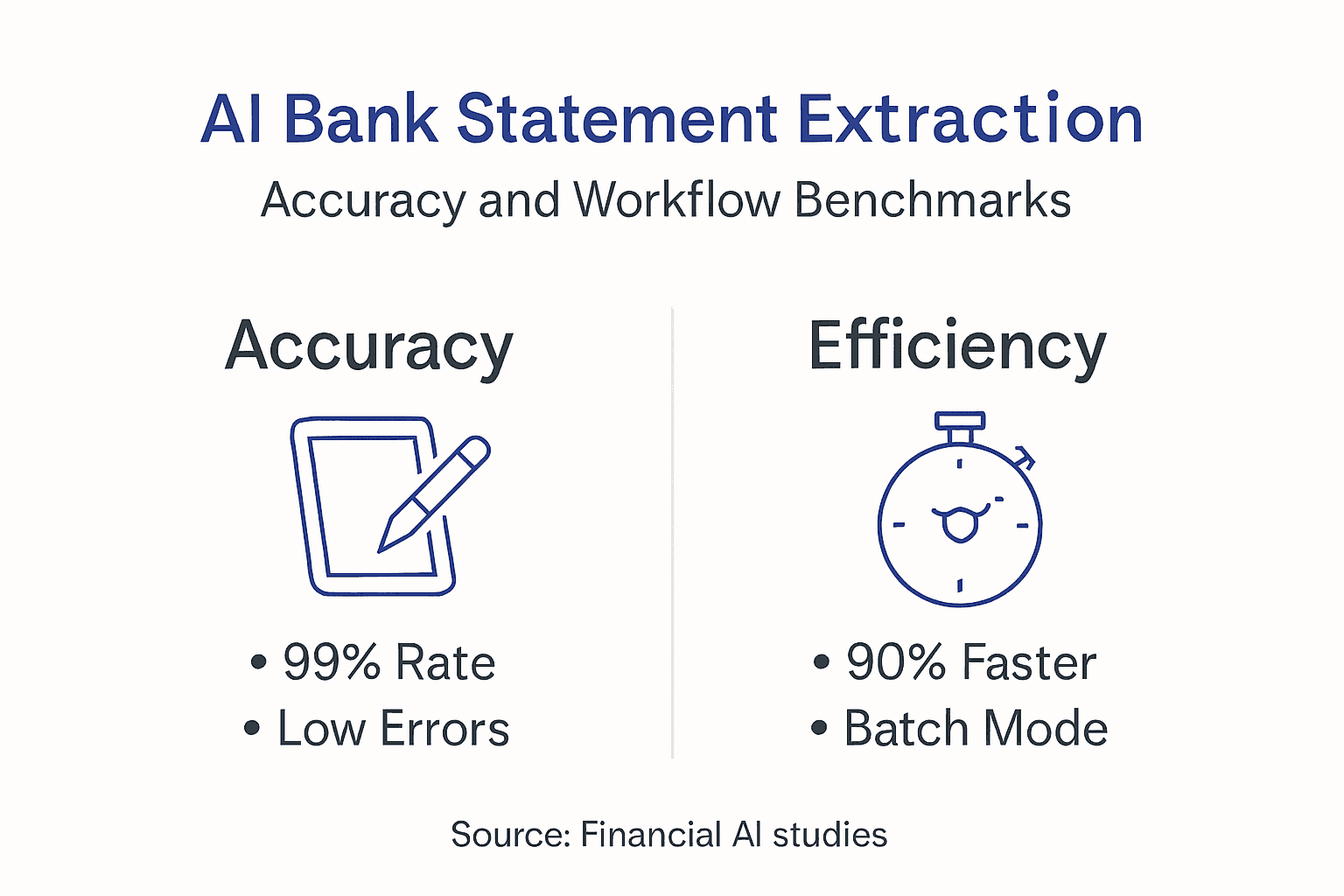
Automation reduces manual entry time by up to 90%, translating to significant labor hour savings. A financial team processing 500 statements monthly might spend 40 hours on manual data entry. Automated extraction cuts this to 4 hours for validation and exception handling. Those reclaimed hours shift to higher-value analysis and decision support instead of repetitive keying.
Monthly financial close processes can shorten by 30% to 50% with faster data availability. Traditional manual entry creates a bottleneck where bank reconciliation waits for completed data entry. Automated extraction delivers structured data within minutes of statement receipt, allowing reconciliation to begin immediately. This compression of the close timeline improves reporting speed and reduces period-end stress.
Ongoing validation and maintenance sustain low error rates below 1% over time. Initial accuracy of 99% improves further as teams validate extractions and feed corrections back into model training. This creates a virtuous cycle where the system becomes increasingly precise for your specific statement formats and transaction patterns.
Performance comparison:
| Metric | Manual Processing | Automated Extraction | Improvement |
|---|---|---|---|
| Accuracy | 85%-95% | 98%-99% | 3%-14% gain |
| Processing time per statement | 5-8 minutes | 30-60 seconds | 83%-90% reduction |
| Monthly close duration | 5-7 days | 2-4 days | 30%-50% faster |
| Error correction effort | 15%-20% of entries | 1%-2% of entries | 87%-95% reduction |
“Implementing AI-powered bank statement extraction cut our month-end close from six days to three. We reallocated two FTEs from data entry to financial analysis, dramatically improving our team’s strategic impact.” - Typical outcome for mid-size accounting teams adopting automation
These benchmarks assume proper implementation with adequate training data and regular model updates. Organizations new to automation should expect a learning curve during the first few months as teams refine configurations and build validation workflows. However, even during initial adoption, efficiency gains typically exceed 60% compared to manual processing.
Streamline your bank statement processing with BankStatementFlow
Ready to implement the automation strategies outlined in this guide? BankStatementFlow delivers AI-powered bank statement extraction achieving 99% accuracy across diverse formats and institutions. Our platform handles password-protected PDFs, scanned images, and phone photos without requiring expensive scanning equipment.
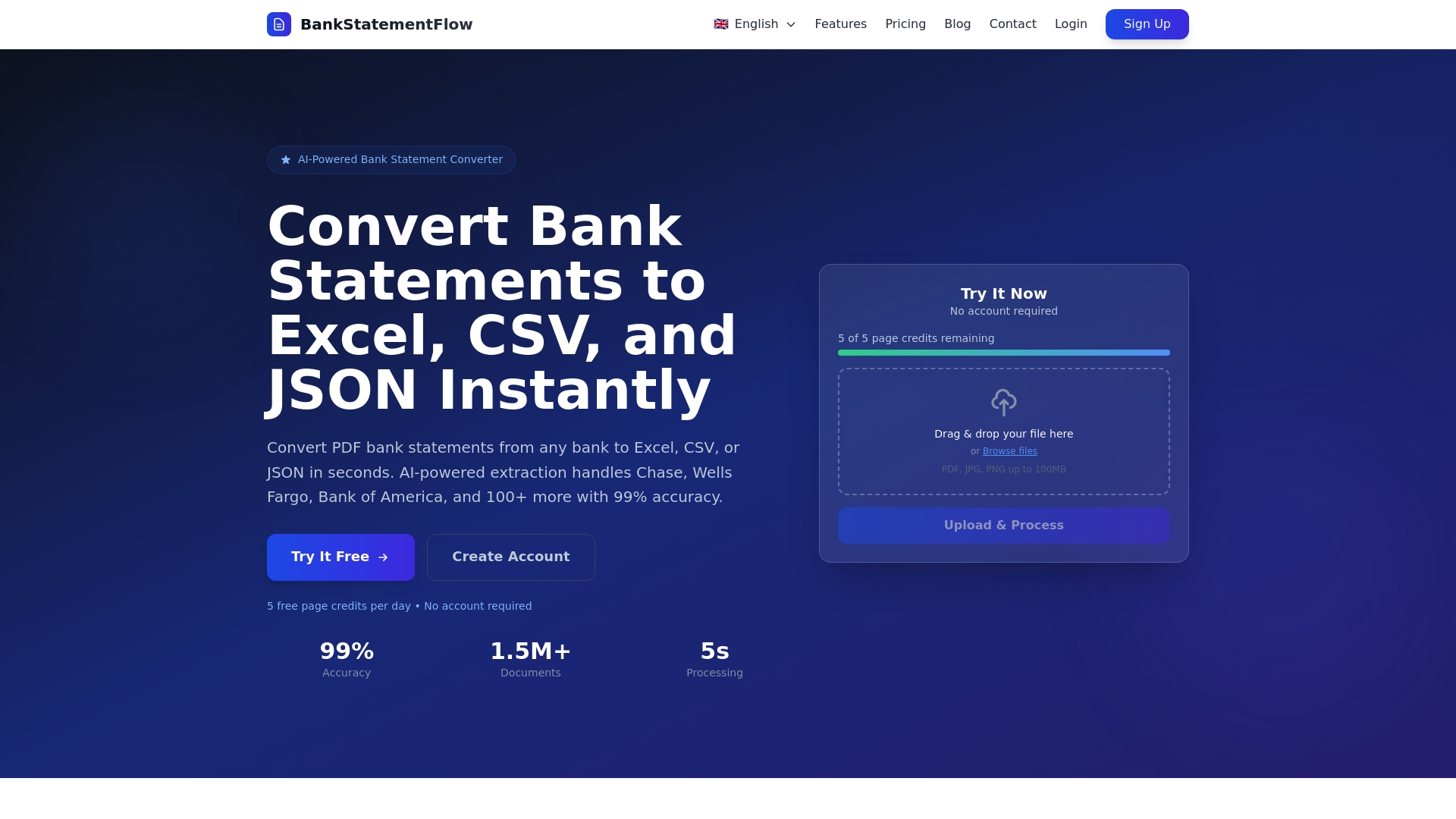
Seamlessly integrate extracted data into your accounting software through robust APIs supporting real-time data flow and batch processing. Reduce manual entry time by 90% and accelerate your month-end close by 30% to 50%. Our system supports custom field extraction tailored to your reporting requirements, plus enterprise security features including SOC 2 compliance and role-based access control. Explore our resources on automating financial documents and API integration for developers to see how quickly you can transform your bank statement workflow.
Frequently asked questions
What types of bank statements can AI extraction handle?
AI extraction processes most common formats including digital PDFs, scanned images, phone photos, and screenshots from online banking portals. The system handles both single-page summaries and multi-page transaction logs from consumer and business accounts. Password-protected files work seamlessly when you provide credentials during setup.
How secure is automated data extraction?
Secure platforms implement bank-level encryption, SOC 2 compliance, and role-based access controls to protect sensitive financial data. Data remains encrypted during transmission and storage, with audit logs tracking all access. Choose vendors with current security certifications and documented compliance with relevant regulations like GDPR where applicable.
Can automated extraction integrate with my existing accounting software?
Yes, modern extraction platforms offer multiple integration paths including direct API connections, scheduled file exports in CSV or Excel format, and webhook triggers for real-time data flow. Most popular accounting systems support these standard integration methods, enabling automated data import without manual file transfers.
Is human review still necessary with 99% accuracy?
Human validation remains important for catching the 1% of edge cases and ensuring data quality for critical financial reporting. Set up validation workflows where unusual transactions, amount outliers, or low-confidence extractions route to human reviewers before final import. This hybrid approach balances automation efficiency with necessary oversight.
How do I start automating bank statement data extraction?
Begin by selecting an AI-powered extraction platform specialized for financial documents rather than generic OCR tools. Gather sample statements from your key banking relationships and prepare access credentials for any protected files. Configure field mappings based on your statement formats, then run pilot batches to refine settings before scaling to full production volumes.
Recommended
- Step by Step Bank Statement Processing for Analysts - BankStatementFlow Blog
- Blog - BankStatementFlow | AI Document Processing Insights
- Bank Statement Digitization: Streamlining Financial Workflows - BankStatementFlow Blog
- What Is Bank Statement Parsing and Why Accuracy Matters - BankStatementFlow Blog