Why process financial documents digitally in 2026

Manual financial document processing drains time, introduces costly errors, and keeps your team stuck in repetitive data entry instead of strategic analysis. Many finance professionals underestimate just how inaccurate traditional methods are, with legacy OCR systems capturing barely half the data correctly from unstructured documents. Digital automation transforms this reality by combining AI-powered extraction, intelligent validation, and seamless integration to deliver accuracy rates above 95% while slashing processing times by more than half. This guide reveals how modern digital processing addresses the core challenges finance teams face and provides a practical roadmap to implement these efficiency gains in your organization.
Table of Contents
- Key takeaways
- The accuracy advantage of digital financial document processing
- How digital automation cuts time and costs in document processing
- Overcoming challenges and maximizing ROI with intelligent validation
- Practical steps to start processing financial documents digitally
- Enhance your financial document processing with BankStatementFlow
- Frequently asked questions
Key Takeaways
| Point | Details |
|---|---|
| High accuracy gains | Digital processing achieves 92-97% extraction accuracy across diverse formats, compared with 76-82% for structured documents and 45-58% for unstructured ones. |
| Time and cost savings | Organizations report 60-75% reductions in processing time and 40-55% reductions in costs after implementing AI powered systems. |
| Validation and integration | The most effective solutions embed validation rules and business logic into the extraction workflow to verify amounts against purchase orders and route exceptions for review. |
| Partial automation limits | Partial automation is common but can cap potential savings if not paired with full workflow integration and validation. |
The accuracy advantage of digital financial document processing
Traditional OCR technology struggles significantly with the varied formats and unstructured layouts common in financial documents. While basic OCR might handle standardized forms reasonably well, it falters when confronted with diverse invoice templates, scanned receipts with poor image quality, or bank statements with complex table structures. The result is frustrating: your team spends hours correcting extraction errors, verifying misread amounts, and manually entering data the system missed entirely.
Modern AI-enhanced OCR and Intelligent Document Processing (IDP) systems transform this landscape. These platforms use machine learning to recognize patterns across document types, adapt to new formats without manual template creation, and apply contextual understanding to improve extraction quality. Digital processing achieves 92-97% extraction accuracy across diverse formats, compared to just 76-82% for traditional OCR on structured documents and a dismal 45-58% on unstructured ones. That accuracy gap translates directly into fewer errors in your accounting records, reduced audit findings, and significantly less time spent on manual corrections.
Higher accuracy delivers compounding benefits throughout your financial workflows. When invoice data extracts correctly the first time, your accounts payable team can process payments faster, capture early payment discounts more reliably, and maintain stronger vendor relationships. Bank reconciliation becomes straightforward rather than a monthly ordeal. Financial reporting gains reliability because the underlying data is trustworthy from the start.
Yet accuracy alone doesn’t guarantee success. The most effective digital processing solutions integrate validation rules and business logic directly into the extraction workflow. This means the system doesn’t just read an invoice amount, it verifies that amount against purchase orders, flags discrepancies automatically, and routes exceptions to the right team members for review. Understanding OCR technology explained helps you evaluate whether a solution offers true intelligent processing or just basic character recognition.
“The difference between 80% and 95% accuracy isn’t just 15 percentage points. It’s the difference between automation that creates more work and automation that actually saves time.”
How digital automation cuts time and costs in document processing
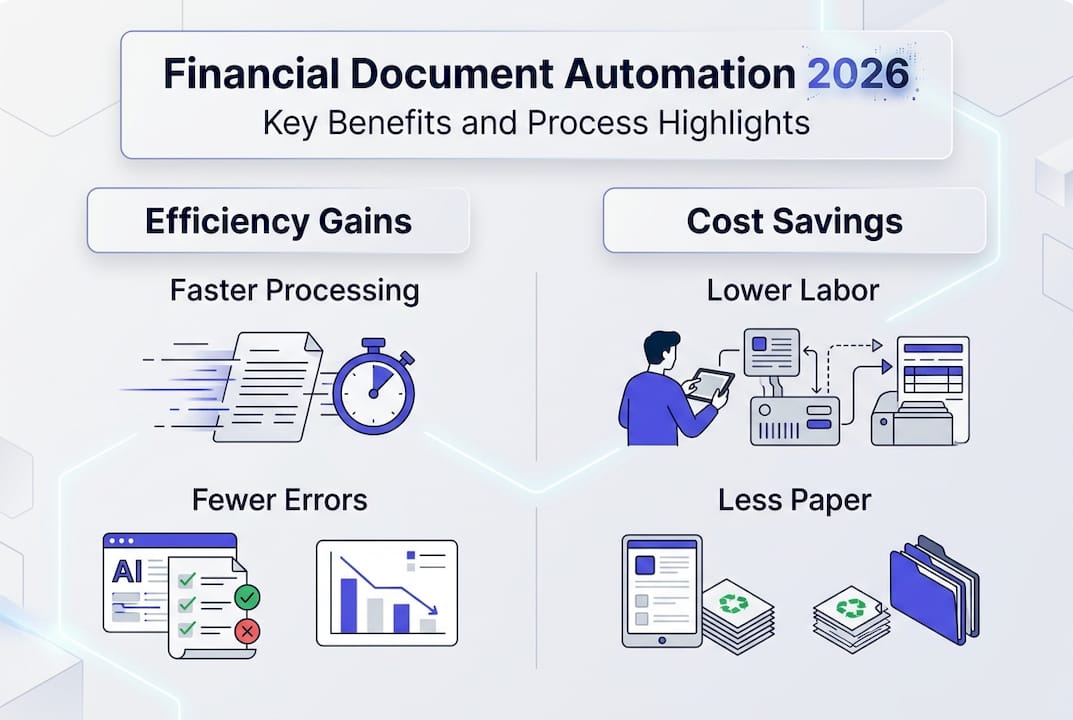
The time savings from automating financial document workflows are substantial and measurable. Organizations report 60-75% reductions in processing time after implementing AI-driven systems, with corresponding 40-55% decreases in costs and 30-40% of staff successfully redeployed to higher-value strategic tasks. These aren’t aspirational goals, they’re documented outcomes from finance teams that have made the transition.

Consider the economics of manual processing. Manual processing costs $5-25 per document when you factor in labor, error correction, and hidden multipliers like delayed payments and missed discounts. Automation reduces total cost by 65-80%, with some organizations achieving 75% cost savings per invoice and 90% time reduction. The math becomes even more compelling at scale: a team processing 500 invoices monthly could save $50,000 to $120,000 annually while dramatically improving accuracy.
Real-world benchmarks illustrate the transformation clearly:
| Metric | Manual Processing | Automated Processing | Improvement |
|---|---|---|---|
| Cycle time | 9.2 days average | 2-3 days typical | 70% faster |
| Cost per invoice | $15 average | $3-5 typical | 65-80% reduction |
| Daily throughput | 8-12 invoices per person | 32-40+ invoices per person | 3-4x increase |
| Touchless processing | Minimal | 70-90% of invoices | Massive efficiency gain |
| Error rate | 5-8% typical | 92-94% fewer errors | Near elimination |
Here’s how to maximize these time and cost benefits:
- Start with your highest-volume document types to accelerate ROI
- Implement straight-through processing for routine transactions that meet validation criteria
- Configure intelligent routing so exceptions go directly to the appropriate specialist
- Establish clear metrics to track processing time, cost per document, and error rates
- Regularly review automation rules and refine them based on actual performance data
Pro Tip: Calculate your current cost per document by dividing total processing labor costs by monthly document volume, then add 20-30% for hidden costs like error correction and delayed payments. This baseline makes ROI projections far more accurate and compelling to stakeholders.
The staff reallocation benefit deserves special emphasis. When your team spends 70% less time on data entry and error correction, they can focus on vendor negotiations, cash flow optimization, financial analysis, and process improvements. This shift from transactional to strategic work improves job satisfaction, reduces turnover, and delivers value that compounds over time. Exploring invoice processing automation reveals how leading finance teams are making this transition successfully.
Overcoming challenges and maximizing ROI with intelligent validation
Many finance teams approach automation with unrealistic expectations, focusing exclusively on OCR accuracy while overlooking the validation and integration components that actually determine success. Raw extraction accuracy matters far less than outcome certainty, the confidence that processed documents will flow through your systems correctly without manual intervention. Focus on outcome certainty over raw OCR accuracy because validation, business rule integration, and exception handling drive ROI, with high-volume accounts payable workflows typically achieving payback within 4-12 months.
Validation transforms extracted data into reliable business information. A system might read an invoice total with 99% character accuracy, but if it doesn’t verify that total against line items, check for duplicate invoices, or confirm the vendor is approved, you’ve automated data entry without actually automating the workflow. Intelligent validation catches these issues immediately, either auto-correcting minor discrepancies or routing exceptions with full context to the appropriate reviewer.
Integration represents the primary barrier slowing automation adoption. 73% of AP teams are not fully automated due to integration hurdles with existing ERP, accounting, and workflow systems. Elite teams overcome this by prioritizing high-volume workflows first for quick wins, demonstrating value before tackling more complex integration scenarios. They also choose platforms with robust API capabilities and pre-built connectors to common financial systems.
Common challenges and practical solutions:
- Legacy system compatibility: Choose automation platforms with flexible APIs and middleware options rather than requiring wholesale system replacement
- Change management resistance: Start with a pilot program on one document type, document clear wins, and let early adopters become internal champions
- Incomplete automation limiting benefits: Resist the temptation to keep manual review steps “just in case” and trust validation rules once they’re proven
- Vendor format variations: Implement machine learning systems that adapt to new formats automatically rather than requiring manual template creation for each vendor
Pro Tip: Map your entire document-to-payment workflow before selecting automation technology. Identify every handoff, approval, and system interaction. The best automation solution addresses the complete workflow, not just the extraction step.
“Automation isn’t about replacing human judgment. It’s about eliminating repetitive tasks so your team can focus their judgment where it actually matters.”
Maximizing ROI requires strategic sequencing. Begin with document types that combine high volume, standardized formats, and clear validation rules. Invoices from repeat vendors, monthly bank statements, and recurring expense reports typically offer the fastest payback. Once these workflows are optimized, expand to more complex document types with the confidence and expertise gained from early successes. The automation checklist 2026 provides a structured approach to this phased implementation.
Practical steps to start processing financial documents digitally
Transitioning from manual to digital financial document processing doesn’t require a complete operational overhaul. A methodical approach lets you build momentum with early wins while minimizing disruption to ongoing operations. Follow these steps to launch your digital processing initiative successfully:
-
Assess your current document workflows and pain points: Document how many invoices, bank statements, receipts, and other financial documents your team processes monthly. Identify where errors occur most frequently, which document types create the biggest bottlenecks, and where staff spend the most time on repetitive tasks. This baseline assessment reveals your highest-value automation opportunities.
-
Choose technology with AI-enhanced OCR and validation: Evaluate platforms based on their ability to handle your specific document types, integrate with your existing systems, and provide intelligent validation beyond basic extraction. Request demonstrations using your actual documents rather than sanitized samples. Verify that the solution supports the file formats you receive, including password-protected PDFs, images from mobile devices, and documents with complex layouts.
-
Start with high-volume invoice and bank statement processing: These document types typically offer the clearest ROI because they combine high volume with relatively standardized formats. Partial automation is common, with many teams still at 58% manual invoice data entry in 2026, indicating substantial room for improvement. Beginning here lets you demonstrate value quickly and build organizational confidence in the technology.
-
Train staff on exception handling and system use: Your team’s role shifts from data entry to exception management and process optimization. Provide thorough training on how to review flagged items, refine validation rules, and use the system’s reporting capabilities. Emphasize that automation enhances their work rather than threatening their roles.
-
Monitor metrics and continuously optimize: Track processing time per document, cost per document, error rates, and straight-through processing percentages. Review exceptions regularly to identify patterns that suggest needed rule adjustments. Most organizations see continuous improvement over the first 6-12 months as validation rules mature and staff become more proficient.
Key considerations for each document type:
- Bank statements: Focus on accurate transaction categorization and reconciliation automation
- Invoices: Prioritize three-way matching with purchase orders and receiving documents
- Receipts: Implement mobile capture and expense policy validation
- Financial reports: Ensure data flows correctly into consolidation and reporting systems
Understanding what is financial document automation provides essential context for making informed technology decisions. Similarly, exploring the role of AI in accounting helps you evaluate whether a solution offers genuine intelligence or just digitized manual processes. The AI document processing revolution article examines how leading organizations are leveraging these technologies for competitive advantage.
Success requires patience during the initial implementation phase. Expect a learning curve as you configure validation rules, train staff, and integrate with existing systems. Most organizations reach positive ROI within 4-8 months for high-volume workflows, with benefits accelerating as the system matures and staff proficiency increases.
Enhance your financial document processing with BankStatementFlow
Ready to experience the accuracy and efficiency gains described throughout this guide? BankStatementFlow provides an AI-powered platform specifically designed for finance teams seeking to convert PDF bank statements and other financial documents into structured Excel and CSV formats effortlessly. Our intelligent extraction technology handles diverse document types, from invoices and receipts to complex multi-page statements, with accuracy rates exceeding 99%.
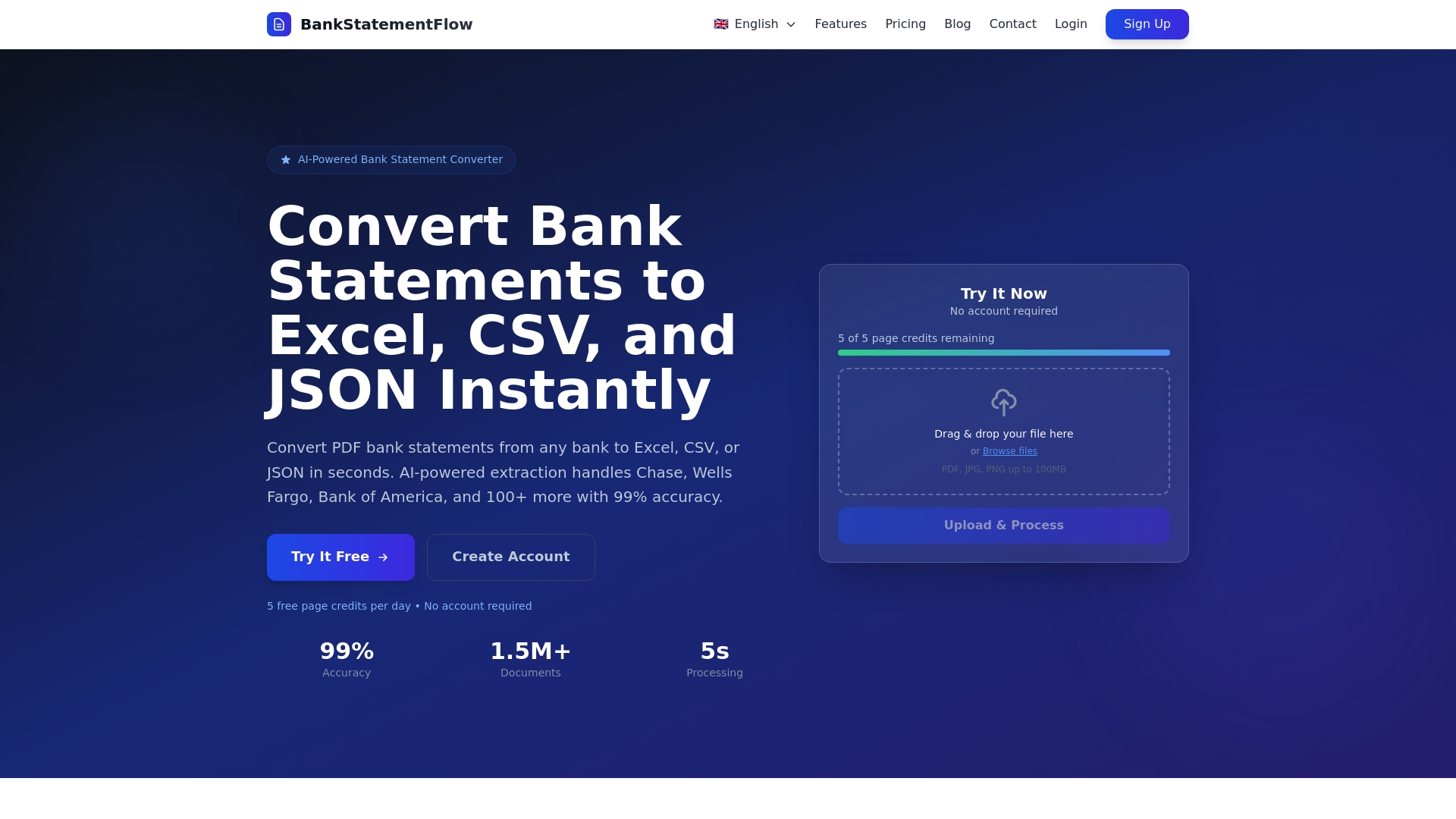
The platform eliminates the tedious manual work that consumes your team’s time while introducing costly errors. Whether you’re processing dozens or thousands of documents monthly, BankStatementFlow scales to meet your needs with rapid processing speeds and flexible export options. Explore our comprehensive resources on invoice processing automation and download the automation checklist 2026 to guide your implementation journey.
Frequently asked questions
What are the main benefits of processing financial documents digitally?
Digital processing delivers dramatically improved accuracy, with AI-powered systems achieving 92-97% extraction rates compared to 45-58% for traditional methods on unstructured documents. Organizations typically see 60-75% faster processing times and 65-80% cost reductions per document. Staff freed from repetitive data entry can focus on strategic analysis, vendor negotiations, and process improvements that deliver compounding value.
How does AI improve accuracy in financial document processing?
AI uses advanced pattern recognition to adapt to diverse document formats without manual template creation, applying contextual understanding to extract data correctly even from poor-quality scans or complex layouts. Intelligent Document Processing systems learn from corrections, continuously improving their accuracy over time. These systems also integrate validation rules that verify extracted data against business logic, catching errors that simple OCR would miss. Learn more about the role of AI in accounting and how it transforms document workflows.
What challenges might organizations face when digitizing financial documents?
Integration with existing ERP and accounting systems represents the primary barrier, with 73% of accounts payable teams reporting incomplete automation due to these technical hurdles. Incomplete automation that retains unnecessary manual review steps limits efficiency gains and frustrates staff. Change management also poses challenges, as team members may resist new workflows or lack confidence in automated systems initially. Following a structured automation checklist 2026 helps organizations navigate these obstacles systematically.
How can finance teams measure the ROI of digital document processing?
Track reductions in processing cycle time, cost per document, and error rates as your primary ROI metrics. Calculate staff time saved and quantify the value of redeploying that time to strategic activities like financial analysis or process optimization. Include faster approval cycles, improved early payment discount capture, and reduced audit findings in your ROI calculation. Most high-volume workflows achieve positive ROI within 4-12 months, with benefits accelerating as validation rules mature and staff proficiency increases.
Recommended
- Document security in finance for SMEs in 2026 - BankStatementFlow Blog
- What is financial document automation? A 2026 guide - BankStatementFlow Blog
- Financial document processing checklist for automation 2026 - BankStatementFlow Blog
- Financial data formats for efficient conversion in 2026 - BankStatementFlow Blog