How to Automate Bank Statement Processing Easily

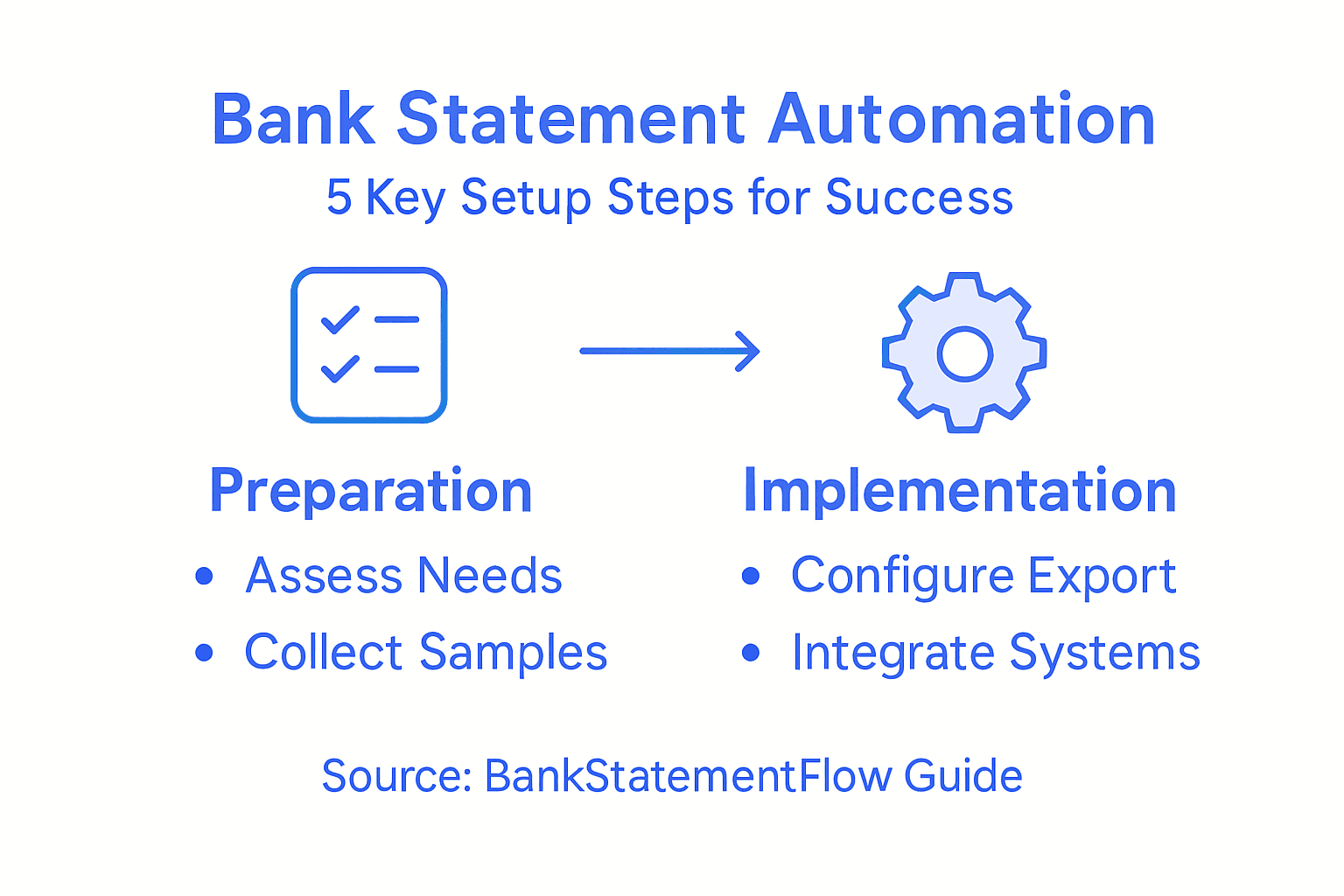
Lost hours and costly errors from manual bank statement processing are all too common for global finance teams. With the rise of automation backed by advanced AI, countries like Canada and the United States are driving new standards for automated financial workflows. This guide highlights proven steps to enhance data extraction accuracy and ensure compliance, giving financial analysts and automation specialists clear strategies to transform their document processing efficiency.
Table of Contents
- Step 1: Assess Document and Data Requirements
- Step 2: Set Up BankStatementFlow Platform
- Step 3: Configure Extraction and Export Settings
- Step 4: Integrate With Existing Finance Systems
- Step 5: Verify Output and Optimize Accuracy
Quick Summary
| Key Point | Explanation |
|---|---|
| 1. Assess Document Requirements | Thoroughly evaluate the types, formats, and structures of documents to identify extraction parameters. |
| 2. Set Up Platform Access | Configure user accounts and permissions for team members to facilitate smooth platform use. |
| 3. Configure Extraction Settings | Define data fields and export formats to ensure accurate financial data extraction and transfer. |
| 4. Integrate Existing Systems | Ensure compatibility and establish secure connections between BankStatementFlow and current financial systems. |
| 5. Implement Quality Control | Apply verification techniques and continuous improvement tactics for reliable financial data accuracy. |
Step 1: Assess Document and Data Requirements
Assessing your document and data requirements is the crucial first phase of automating bank statement processing. This step determines the technical blueprint for your entire automation strategy, ensuring accurate and efficient data extraction.
To effectively assess your document requirements, start by conducting a comprehensive review of the financial documents you need to process. Financial document validation criteria play a critical role in understanding the specific parameters for automation. Focus on identifying key characteristics such as:
- Document types (bank statements, invoices, receipts)
- Common file formats (PDF, JPEG, PNG, scanned documents)
- Typical document layouts and structures
- Specific data fields needed for extraction
Next, evaluate the technical specifications required for automation. This involves understanding the complexity of your documents, potential variations in formatting, and the precision needed for data extraction. Financial institutions must carefully assess data governance frameworks to ensure compliance and minimize processing errors.
Carefully map out the specific data points you need to extract, such as transaction dates, amounts, account numbers, and merchant details. Consider creating a detailed matrix that outlines each document type and its corresponding required data fields. This approach helps create a structured method for automated processing.
Here’s a summary of common financial document types and their typical automation challenges:
| Document Type | Typical Automation Challenge | Key Extraction Focus |
|---|---|---|
| Bank Statement | Complex formatting, data variations | Dates, balances, transactions |
| Invoice | Multiple layouts, inconsistent fields | Vendor details, line items, totals |
| Receipt | Low print quality, small text | Merchant, amount, date |
| Remittance Advice | Multi-page, dense tabular data | Payment references, payee info |
Pro tip: Create a sample document repository with diverse examples of your financial documents to test and refine your automation process effectively.
Step 2: Set Up BankStatementFlow Platform
Setting up the BankStatementFlow platform is a straightforward process designed to transform your financial document processing workflow. This step will help you configure the system to match your specific organizational needs and begin automating your bank statement processing.
Begin by configuring platform access settings for your team. This involves creating user accounts, defining access levels, and establishing initial system parameters. Key setup steps include:
- Creating an organizational account
- Inviting team members and setting permission levels
- Configuring initial system preferences
- Connecting your primary document storage sources
Next, navigate through the platform’s initial configuration wizard. You’ll want to customize settings that align with your specific financial document processing requirements. Contract management module configurations offer valuable insights into establishing systematic processing workflows.

Carefully review the integration options available within BankStatementFlow. Determine which existing financial systems or cloud storage platforms you’ll connect to streamline your document processing. Pay special attention to security settings, ensuring that your sensitive financial data remains protected throughout the automation process.
Pro tip: Schedule a comprehensive team training session to ensure everyone understands how to effectively use the platform and leverage its full automation capabilities.
Step 3: Configure Extraction and Export Settings
Configuring extraction and export settings is a critical step in optimizing your bank statement processing workflow. This phase determines how accurately and efficiently your financial data will be captured, transformed, and transferred across your organizational systems.
Start by carefully configuring data export parameters that align with your specific business requirements. These settings control how financial data will be extracted, formatted, and transferred. Key configuration areas include:
- Selecting preferred export file formats (CSV, XML, JSON)
- Defining specific data fields for extraction
- Setting up automated export schedules
- Configuring data validation rules
Next, dive into the detailed export configuration options. Financial transaction export settings require careful consideration to ensure data integrity and compatibility with your existing accounting systems. Pay special attention to quote handling, multiline support, and precise layout preferences that match your organizational standards.
Be methodical when mapping data fields and testing export configurations. Verify that all critical financial information transfers accurately, including transaction dates, amounts, account numbers, and merchant details. Create test exports and compare them against your source documents to confirm complete and precise data translation.
To help in decision-making, here’s a comparison of export file formats for financial data:
| Export Format | Best Use Case | Compatibility |
|---|---|---|
| CSV | Spreadsheet imports, quick review | Very high |
| XML | System-to-system data exchange | High |
| JSON | Web and API integrations | Increasingly common |
Pro tip: Create multiple export configuration profiles to handle different document types and streamline your financial data processing workflow.
Step 4: Integrate With Existing Finance Systems
Integrating BankStatementFlow with your existing financial systems represents a critical step in creating a seamless automated document processing workflow. This integration enables smooth data transfer and enhances your overall financial management capabilities.
Begin by identifying the financial management integration requirements for your specific organizational ecosystem. Key integration considerations include:
- Compatibility with existing accounting software
- API connection capabilities
- Data transfer protocols
- Security and compliance standards
- Real-time synchronization options
Next, assess the technical specifications of your current financial systems. Advanced AI integration frameworks recommend establishing robust data governance protocols that ensure secure and efficient information exchange. Focus on creating standardized data mapping between BankStatementFlow and your existing platforms to minimize manual intervention.
Carefully configure your integration settings, paying close attention to data validation rules, authentication mechanisms, and error handling procedures. Test each integration point thoroughly to confirm accurate data transmission and maintain the integrity of your financial records.
Pro tip: Create a staged integration approach, starting with a limited pilot group to validate system compatibility before full organizational rollout.
Step 5: Verify Output and Optimize Accuracy
Verifying the output and optimizing accuracy represents the final critical stage in your bank statement processing automation strategy. This step ensures that your automated system delivers precise, reliable financial data consistently.
Initiate your verification process by implementing automated transaction monitoring techniques that leverage advanced AI and machine learning capabilities. Key verification strategies include:
- Cross-referencing extracted data with original documents
- Running statistical validation checks
- Establishing percentage-based accuracy thresholds
- Creating automated error detection mechanisms
- Implementing random sampling verification protocols
Next, design a comprehensive quality control framework that aligns with rigorous industry standards. Regulatory quality control guidelines recommend developing robust policies that systematically identify and correct potential data discrepancies. Focus on creating multi-stage verification processes that catch and rectify errors before they impact financial reporting.
Establish a continuous improvement loop where accuracy metrics are constantly analyzed and used to refine extraction algorithms. Configure your system to generate detailed error logs, track performance trends, and automatically suggest machine learning model adjustments based on recurring pattern recognition.
Pro tip: Develop a standardized error classification system that enables quick identification and resolution of different types of data extraction inaccuracies.
Streamline Your Bank Statement Automation with BankStatementFlow
Automating bank statement processing can be complex due to challenges like diverse document layouts, extracting accurate transaction details, and integrating outputs seamlessly into your accounting systems. The critical need to assess document requirements, configure precise extraction settings, and verify output accuracy demands a powerful solution that removes manual effort and reduces costly errors.
BankStatementFlow is designed to tackle these exact pain points by offering an AI-powered platform that automates data extraction from varied financial documents with up to 99% accuracy. It supports multiple file formats and encrypted PDFs while providing flexible export options such as CSV, JSON, and XML to fit your workflows effortlessly. From initial setup to integration with your existing finance systems, BankStatementFlow makes the entire process fast and reliable.
Don’t let manual bank statement processing slow down your financial operations. Discover how our platform can simplify your automation journey by visiting BankStatementFlow. Learn about our features and experience the ease of converting complex financial documents into structured, actionable data today.
Frequently Asked Questions
How can I assess my document requirements for automating bank statement processing?
To assess your document requirements, conduct a thorough review of the financial documents you’ll process. Identify key document types, file formats, layouts, and specific data fields needed for extraction, creating a matrix to streamline the automation process.
What settings should I configure when setting up the BankStatementFlow platform?
Configure user access settings by creating accounts, defining permission levels, and connecting your document storage sources. Follow the platform’s initial configuration wizard to customize settings aligned with your financial document processing needs.
How do I configure extraction and export settings for financial data?
To configure extraction and export settings, define preferred export file formats and specific data fields for extraction. Set up automated export schedules and data validation rules to ensure accurate and efficient data transfer across your organization.
What are the essential steps for integrating BankStatementFlow with existing financial systems?
Identify the integration requirements of your current financial systems, focusing on compatibility and data transfer protocols. Configure integration settings carefully, paying attention to data validation rules and conducting thorough tests to maintain data integrity.
How can I verify the output and optimize accuracy in bank statement processing?
Implement automated transaction monitoring techniques and establish a quality control framework to verify extracted data against original documents. Regularly analyze accuracy metrics and adjust extraction algorithms to enhance data quality and minimize discrepancies.
Recommended
- 7 Key Bank Statement Automation Benefits for Analysts - BankStatementFlow Blog
- How Small Businesses Save 20+ Hours Weekly with Document Automation - BankStatementFlow Blog
- Invoice Processing Automation: From Chaos to Streamlined Workflows - BankStatementFlow Blog
- The AI Document Processing Revolution: How BankStatementFlow is Changing Business - BankStatementFlow Blog