Top 4 bankstatementdataextractor.com Alternatives in 2026
Finding the right tool to extract data from bank statements can make a big difference when handling financial records. With new solutions appearing every year, the options can feel overwhelming. Each platform promises accuracy and speed, but how do they really stack up? Some focus on user-friendly design while others aim for powerful automation. The market is changing fast and curious users want to know which tools stand out for the year ahead. If you are searching for an alternative to your current service, get ready to discover some surprising picks and key features you might not expect.
Table of Contents
BankStatementFlow
At a Glance
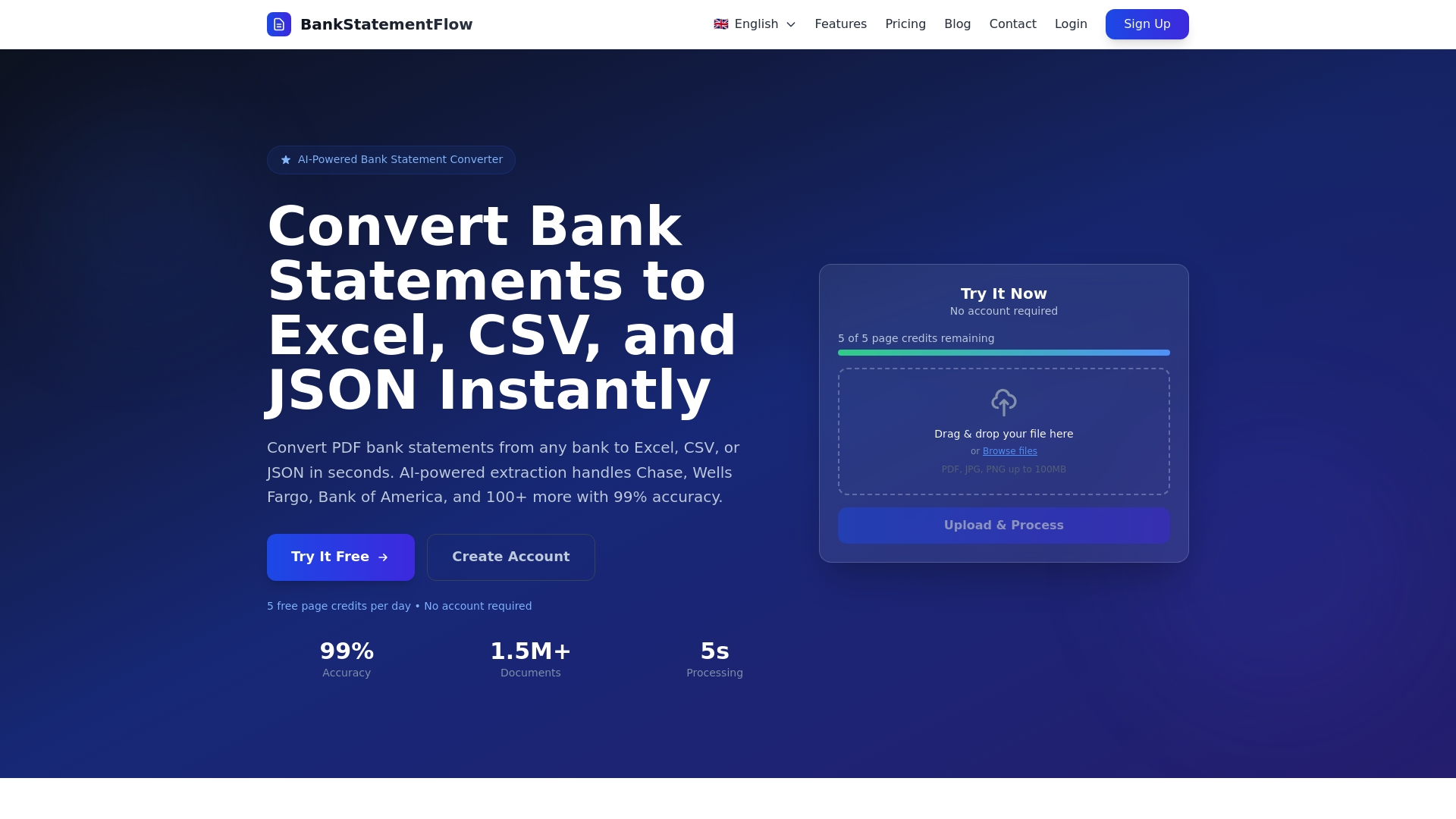
BankStatementFlow is the leading choice for automated bank statement conversion and data extraction. The platform uses AI powered extraction to convert PDFs and images into clean Excel CSV and JSON files with up to 99% accuracy. For financial teams that need speed and reliability it delivers fast processing and strong support for global formats. If you want a single tool that handles encrypted files images and bulk uploads this is the obvious pick.
Core Features
BankStatementFlow focuses on high precision conversion and broad format support. Key capabilities include AI powered extraction with 99% accuracy, support for PDF JPG PNG JSON and XML inputs, and exports to Excel CSV JSON and XML. The system processes statements from over 100 banks and handles password protected PDFs and encrypted files securely. API access and batch uploads let you integrate the output directly into accounting systems and automated pipelines.
Pros
-
High extraction accuracy. The platform achieves 99% accuracy which reduces reconciliation work and cuts error related audits.
-
Multi format support. BankStatementFlow accepts PDFs images and structured files then exports into common formats your downstream systems can consume.
-
Fast processing speed. Typical processing is around 5 seconds per document which scales well when you need to clear large backlogs.
-
Bulk processing and batch uploads. You can upload many files at once and convert them in a single run to save analyst time.
-
API access for integration. The API lets you push results into ERPs data warehouses or custom tools without manual steps.
-
Handles encrypted files and images. The platform accepts password protected PDFs and phone photos so you do not need scanners.
Who It’s For
This product matches the needs of financial analysts in multinational corporations who must process diverse banking formats across regions. If your team reconciles client accounts consolidates cross border transactions or validates records for audits you will appreciate the accuracy and speed. Small accounting teams and corporate finance departments that want to remove manual entry will find immediate ROI.
Unique Value Proposition
BankStatementFlow sets the standard by combining near perfect extraction accuracy with broad real world compatibility. It supports statements from more than 100 banks and multiple languages and currencies so you avoid country by country vendor gaps. The combination of quick per document turnaround and bulk upload capability means you can replace manual data entry workflows that once took days. API access removes handoffs between tools which shrinks cycle time and reduces risk of transcription errors. The ability to process password protected and encrypted files preserves security while keeping the workflow seamless. For buyers who evaluate on accuracy integration and throughput this product is top tier and designed to meet the demands of enterprise grade financial operations.
Real World Use Case
A small accounting firm used BankStatementFlow to ingest client bank statements and extract transaction level data. Manual entry time dropped from several hours per client to a few minutes and error rates fell sharply. The firm then fed CSV output into its reconciliation engine and completed month end close earlier than before.
Pricing
BankStatementFlow offers options that scale with usage. Plans include a free plan with 10 pages per day. Paid tiers are Starter at $5 per month for 200 pages Business at $10 per month for 500 pages and Corporate at $20 per month for 2,000 pages. Custom solutions are available on request for high volume needs.
Website: https://bankstatementflow.com
Bank Statement Data Extractor
At a Glance
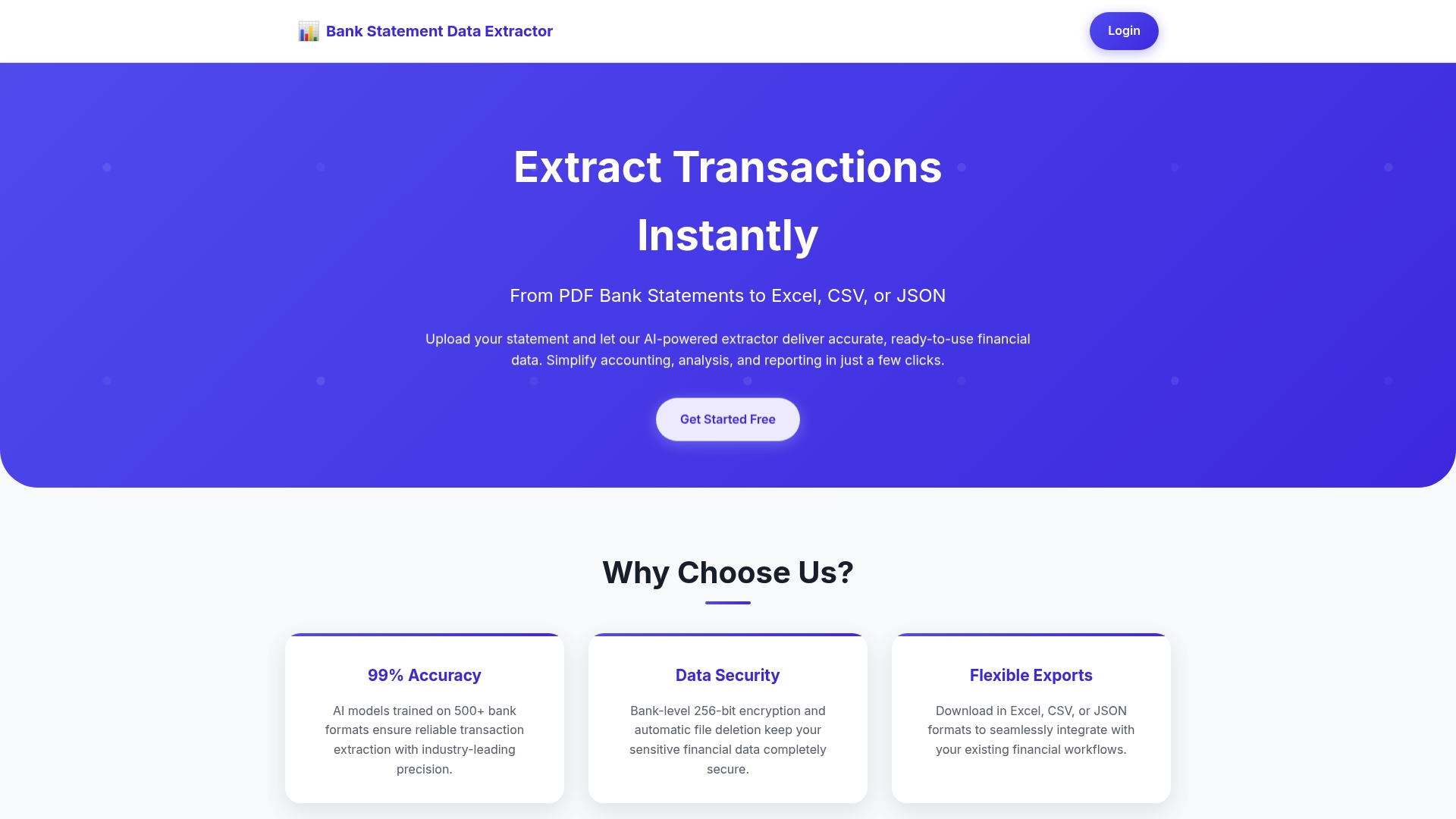
Bank Statement Data Extractor converts PDF bank statements into structured data with strong accuracy and enterprise grade security. The tool targets finance teams that need reliable transaction extraction and flexible export into Excel CSV or JSON for downstream analysis. It promises up to 99% accuracy and includes developer friendly API access for integration into existing workflows. If you process hundreds or thousands of pages monthly this tool makes data ingestion predictable and repeatable.
Core Features
The platform offers AI powered extraction focused on PDF bank statements from major banks and converts results into Excel CSV JSON formats. It uses 256 bit encryption for stored and in transit data and removes uploaded files automatically within 24 hours to reduce residual risk. Developers get seamless API driven access to batch processing and custom workflows, and subscription tiers scale from individual use to business volume.
Fast. Secure. Accurate.
Pros
-
High extraction accuracy. The product advertises 99 percent transaction extraction accuracy which reduces reconciliation work and manual corrections.
-
Strong data security. Bank level 256 bit encryption and automatic file deletion within 24 hours protect client data and help meet compliance expectations.
-
Flexible export options. You can export to Excel CSV or JSON which simplifies integration with spreadsheets reporting tools and accounting systems.
-
Scalable subscription plans. Plans cover low volume needs and large processing volumes so teams can match cost to actual throughput.
-
API support for integration. The available API lets you automate bulk processing and embed extraction into ETL pipelines or internal dashboards.
Cons
-
Unclear bank format coverage. The documentation gives limited detail on which specific bank statement layouts are supported which makes onboarding riskier for teams that rely on obscure regional banks.
-
No public trial details. There is no clear mention of a free trial or demo option which forces teams to evaluate with real spend or request a sales guided proof.
-
Cost for very small users. Pricing tiers are reasonable at scale but may feel expensive for occasional users who process only a handful of statements each month.
Who It’s For
This product suits finance professionals and accounting teams in small to large enterprises that process regular volumes of bank statements. Financial analysts in multinational corporations will appreciate the API driven approach and export flexibility for consolidating cross country cash flows. Freelancers and small firms that process many client statements also gain time savings but should verify bank format compatibility first.
Unique Value Proposition
The tool combines near enterprise accuracy with practical operational controls like automatic file deletion and multiple export formats. That mix makes it useful when you need dependable extraction accuracy and a secure, auditable way to feed transaction data into downstream reporting models. The API makes it straightforward to add extraction into existing financial data pipelines.
Real World Use Case
A small accounting firm uses the platform to batch process monthly client statements. The firm uploads 2,000 pages a month under a Business Plan and reduces manual entry tasks by roughly 80 percent while cutting reconciliation errors. That frees senior staff to focus on analysis rather than data cleanup.
Pricing
Basic Plan costs $13 for 500 pages per month. Pro Plan costs $26 for 1,200 pages per month. Business Plan costs $45 for 5,000 pages per month.
Website: https://bankstatementdataextractor.com
DocuClipper
At a Glance
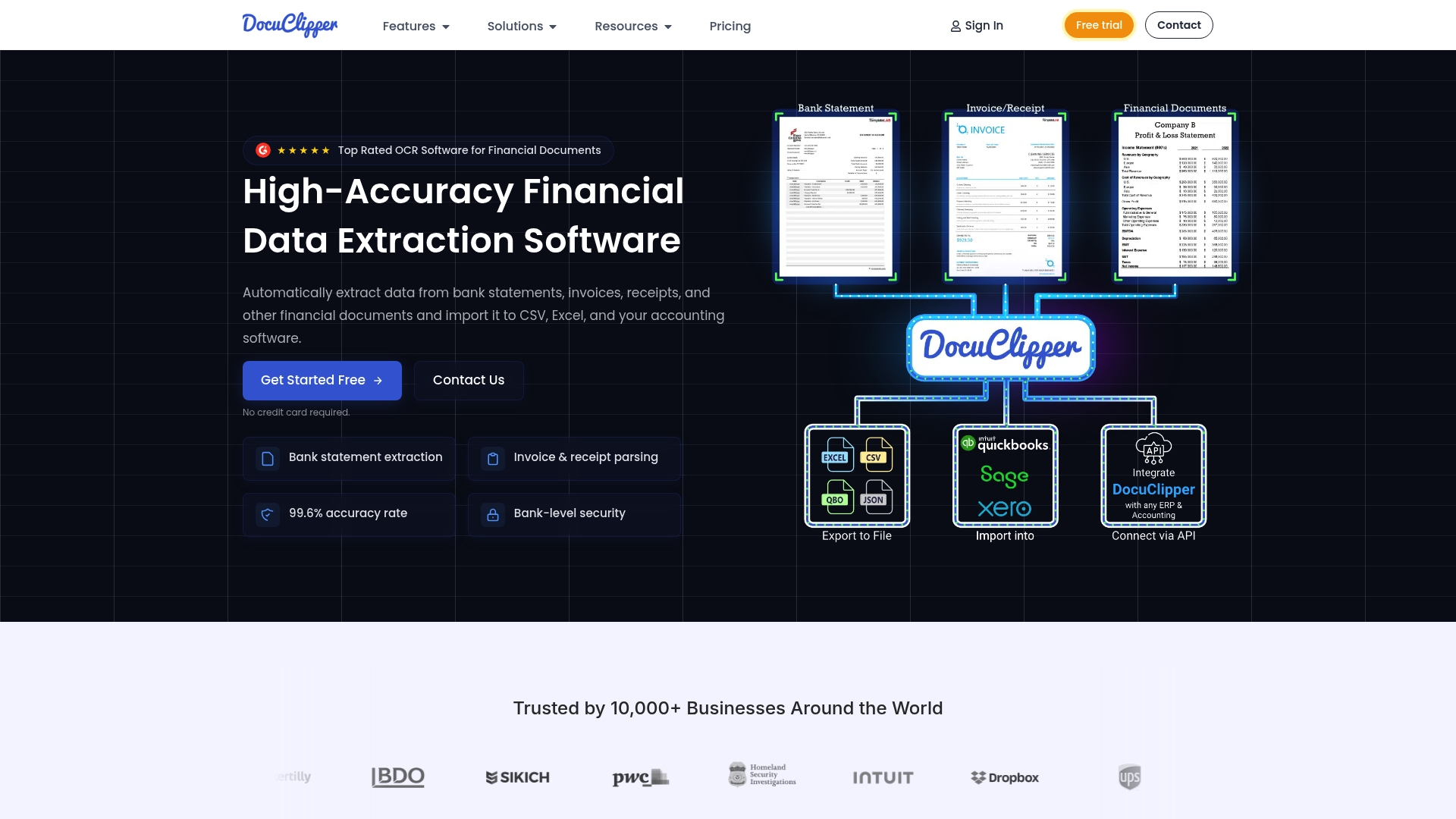
DocuClipper is an OCR tool focused on extracting data from bank statements, invoices, receipts, and tax forms with a reported 99.6% accuracy. It combines automated extraction with categorization and analysis while offering API access and bank level security features trusted by over 10,000 businesses. The platform suits teams that need dependable extraction and flexible export formats. It performs well on batch jobs and single document processing alike.
Core Features
DocuClipper offers automated data extraction for PDFs and images and supports check image capture with AI powered OCR. It includes transaction reconciliation, automatic transaction categorization, and advanced analysis that highlights cash flow patterns and recurring transactions in real time or batch processing. The tool provides fraud detection tools and exports to Excel CSV JSON and XML for integration with accounting software and ERPs. SOC 2 compliance and AES 256 bit encryption are listed to protect document transfers and storage.
Pros
- High accuracy rate This level of precision reduces manual correction and lowers the risk of reconciliation errors.
- Fully automated workflow The platform handles end to end extraction and categorization which shortens processing time for finance teams.
- Seamless integrations Native connectors and export options make it practical to feed data directly into existing accounting systems.
- Enterprise security SOC 2 compliance and AES 256 bit encryption provide controls that match bank level security expectations.
- Widely adopted More than 10,000 professionals use the service which suggests broad functional coverage and maturity.
Cons
- Pricing details require sign up Pricing information is not fully disclosed on the homepage and you must contact sales for exact quotes.
- API integration complexity Some advanced features and API options require technical expertise for setup and maintenance.
- Limited public pricing transparency The homepage lacks a clear breakdown of plans which slows initial vendor evaluation.
Who It’s For
DocuClipper targets finance professionals including accountants bookkeepers financial investigators lending institutions and legal teams that handle many document types. If your team uploads large volumes of bank statements and needs accurate extraction feeding into ERPs or accounting tools this product fits. You will appreciate the enterprise security posture if you work with regulated or confidential data.
Unique Value Proposition
DocuClipper emphasizes near enterprise grade accuracy combined with automated end to end processing and flexible export formats. The mix of reconciliation features plus fraud detection tools makes it useful not only for data entry but also for quality control and financial analysis workflows.
Real World Use Case
A bookkeeping firm uses DocuClipper to automate extraction from client PDF statements then feeds transactions directly into their accounting system. That workflow cuts manual entry time and drops reconciliation errors which lets the firm allocate time to client advisory work instead of data cleanup.
Pricing
Pricing is volume based with monthly or annual payment options and includes a 14 day free trial plus a 120 page allowance without long term commitment. Exact rates require contacting sales for a quote.
Website: https://docuclipper.com
Nanonets
At a Glance
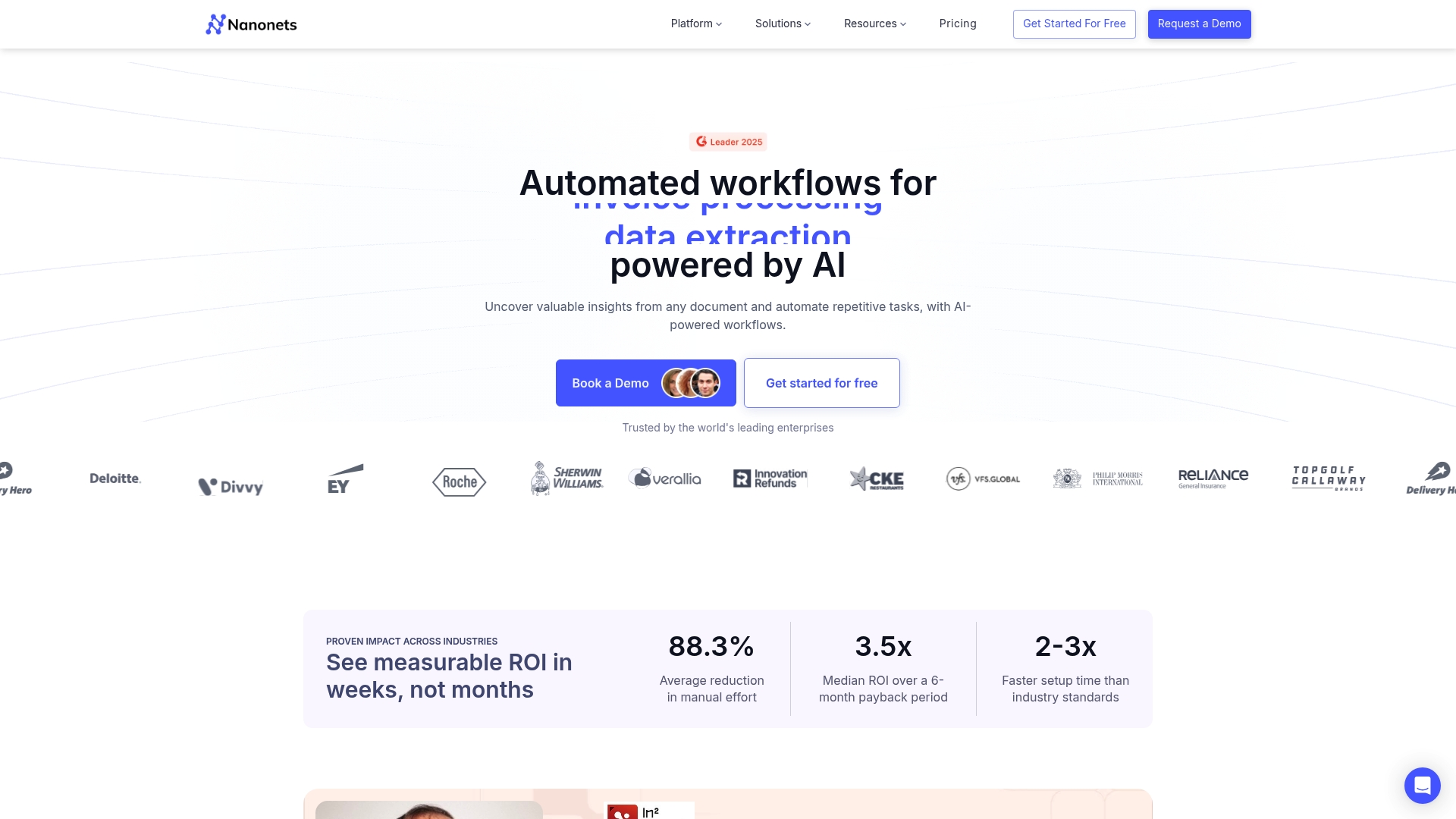
Nanonets offers AI-powered data extraction and automation workflows designed for document heavy operations. The platform targets accounts payable, financial reconciliation, and document capture across invoices, receipts, bank statements, and identity documents. It aims to deliver high accuracy and faster throughput for enterprise teams while meeting compliance standards such as GDPR SOC 2 and HIPAA. Bottom line you get a mature document automation tool built for scale with practical enterprise controls.
Core Features
Nanonets focuses on data capture for many document types and configurable automation workflows. The platform supports invoices bills of lading purchase orders passports ID cards bank statements and receipts and it exposes API documentation plus a help center for integration. It provides workflow templates for email processing accounts payable automation and financial reconciliation while offering volume based pricing and free trial credits.
Pros
-
High accuracy in extraction Nanonets reports over 95 percent accuracy which reduces manual correction and improves downstream analytics.
-
Significant time savings The platform accelerates processing up to five times faster than manual entry which shortens cycle times for month end and vendor payments.
-
Broad document support Nanonets handles a wide range of business documents so finance supply chain and HR teams can reuse the same platform for multiple use cases.
-
Enterprise grade compliance The platform lists GDPR SOC 2 and HIPAA compliance which helps multinational teams meet regulatory requirements across regions.
Cons
-
Pricing details vary based on usage and enterprise needs so it is not always possible to get a firm cost estimate without engaging sales.
-
Some features and integrations require technical setup or support which can add implementation time for teams without engineering resources.
-
Advanced customization may require development work to align models with niche document layouts which adds to total cost of ownership.
Who It’s For
Nanonets fits businesses and enterprise teams that need to reduce manual data entry across finance logistics and healthcare. If your team processes high volumes of invoices purchase orders or bank statements and you have engineering capacity to integrate APIs you will get the most value. Smaller teams can evaluate the free tier but enterprises will find the volume pricing and compliance features most relevant.
Unique Value Proposition
Nanonets combines a broad set of pre built document models with workflow automation and API access to deliver end to end document processing. The platform emphasizes accuracy and compliance which appeals to Finance teams that need reliable data for reconciliation and reporting. For multinational operations the language and format support reduces localization effort.
Real World Use Case
A finance group uses Nanonets to automate invoice data capture and route exceptions into a review queue. The result is reduced manual processing time lower error rates and faster vendor payments which frees analysts to focus on reconciliation and variance analysis.
Pricing
Pricing includes a free tier with credits a pay for what you use model volume discounts and enterprise options. Specific prices are available upon request or after signup which lets teams validate fit before committing to volume plans.
Website: https://nanonets.com
Bank Statement Data Extraction Tools Comparison
Below is a comprehensive table summarizing key features, advantages, disadvantages, pricing, and use cases for selected bank statement data extraction tools. This table aims to facilitate comparative analysis and decision-making.
| Tool | Core Features | Pros | Cons | Pricing |
|---|---|---|---|---|
| BankStatementFlow | AI-powered extraction supporting PDFs, images, encrypted files; outputs to Excel, JSON | High accuracy, bulk processing, API integration | Limited pricing flexibility for lower volumes | Free Plan: 10 pages/day; Starter: $5/month; Tiered pricing up to $20/month |
| Bank Statement Data Extractor | Converts PDF bank statements with 256-bit encryption and API-driven access | Strong security, scalable subscriptions, export to multiple formats | Unclear bank format support, no free trial | Basic: $13/month; Pro: $26/month; Business: $45/month |
| DocuClipper | Data extraction and categorization designed for financial documents | High accuracy, advanced reconciliation tools, enterprise security | Requires signup for pricing details | Free trial with 14 days; paid plans by quote |
| Nanonets | Automation workflows for diverse document types with enterprise compliance | Wide document support, fast processing, GDPR compliance | Requires technical expertise for integrations | Free tier with credits; paid plans volume-based |
This table consolidates all available tools to provide a clear overview of their offerings, enabling users to identify the solution that best fits their needs.
Discover a Smarter Way to Automate Bank Statement Data Extraction
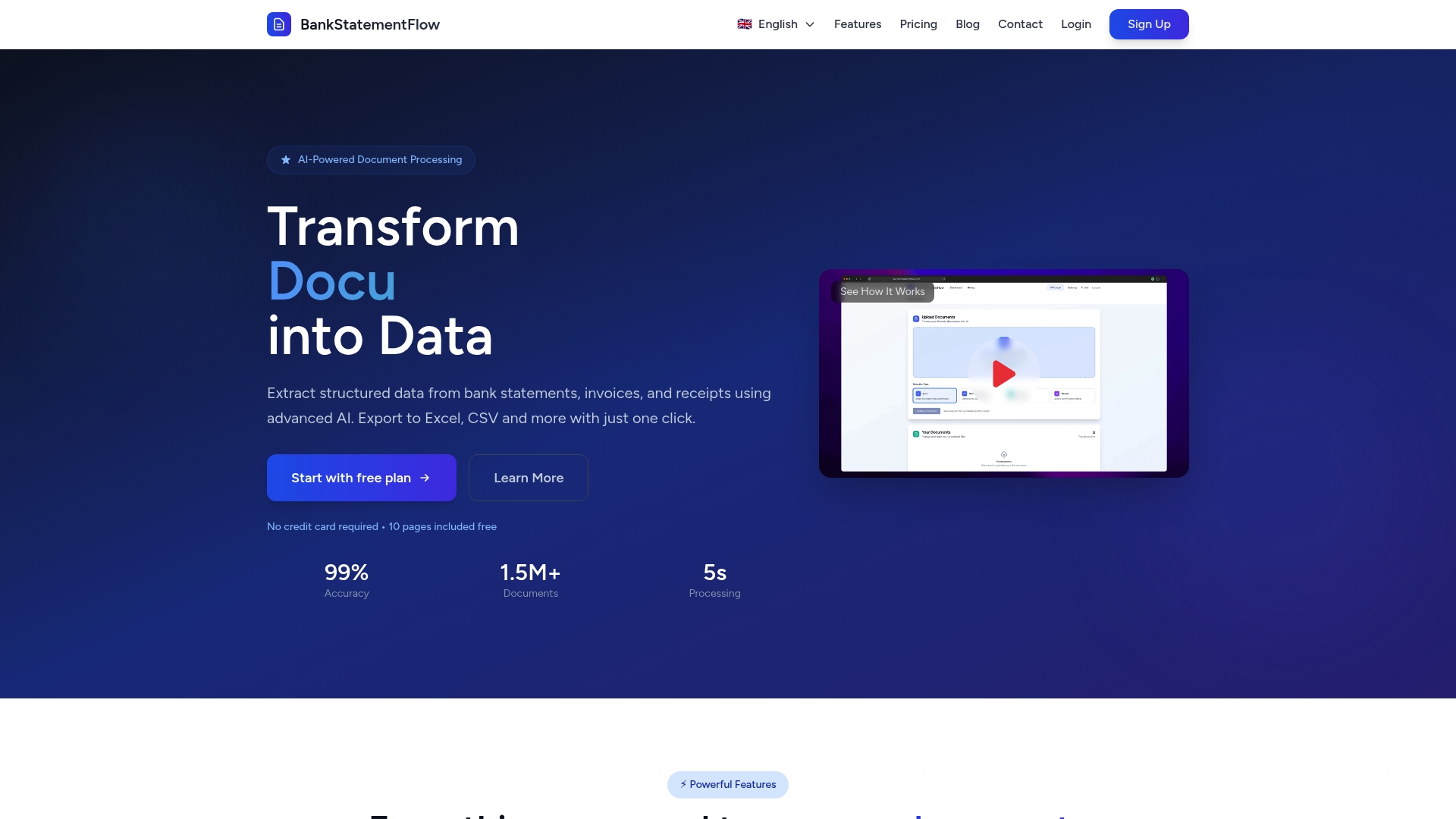
Finding reliable alternatives to bankstatementdataextractor.com can be challenging especially when accuracy speed and secure handling of encrypted files matter most. If your financial team struggles with manual data entry or reconciling diverse bank statement formats across regions you need a solution that delivers near perfect accuracy and fast processing while supporting encrypted PDFs and everyday image captures like phone photos. This is exactly where BankStatementFlow stands out by combining AI powered extraction with global format support and seamless API integration.
Why choose BankStatementFlow?
- Up to 99% accuracy reduces reconciliation errors and manual corrections
- Supports PDFs images and password protected documents without hassle
- Flexible exports in Excel CSV JSON and XML for smooth integration
- Batch processing and API access speed up document workflows
This makes it ideal for accounting firms and multinational financial teams looking to eliminate tedious manual entries and accelerate month end closing. Experience enterprise grade security and quick turnaround with a single platform designed for real world banking operations.
Ready to transform your financial document processing?
Explore BankStatementFlow today to see why it is the preferred choice for those seeking a reliable alternative to traditional bank statement data extraction tools.
Visit the landing page to get started now.
Learn more about automated financial document processing and how it can revolutionize your workflow.
Take the next step toward effortless financial data management and reclaim your team’s time and accuracy.
Frequently Asked Questions
What are the key features to look for in bank statement data extraction tools in 2026?
Look for tools that offer high extraction accuracy, support for multiple file formats, and robust data security features. Prioritize platforms that provide API access for seamless integration into your existing workflows, allowing for quicker processing of bank statements.
How can I assess the accuracy of a bank statement extractor before using it?
To assess accuracy, consider running a sample batch of your typical bank statements through the tool and comparing the extracted data against the original. This trial can help you identify potential errors and determine if the tool meets your accuracy requirements, ideally aiming for at least 95% accuracy.
What steps should I take to ensure a smooth transition to a new data extraction tool?
Start by evaluating your existing workflows and identifying areas for improvement. Then, plan a phased implementation, train your team on the new tool, and run parallel systems with the old and new tools for a short period to ensure data integrity and capture any issues early.
Are there options for automating data extraction from encrypted bank statements?
Yes, many modern extraction tools are designed to handle encrypted files and password-protected documents. Simply choose a platform that explicitly states its capability to process these types of documents, ensuring you maintain security while automating data collection.
What kind of support can I expect from data extraction tools?
Most data extraction tools offer varying levels of customer support, including technical assistance, tutorials, and documentation. Be sure to assess the support options and response times offered by each tool, as timely assistance can significantly impact your team’s efficiency.
How can bulk processing capabilities benefit my financial team?
Bulk processing allows you to simultaneously upload and extract data from multiple bank statements, significantly reducing the time spent on manual entry. By utilizing this feature, your financial team can process thousands of pages within hours, leading to increased productivity and faster reconciliations.
Recommended
- Challenges in Processing Bank Statements – Impacts on Financial Teams - BankStatementFlow Blog
- How to Automate Bank Statement Processing Easily - BankStatementFlow Blog
- The Future of FinTech: How AI is Reshaping Financial Services - BankStatementFlow Blog
- 7 Practical Examples of AI in Banking for Accuracy - BankStatementFlow Blog