Financial document checklist for SMEs: boost accuracy

Managing diverse financial documents manually leads to costly errors and delays that frustrate SME financial teams daily. Invoices pile up, bank statements need reconciling, and receipts demand attention while manual data entry consumes hours and introduces mistakes. This guide provides clear selection criteria and solution comparisons to help you streamline financial document workflows with automated checklists that deliver accuracy and efficiency.
Table of Contents
- Understanding Selection Criteria For Financial Document Checklists
- Key Financial Documents SMEs Should Include In Their Checklist
- Comparison Of Financial Document Checklist Solutions: Automation And Accuracy Focus
- Benefits Of AI-Powered Financial Document Processing For SMEs
- Typical Errors In Financial Document Processing And How Checklists Reduce Risk
- Integration And Customization Options To Maximize Checklist Effectiveness
- Situational Recommendations: Choosing The Right Checklist For Your SME Needs
- Optimize Your Financial Document Management With BankStatementFlow
Key takeaways
| Point | Details |
|---|---|
| Accurate checklists reduce errors | Integrated automation minimizes manual corrections and saves processing time |
| Document diversity matters | Supporting bank statements, invoices, receipts, and multiple formats ensures comprehensive coverage |
| AI delivers precision | Platforms like BankStatementFlow achieve up to 99% extraction accuracy |
| Customization optimizes workflows | Tailored field extraction and API integration meet specific SME requirements |
| Selection depends on needs | Evaluate document volume, format variety, integration capabilities, and security standards |
Understanding selection criteria for financial document checklists
Choosing the right financial document checklist requires evaluating several critical factors that directly impact your team’s efficiency and accuracy. The best checklists combine technical capabilities with practical workflow considerations tailored to SME operations.
Accuracy stands as the foundation of effective financial document workflow automation. Your checklist must minimize manual corrections and compliance risks by capturing data precisely from the first pass. Integration with existing accounting software ensures seamless data flow without duplicate entry or reconciliation headaches.
Support for multiple financial document types and formats prevents bottlenecks when processing diverse inputs. Your checklist should handle everything from encrypted PDFs to smartphone photos of receipts without requiring manual reformatting. Key criteria include:
- Extraction accuracy rates above 95% to reduce correction time
- Native integration with popular accounting platforms
- Multi-format support covering PDFs, images, CSVs, and scanned documents
- Customizable field extraction matching your specific data requirements
- Enterprise-grade security protecting sensitive financial information
Customizable field extraction allows you to capture SME-specific data points that generic solutions miss. Whether tracking project codes, cost centers, or custom vendor classifications, your checklist should adapt to your unique requirements. Security and compliance features protect sensitive financial information while meeting regulatory standards your industry demands.
Key financial documents SMEs should include in their checklist
Understanding which financial documents require processing helps you design checklists that cover all critical workflows. Each document type presents unique challenges that influence your automation strategy and checklist requirements.

Bank statements serve as foundational source documents for reconciliation and cash flow analysis. These often arrive as encrypted PDFs or low-quality images requiring robust processing capabilities. Your checklist must handle password protection and extract transaction details accurately despite varying bank formats.
Invoices and receipts present layout challenges with inconsistent structures across vendors and suppliers. Some arrive as structured PDFs while others come as email screenshots or phone photos. Effective financial document automation requires flexible extraction that adapts to these variations.
Essential documents for your checklist include:
- Bank statements from multiple financial institutions
- Vendor invoices in PDF, email, and image formats
- Expense receipts including smartphone photos
- Payment confirmations and remittance advice
- Credit card statements and transaction reports
Document volume and complexity directly influence checklist design decisions. High-volume processing demands batch capabilities and automated validation rules. Multi-format support becomes critical when handling comprehensive coverage across all input types your team encounters daily.
Tailoring checklist rules per document type improves both accuracy and processing speed. Bank statements need transaction-level extraction while invoices require line-item details and tax calculations. Custom rules ensure each document type receives appropriate handling without manual intervention.
Comparison of financial document checklist solutions: automation and accuracy focus
Evaluating solution options requires comparing capabilities across accuracy, automation depth, export flexibility, and integration features. This analysis helps SMEs identify platforms that match their specific processing requirements and growth plans.
Manual processing represents the baseline most SMEs start from but carries significant limitations. Error rates reach 3-5% even with experienced staff, and format support remains restricted to what humans can visually interpret. Processing speed depends entirely on team capacity, creating bottlenecks during peak periods.
Generic software offers basic automation but lacks customization depth and integration capabilities SMEs need. These solutions typically handle standard PDFs adequately but struggle with encrypted documents, images, or complex layouts. Integration options remain limited, forcing manual data transfer between systems.
BankStatementFlow leads with AI-powered accuracy reaching up to 99%, combined with comprehensive format support and robust API access. The platform handles encrypted PDFs, images, and diverse document layouts while maintaining high accuracy in accounting automation. Export formats include Excel, CSV, JSON, and XML for maximum downstream flexibility.
| Feature | Manual Processing | Generic Software | BankStatementFlow |
|---|---|---|---|
| Accuracy Rate | 95-97% | 96-98% | Up to 99% |
| Encrypted PDF Support | Limited | Basic | Full |
| Image Processing | Manual only | Limited | Advanced |
| API Integration | None | Limited | Comprehensive |
| Custom Fields | N/A | Minimal | Extensive |
Customization capabilities allow tailored field extraction that improves data relevance for specific SME workflows. Advanced platforms recognize custom data points, apply validation rules, and route documents based on content. This level of intelligence transforms checklists from simple task lists into sophisticated automation frameworks.
Pro Tip: Prioritize solutions offering trial periods to test accuracy with your actual documents before committing to annual contracts.
Benefits of AI-powered financial document processing for SMEs
AI automation transforms financial document management by delivering accuracy improvements, time savings, and processing capabilities that manual methods cannot match. These benefits directly address the challenges SME finance teams face daily.
Significant time savings emerge when automation handles repetitive extraction tasks. Teams redirect hours previously spent on data entry toward analysis, planning, and strategic activities that drive business value. Processing that once required days completes in minutes, accelerating month-end close and reporting cycles.
High data accuracy reduces costly manual corrections and compliance issues that damage credibility with auditors and stakeholders. Automated document processing benefits include fewer reconciliation discrepancies, cleaner audit trails, and stronger internal controls. Error rates drop from 3-5% to below 1% with advanced AI systems.
AI-powered platforms handle encrypted PDFs and image-based documents that stymie traditional software. Whether processing password-protected bank statements or smartphone photos of receipts, modern solutions extract data reliably without manual intervention. This versatility eliminates processing bottlenecks and expands automation coverage.
Key AI advantages include:
- 80-90% reduction in manual data entry time
- Error rates below 1% versus 3-5% for manual processing
- Processing encrypted and image documents without conversion
- Automated validation catching anomalies before they cause issues
- Scalability handling volume spikes without adding staff
The AI revolution in document processing has fundamentally changed how finance teams operate, shifting focus from data entry to data analysis and strategic decision-making.
Lower error rates improve overall financial data quality and support better decision-making across the organization. Clean data enables accurate forecasting, reliable reporting, and confident strategic planning that drives SME growth.
Typical errors in financial document processing and how checklists reduce risk
Manual and semi-automated processing creates predictable error patterns that compromise accuracy and cause downstream problems. Understanding these risks demonstrates how structured checklists specifically mitigate processing failures.
Frequent manual data entry mistakes include transposed digits, missed transactions, and incorrect categorizations that cascade through financial reports. These errors require time-consuming corrections and undermine confidence in financial data. Processing delays compound when errors force reconciliation cycles and approval workflows to restart.
Poor document security raises serious compliance concerns for SMEs handling sensitive financial information. Unencrypted email attachments, shared drives without access controls, and printed documents left unsecured create audit findings and regulatory risks. Workflow automation with proper security reduces these exposures significantly.
Barriers to AI adoption often center on privacy concerns, but structured checklists help ease the transition by maintaining control and visibility. Teams can validate AI outputs against known samples, gradually building confidence while maintaining oversight. This measured approach addresses hesitation while capturing automation benefits.
Common processing errors include:
- Transposed digits in amount fields causing reconciliation failures
- Missed transactions when pages are skipped or attachments overlooked
- Incorrect vendor or account coding requiring rework
- Duplicate entries from processing the same document twice
- Format conversion errors corrupting data during manual transfers
Checklists standardize workflows, reducing errors and inconsistencies through repeatable processes. Each step includes validation points that catch problems before they propagate. Automated checklists enforce these controls without relying on human memory or attention.
Using checklists enhances audit readiness by documenting processing steps and creating clear trails. Auditors can trace any transaction back through extraction, validation, and approval stages. This transparency demonstrates control effectiveness and speeds audit completion.
Pro Tip: Implement dual validation for high-value transactions, combining automated checks with human review at defined thresholds to balance efficiency and control.
Integration and customization options to maximize checklist effectiveness
Integration capabilities and customization features elevate checklists from simple task lists to powerful automation engines. These capabilities determine how well solutions adapt to unique SME workflows and existing technology stacks.
API connectivity enables seamless, real-time data syncing with accounting and ERP systems. When extraction completes, data flows automatically into general ledgers, accounts payable modules, and reporting tools without manual exports or imports. This integration eliminates duplicate entry and keeps systems synchronized continuously.
Custom fields allow alignment with unique SME data requirements, improving relevance and usability across departments. Finance teams can extract project codes, cost centers, approval routing information, and other business-specific attributes that generic solutions miss. Tailored extraction ensures data arrives ready for immediate use.
Security features embedded in integrations help maintain compliance and safeguard sensitive financial data. Encryption during transmission, role-based access controls, and audit logging protect information throughout the processing lifecycle. AI accuracy in finance depends on maintaining data integrity from capture through final posting.
Integration advantages include:
- Real-time synchronization eliminating batch processing delays
- Automated validation against existing master data
- Bidirectional data flow supporting approval workflows
- Single sign-on reducing password management burden
- Centralized audit trails spanning multiple systems
Most top platforms offer comprehensive API access, enhancing workflow automation and enabling custom integrations. RESTful APIs support modern development practices while webhook notifications trigger downstream processes automatically. This extensibility future-proofs investments as business needs evolve.
Faster processing leads to increased productivity and reduced manual burden across finance teams. Month-end close cycles shorten, reporting becomes more timely, and teams gain capacity for value-added activities. Integration multiplies these benefits by eliminating handoffs and system switching.
Situational recommendations: Choosing the right checklist for your SME needs
Matching checklist solutions to your specific operational challenges ensures you capture maximum value from automation investments. Consider these tailored recommendations based on common SME scenarios and requirements.
-
For high-volume document processing exceeding 500 documents monthly, prioritize platforms like BankStatementFlow offering speed and robust automation. Batch processing capabilities, automated validation rules, and API integration become essential for maintaining throughput without expanding staff.
-
When handling encrypted or multi-format documents regularly, select solutions supporting diverse inputs with strong security. Password-protected bank statements, image receipts, and scanned invoices all require specialized handling that basic tools cannot provide reliably.
-
SMEs requiring workflow automation benefit most from solutions offering seamless integration and comprehensive API availability. Real-time data synchronization, automated routing, and system connectivity eliminate manual steps that slow processing and introduce errors.
-
Organizations with unique data requirements need extensive customization options for tailored field extraction and compliance features. Industry-specific attributes, custom categorizations, and specialized validation rules demand flexible platforms that adapt to your processes.
-
Growing SMEs should evaluate scalability and pricing models that accommodate expansion without forcing platform changes. Volume-based pricing, modular features, and enterprise support options ensure solutions grow alongside your business.
-
Security-conscious organizations must verify compliance certifications, encryption standards, and access controls before implementation. SOC 2 compliance, data residency options, and granular permissions protect sensitive financial information appropriately.
-
Teams new to automation benefit from platforms offering extensive support resources, training materials, and responsive customer service. Onboarding assistance, documentation libraries, and technical support accelerate adoption and maximize ROI.
Match checklist features to your unique operational challenges for optimal results. The right solution balances current needs with future growth, delivering immediate value while supporting long-term objectives.
Optimize your financial document management with BankStatementFlow
Transform your financial document processing with AI-powered automation designed specifically for SME needs. BankStatementFlow delivers up to 99% data extraction accuracy, minimizing errors and manual corrections that slow your team.
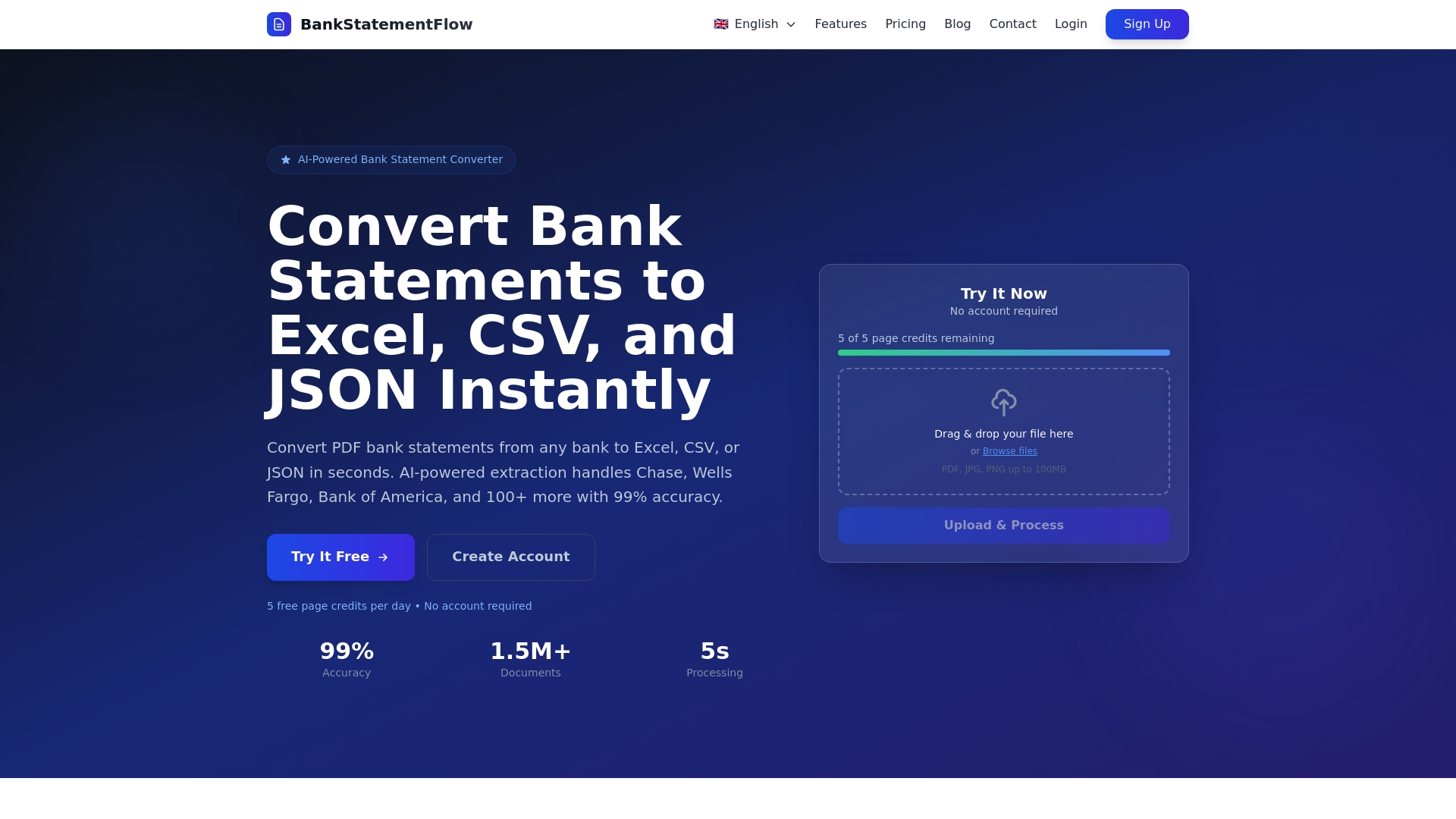
The platform supports encrypted PDFs, images, multiple export formats, and comprehensive API integration for seamless workflow automation. Customizable fields capture SME-specific data points while enterprise security protects sensitive financial information throughout processing. Whether handling bank statements, invoices, or receipts, BankStatementFlow adapts to your unique requirements.
Pro Tip: Leverage automation tools to reduce manual workload by 80% and improve financial reporting speed, freeing your team for strategic analysis and planning activities.
FAQ
What types of financial documents should SMEs include in their checklist?
Include primary documents like bank statements, invoices, and receipts to cover essential SME processes comprehensively. Ensure your checklist accommodates various formats including PDFs, images, and encrypted files. Support for diverse document types prevents processing bottlenecks and maintains workflow continuity.
How do AI-powered checklists improve financial document accuracy?
AI automation minimizes human error during data extraction, achieving accuracy rates up to 99%. High precision reduces costly corrections and compliance risks while saving finance teams significant processing time. Automated validation catches anomalies before they propagate through financial systems.
What integration options should SMEs look for in checklist solutions?
API connectivity enables real-time data syncing with accounting software, eliminating manual exports and imports. Support for multiple export formats like Excel, CSV, JSON, and XML enhances downstream processing flexibility. AI integration capabilities reduce manual steps and errors while maintaining system synchronization.
Recommended
- How Small Businesses Save 20+ Hours Weekly with Document Automation - BankStatementFlow Blog
- 7 Essential Types of Financial Documents Explained - BankStatementFlow Blog
- Master Financial Document Workflow Automation for Teams - BankStatementFlow Blog
- How to Automate Financial Documents for Fast, Accurate Data - BankStatementFlow Blog