Top 7 Bankstatementextract.com Alternatives in 2026 for Financial Analysts Seeking Efficient Solutions
Financial analysts are always on the lookout for tools that make handling bank statements simple and accurate. With so many options available now, choosing the right solution can feel overwhelming. Each platform brings something new to the table and promises a fresh way to manage financial data. Some focus on automation, while others offer advanced features or extra security. As the needs of analysts keep changing, so do the solutions designed to help. Which ones are leading the pack this year and what hidden features make them stand out
Table of Contents
BankStatementFlow
At a Glance
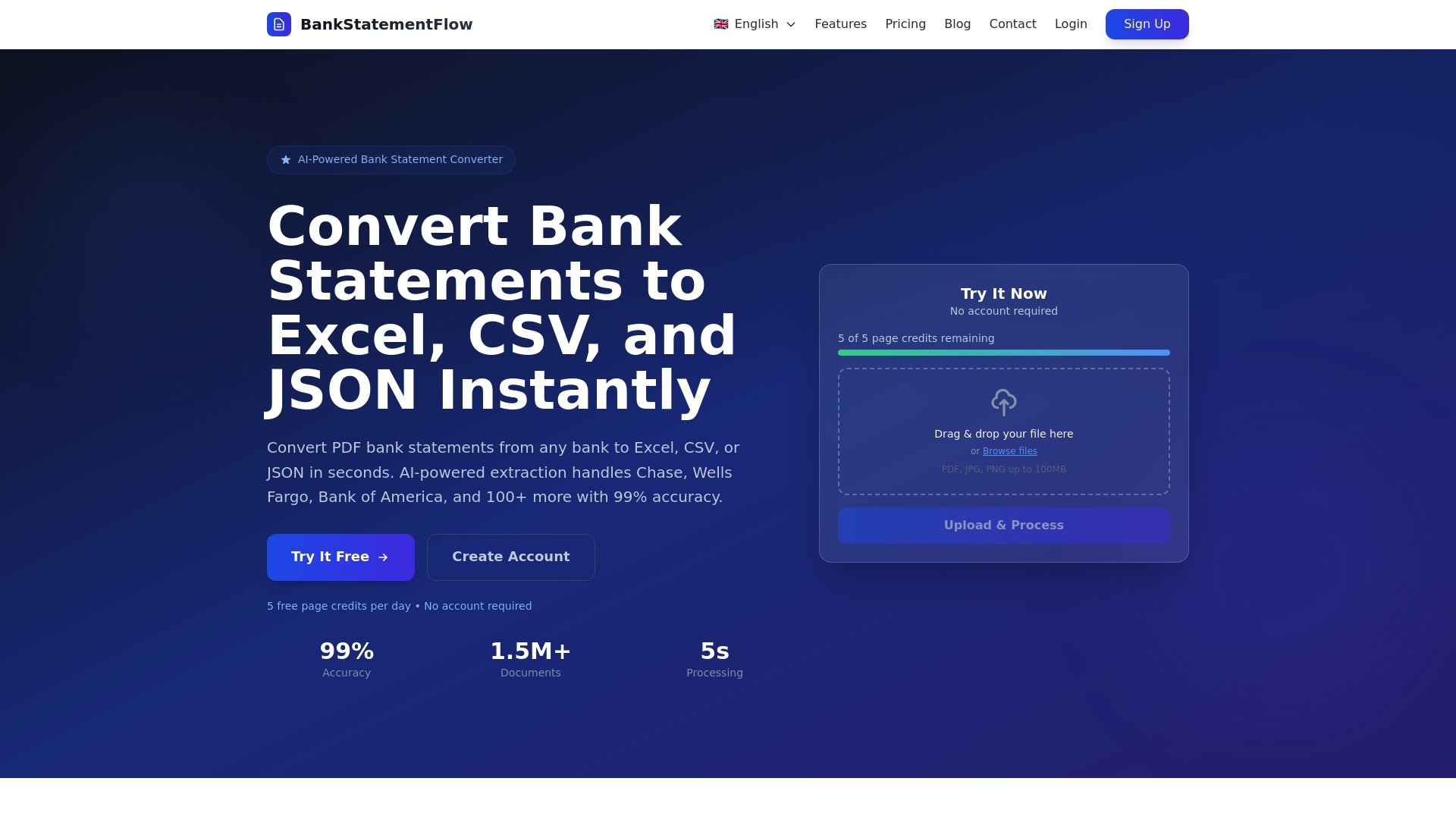
BankStatementFlow is a leading SaaS tool for converting PDF bank statements into structured data with exceptional speed and reliability. Its combination of AI powered extraction and multi format exports makes it the easiest choice for financial teams that need accurate results fast.
Core Features
BankStatementFlow automatically extracts transaction data from over 100 banks and supports multiple languages and regional formats. The service converts PDFs and images into Excel, CSV, JSON, XML, processes password protected PDFs and screenshots, and delivers results with 99% accuracy in seconds while offering API access for workflow integration.
Pros
- High processing speed and accuracy: The platform processes batches in seconds and returns highly reliable data for rapid analysis.
- Free initial access: You can try the service with free credits and no account required for first use which lowers adoption friction.
- Robust file support: The tool accepts password protected PDFs and common image formats so you do not need scanners.
- Developer friendly integration: The API lets you push extracted data directly into accounting systems or custom applications.
- Global readiness: Support for multiple languages and currencies reduces manual normalization for international clients.
Who It’s For
BankStatementFlow fits accounting firms, corporate finance teams, and software developers who need dependable bulk conversion of bank statements into structured formats. Small practices benefit from time savings and Enterprise teams gain a reliable data source for downstream analytics and reporting.
Unique Value Proposition
BankStatementFlow outperforms alternatives by combining broad bank coverage with fast, accurate extraction and flexible export options. The platform removes manual mapping and template setup which saves weeks of configuration for teams that manage many client formats. Buyers that want predictable accuracy and direct API integration choose this product to eliminate recurring manual reconciliation.
Real World Use Case
A small accounting firm uploads dozens of client statements each week and receives clean Excel sheets ready for reconciliation. The firm reduces data entry hours by more than 80 percent and cuts posting errors, freeing staff to focus on higher value analysis and client advice.
Pricing
BankStatementFlow offers a free plan with 10 pages daily and tiered monthly plans for growing needs. Paid plans include Starter at $5 per month for 200 pages, Business at $10 per month for 500 pages, Corporate at $20 per month for 2000 pages, and custom enterprise plans for very high volume processing.
Website: https://bankstatementflow.com
Bank Statement Extractor
At a Glance
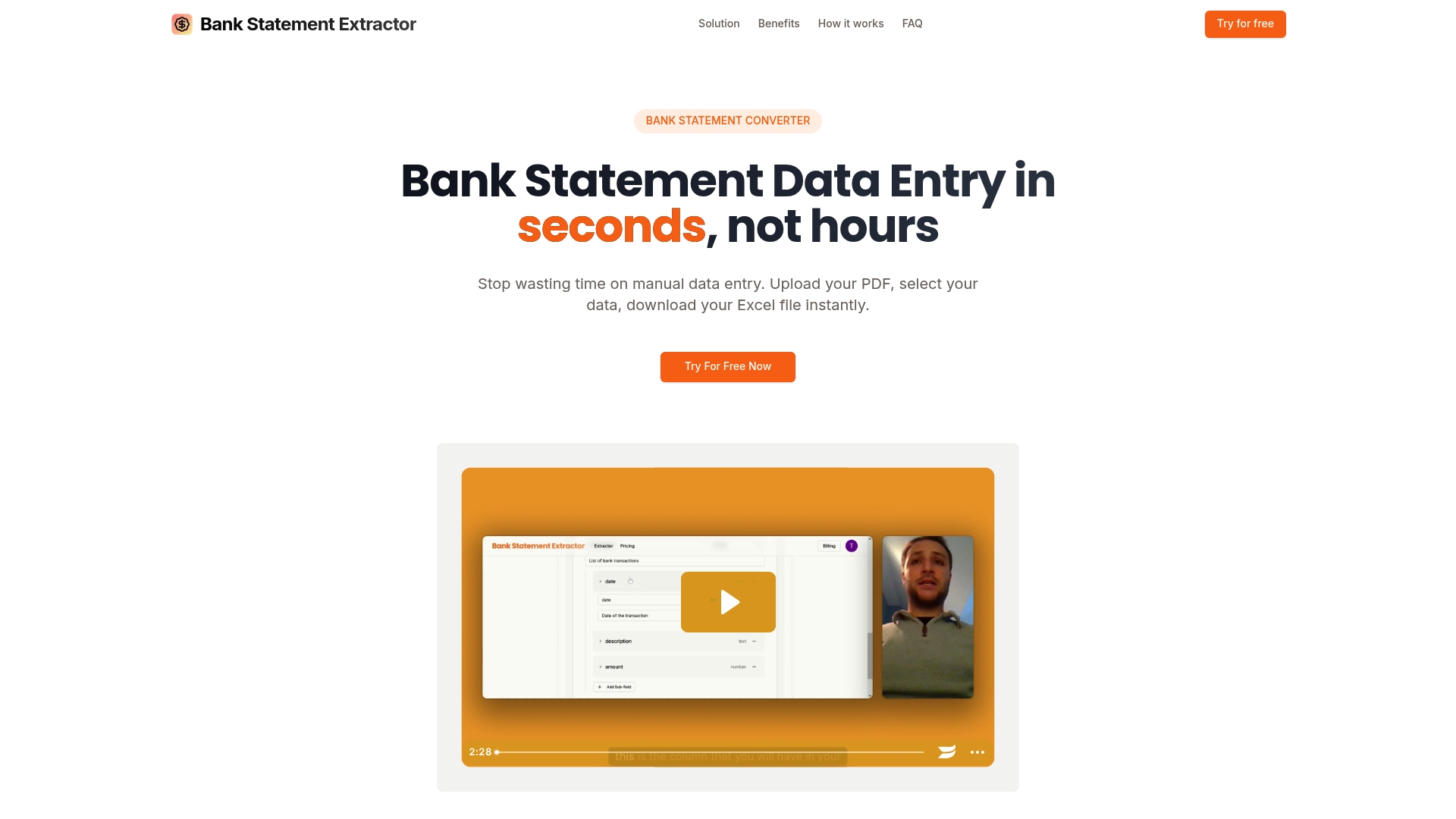
Bank Statement Extractor is an AI powered tool that converts PDF bank statements into ready to use Excel files with rapid turnaround. It targets financial teams that need precise, privacy conscious extraction and a clear path from raw PDFs to reconciled spreadsheets.
Core Features
The platform focuses on custom data extraction and batch handling to cut manual work and speed audits. Core capabilities include support for multiple PDFs, configurable data schemas, broad language support, and secure ephemeral processing.
- Custom Data Extraction: Define the exact fields to capture for your workflows.
- Multi PDF Processing: Upload many statements and process them in one job.
- High Accuracy: Output claims 99.8% accuracy for formatted exports.
- Secure Data Handling: Files are processed and deleted without persistent storage.
- Wide Bank and Language Support: Works with statements from any bank and multiple languages.
Pros
-
Dramatically Faster Processing: Converts hours of manual entry into seconds for standard statements, saving large teams measurable time.
-
Very High Accuracy: The claimed 99.8% accuracy reduces downstream reconciliation work and cut error correction time.
-
Batch Processing Capable: Ability to handle multiple PDFs at once supports monthly close cycles and high volume workloads.
-
Configurable Output Schema: Customizable extraction fields let you shape exports for Excel, CSV, or other ledgers.
-
Privacy Focused Handling: Files are processed and removed immediately which limits exposure of sensitive financial data.
Cons
-
Limited Detail on Complex Formats: The platform provides little public guidance on handling highly irregular or nonstandard statement layouts which can appear in corporate accounts.
-
No Clear Ongoing Free Tier: Pricing appears subscription based with trials but no stable free tier for sustained light use.
-
Page Limits on Lower Plans: Starter plan limits such as 400 pages per month may force upgrades for firms with heavy monthly volumes.
Who It’s For
This tool fits financial analysts, accountants, and recon teams in accounting firms or corporate finance groups that process frequent bank statements. It works best when you need repeatable, high accuracy extraction and want to reduce manual spreadsheet assembly.
Unique Value Proposition
Bank Statement Extractor pairs rapid batch conversion with a privacy first processing model so teams get formatted, schema matched data without exposing files to long term storage. That combination suits compliance minded finance teams.
Real World Use Case
A finance team uploads a month of client bank statements, maps the fields they need for reconciliation, and receives a consolidated Excel file within minutes. The team accelerates month end close and redirects staff to analysis rather than data entry.
Pricing
Subscription plans start at $30 per month for Starter, $60 per month for Professional, and $99 per month for Business with varying page limits and feature sets. Trials are available to validate accuracy and workflows before committing.
Website: https://bankstatementextract.com
Docsumo
At a Glance
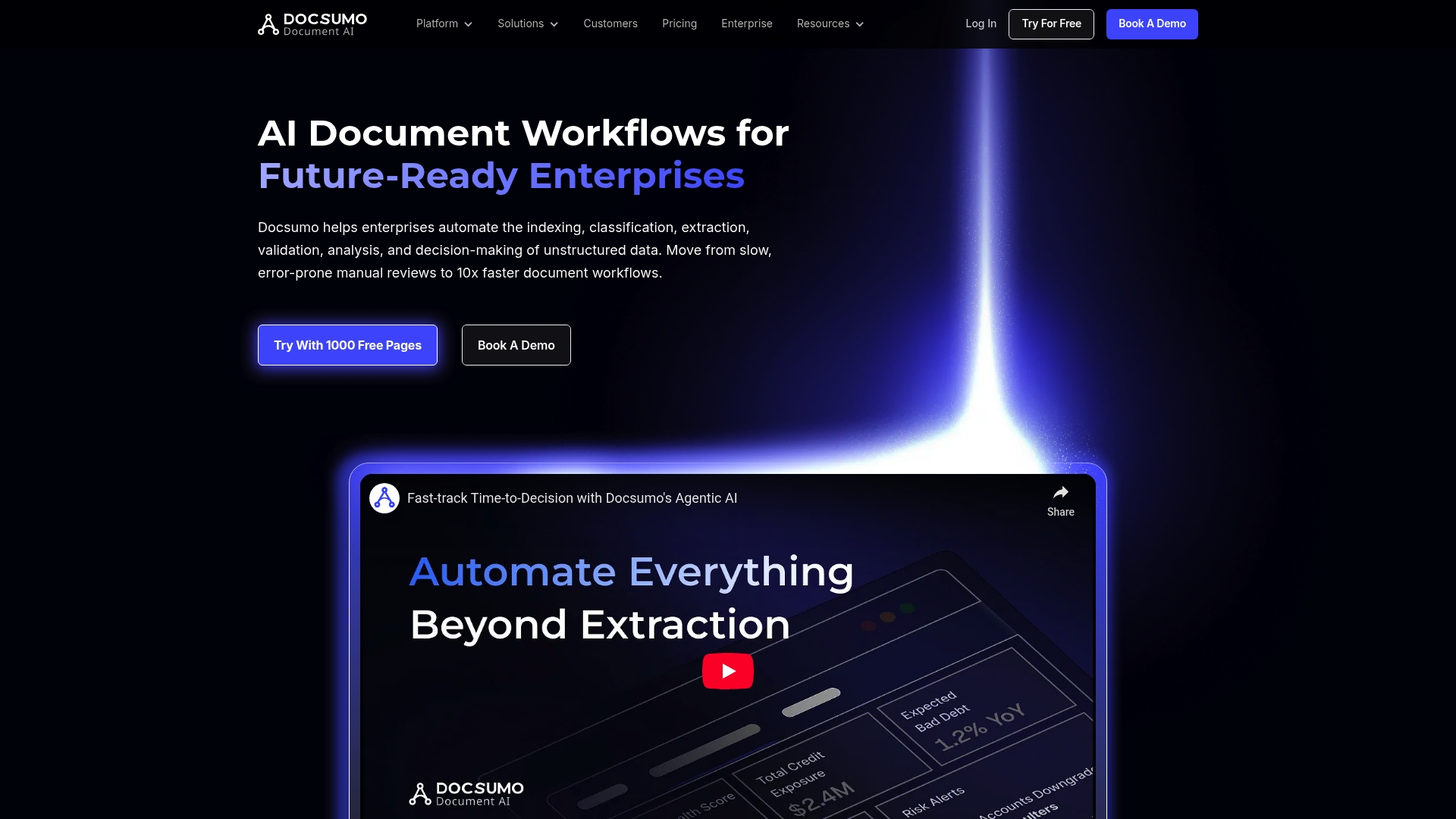
Docsumo delivers AI powered document workflows that automate indexing, extraction, validation, and analysis for high volume enterprise use. It focuses on accuracy and compliance, making it a practical choice for financial teams that handle sensitive documents.
Core Features
Docsumo combines Document Pre Processing, Data Extraction, and Document Analysis with human review options to manage complex files and tables at scale.
- Document Pre Processing for clean inputs and layout normalization.
- Data Extraction including smart table extraction and custom field capture.
- Document Classification with model training and auto split capabilities.
- Human In The Loop review for exception handling and quality checks.
Pros
- Speeds up workflows. Docsumo automates and accelerates document processing workflows to reduce manual effort across high volume operations.
- High accuracy. The platform advertises extraction accuracy of 95%+, which improves downstream reconciliation and reporting tasks.
- Wide document support. It accepts varied document types and use cases, from forms to bank statements, supporting enterprise processing needs.
- Enterprise integrations. Docsumo integrates with popular systems such as Salesforce to push structured data into existing pipelines.
- Security and compliance. The product provides enterprise grade security features suitable for regulated environments.
Cons
- Custom pricing opacity. Pricing details are custom and may be difficult for smaller firms to evaluate without direct vendor engagement.
- Technical setup required. Some advanced features and bespoke customizations require technical expertise to implement and tune.
Who It’s For
Docsumo targets enterprises and large organizations that face sustained high volume document processing demands and prioritize security and compliance. Financial analysts at banks and large accounting firms will benefit when accuracy and throughput matter more than simple out of the box setups.
Unique Value Proposition
Docsumo blends scalable touchless processing with human review for edge cases, creating a balance between automation and control. This mix suits teams that require both high accuracy and auditability for financial document workflows.
Real World Use Case
A financial institution deploys Docsumo to process loan documents and applicant data. The system extracts key fields, routes exceptions to reviewers, and outputs structured files for reconciliation, cutting manual review time while raising data consistency.
Pricing
Docsumo offers a free trial that includes 1000 free pages to test the platform on real workloads. Paid plans scale to Business and Enterprise levels with custom pricing tied to volume and feature needs.
Website: https://docsumo.com
Veryfi
At a Glance
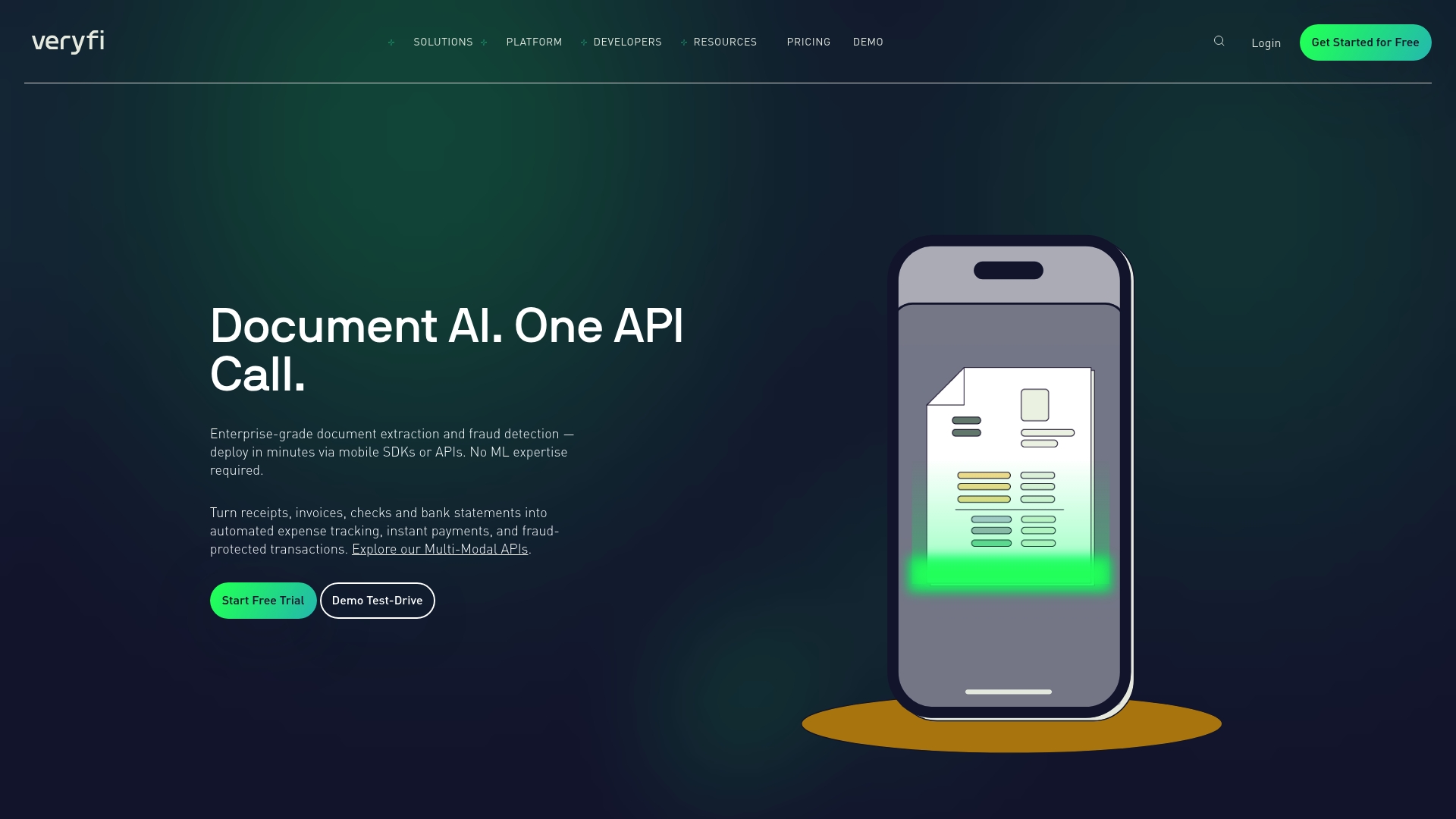
Veryfi provides enterprise grade document extraction and verification through developer friendly API and SDKs, aimed at teams that need high accuracy at scale. It balances advanced automation with robust compliance, making it a pragmatic choice for finance and regulated industries.
Core Features
Veryfi delivers API based document extraction for receipts, invoices, checks, and bank statements plus Mobile SDKs for iOS and Android for real time capture. The platform also includes no code builders, content verification, fraud detection, and support for 110 plus data fields and 91 plus currencies.
Pros
-
Enterprise Security: Veryfi meets SOC2 Type II, GDPR, and HIPAA standards which protects sensitive financial and healthcare data in regulated workflows.
-
High Accuracy: Deterministic AI models trained in house provide consistent extraction results that reduce manual reconciliation and save analyst time.
-
Broad Document Support: The system handles a wide range of document types which lets you standardize extraction across accounts payable, expense reports, and bank statements.
-
Flexible Pricing Structure: A free tier and tiered paid plans let teams pilot with low risk before committing to higher volume plans.
-
Developer Resources: Comprehensive SDKs and documentation speed integration so engineering teams can embed capture and extraction into existing pipelines.
Cons
-
Pricing can become expensive for small volume users or startups that process only modest monthly document counts and lack predictable scale.
-
API and SDK integration requires developer effort and platform knowledge which raises the initial implementation cost for teams without engineering bandwidth.
-
Some advanced offerings like Lens SDKs require contacting sales for custom pricing which creates friction for fast procurement cycles.
Who It’s For
Veryfi fits organizations that need automated, accurate extraction of financial data at scale such as accounting teams, audit firms, banks, and healthcare providers. If you run high volume document processing pipelines and need compliance and developer control, Veryfi aligns with your priorities.
Unique Value Proposition
Veryfi combines deterministic AI models with enterprise compliance to deliver repeatable extraction accuracy while protecting regulated data. The mix of APIs, SDKs, and no code tools gives both engineering and operations teams ways to deploy extraction where they need it most.
Real World Use Case
A financial services firm integrated Veryfi to process bank statements and checks through the API which reduced manual data entry and sped up transaction verification. The result was faster month end routines and fewer data mismatches during reconciliations.
Pricing
Veryfi offers a free plan for up to 100 documents per month. Paid plans start at $500 per month for up to 5,000 documents and include volume discounts for larger throughput.
Website: https://veryfi.com
Ocrolus
At a Glance
Ocrolus offers AI-powered automation and analytics focused on faster underwriting and trusted data for financial decisioning. It targets lenders and credit providers with a platform built to increase throughput while reducing manual errors.
Core Features
The platform provides over 99% accuracy in financial document analysis and supports bank statements pay stubs and tax documents. It also includes fraud detection that flags fake documents and data inconsistencies and offers API integration for existing workflows.
Pros
-
High accuracy in document processing: The platform reports over 99% accuracy which reduces manual review and lowers downstream reconciliation work.
-
Versatile document handling: Ocrolus accepts bank statements pay stubs and tax documents which supports multiple underwriting scenarios.
-
Human in the loop verification: The blend of AI and human review improves reliability for edge cases and regulatory scrutiny.
-
Scalable for growing teams: The product is designed to increase throughput for lenders and credit providers without a proportional rise in error rates.
-
Developer resources available: API access and documentation support integration into existing loan decisioning systems and automation pipelines.
Cons
-
Information on specific pricing is not provided on the website which makes vendor comparison difficult.
-
Detailed customer testimonials and case studies are limited in the content provided which reduces third party validation for some procurement teams.
-
The documentation could offer more clarity on pricing structure and plan tiers which complicates budgeting conversations with stakeholders.
Who It’s For
Financial institutions lenders and credit unions that need automated document analysis and underwriting support will benefit most from Ocrolus. Teams that process high volumes of loans or require rapid verification of income and cash flow will see immediate operational gains.
Unique Value Proposition
Ocrolus combines trusted data with targeted document specialization to speed decisioning in SMB funding mortgage and consumer lending. The focus on accuracy and fraud detection makes it suitable where regulatory compliance and auditability matter.
Real World Use Case
A lender integrates Ocrolus to automatically analyze bank statements and tax documents to accelerate loan approvals. The automation reduces manual errors increases throughput and shortens time to decision for routine consumer and small business loans.
Pricing
Not specified on the website. Prospective customers will need to contact sales for custom pricing and plan details based on volume and integration needs.
Website: https://ocrolus.com
Nanonets
At a Glance
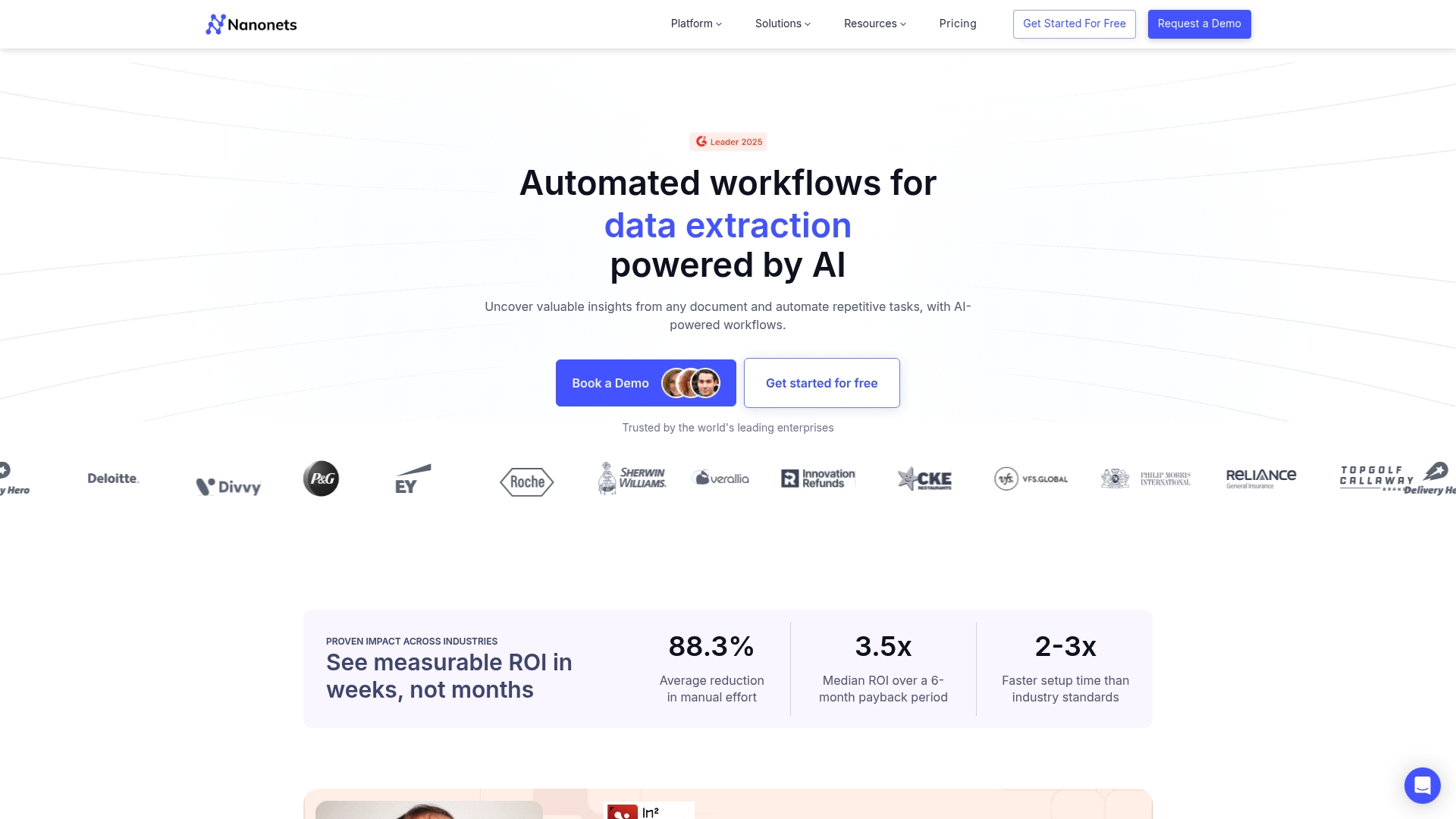
Nanonets is an AI-powered platform that automates data capture and document workflows for finance teams and enterprise operations. Its modelless extraction and broad document support make it a strong alternative when you need reliable automation with flexible integration options.
Core Features
Nanonets focuses on data capture, automated workflows, and enterprise integration to move documents into structured formats quickly. The platform supports invoices, bank statements, passports, receipts, and offers workflows for AP, reconciliation, and email automation.
Pros
- Flexible AI automation: The platform adapts to many document formats without predefined templates, reducing setup time for mixed document fleets.
- Wide document support: It extracts data from invoices, purchase orders, ID cards, bills of lading, and bank statements with a single solution.
- Enterprise integrations: Nanonets connects with ERP, CRM, accounting software, cloud storage, and databases to fit into existing financial processes.
- Security and compliance: The platform meets GDPR, SOC2, and HIPAA standards, which is important for regulated financial workflows.
- Flexible pricing: Pay as you go, volume discounts, and enterprise plans make cost models adaptable for small teams and large firms.
Cons
- Enterprise pricing opacity can slow procurement: Detailed costs for large deployments require direct contact with sales which can extend vendor evaluation timelines.
- Platform complexity requires onboarding: New users may face a learning curve when building advanced workflows and training models.
- Technical implementation needed for some features: Certain integrations and custom fields require developer effort or vendor support to deploy in enterprise environments.
Who It’s For
Nanonets is for finance teams, accounting firms, and enterprise analysts who need to convert unstructured financial documents into usable data. It fits organizations that handle mixed document types and want API driven automation tied to ERP and accounting systems.
Unique Value Proposition
Nanonets combines modelless AI extraction with workflow automation and enterprise connectivity so you can automate end to end processes from document ingestion to accounting entries. The value is clear when manual reconciliation and AP processing dominate staff time.
Real World Use Case
A finance operations team used Nanonets to automate invoice processing and vendor payments, cutting manual effort by up to 88.3 percent and achieving a 3.5x ROI in six months. The same setup supported supply chain order processing across multiple supplier document formats.
Pricing
Start for free with $200 credits and pay for what you use with volume discounts available. Custom enterprise solutions are offered for larger deployments and are quoted on request.
Website
Website: https://nanonets.com
Parseur
At a Glance
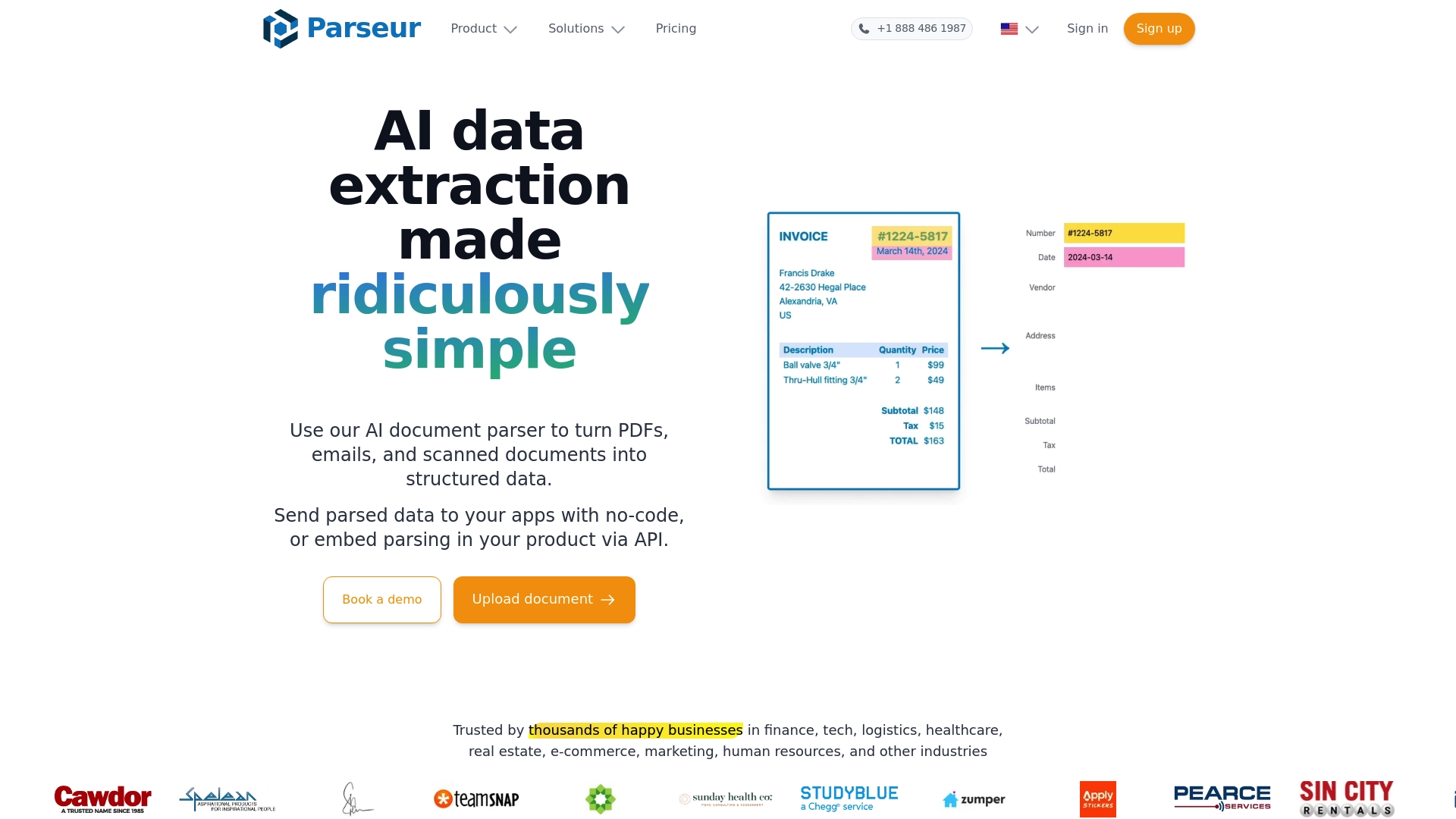
Parseur is an AI powered document parsing platform that converts unstructured files into structured data with a no code web interface and API options. It balances high accuracy and scalability for businesses that need reliable automated extraction without heavy technical overhead.
Core Features
Parseur focuses on AI based data extraction from PDFs emails and other documents and combines that with OCR capabilities and template driven parsing. It also offers zonal OCR and dynamic OCR to handle fields that move or change size in varied document layouts.
Pros
- Easy to use with no technical skills required which helps teams get started quickly without developer time.
- High accuracy in data extraction which reduces manual correction and preserves data integrity for analytics and reporting.
- Scalable processing that supports large document volumes so operations can grow without frequent tool changes.
- Wide integration options that link extracted data into applications spreadsheets and automation platforms to keep workflows connected.
- Strong customer support and satisfaction which helps when building templates or troubleshooting edge case documents.
Cons
- Pricing can depend on volume and become costly for very large document volumes which may affect budget planning for heavy processing needs.
- Some advanced features require higher tier plans which means teams seeking full functionality may need to move to more expensive subscriptions.
- Initial setup for complex templates can take time so expect a learning curve for highly variable or bespoke document types.
Who It’s For
Parseur suits businesses and organizations that need automated accurate document data extraction without extensive technical setup. Financial analysts in accounting firms will find value when converting bank statements invoices and receipts into spreadsheets or ERP systems for reconciliation and reporting.
Unique Value Proposition
Parseur combines a user friendly no code web interface with API access so you can start without engineering resources and scale into automated pipelines. The mix of template based parsing and adaptive OCR features addresses both standardized and shifting document formats.
Real World Use Case
A company uploads its incoming invoices into Parseur which extracts supplier names invoice numbers and amounts then routes that data to their ERP system. Manual entry hours drop and error rates fall which speeds month end closing and improves audit trails.
Pricing
Parseur offers a free to start model and then uses a pay as you grow approach based on credits or pages processed. That pricing model fits organizations that want low risk testing but requires volume planning for predictable monthly costs.
Website: https://parseur.com
Financial Document Processing Tools Comparison
Explore a comprehensive comparison of financial document processing solutions to select the best fit for your needs based on features, pricing, and intended usage.
| Product | Key Features | Pros | Pricing |
|---|---|---|---|
| BankStatementFlow | Converts bank statements into structured data; supports exports like Excel, CSV; API integration. | Free plan available; supports multiple formats and regional languages; high accuracy and API for direct integration. | Free for 10 pages/day; Paid plans start at $5/month for 200 pages up to $20/month for 2000 pages. |
| Bank Statement Extractor | AI-driven, batch processing capabilities, customizable data extraction; supports multiple languages and data schemas. | Focus on privacy with immediate data deletion; 99.8% accuracy; batch processing for high-volume tasks. | Paid plans begin at $30/month for limited volume; no long-term free tier offered for light users. |
| Docsumo | Preprocessing and classification of documents; scalable AI extraction; human-reviewed processes. | Prioritizes security and accuracy with 95%+ reliability; enterprise-grade integrations. | Custom quote needed; free trial includes 1000 pages for testing. |
| Veryfi | Enterprise-oriented API/SDK solutions; deterministic AI for consistent results; compliance with standards. | Secure processing environment; SOC2, GDPR, HIPAA compliant; supports over 91 currencies. | Free tier supports up to 100 pages/month; plans start at $500/month for higher volumes. |
| Ocrolus | Documentation analysis with AI and human verification; fraud detection systems included. | Excellent for streamlining underwriting processes; over 99% accuracy in financial documents. | Pricing requires consultation; customizations available for specific usage volumes. |
| Nanonets | Modelless AI, broad document type support; ERP and accounting software integrations. | Flexible workflows; readily adaptable for variable document formats; security compliance protocols. | Starts at free; customized pricing for enterprise based on volume and required services. |
| Parseur | AI-driven data extraction; OCR capabilities with no-code capabilities for template setups. | High accuracy; user-friendly platform without need for developers; scalable for large data operations. | Pay-as-you-grow model starting free; billing based on usage with enterprise options available. |
Discover Smarter Alternatives to BankStatementExtract.com with BankStatementFlow
Financial analysts searching for efficient, AI-powered solutions know the frustration of slow, error-prone manual data entry and limited document format support. This article highlights the need for rapid, high-accuracy extraction from complex bank statements while maintaining privacy and seamless integration. If you are seeking to eliminate manual mapping and reduce reconciliation headaches, BankStatementFlow offers a powerful option boasting up to 99% accuracy, support for password-protected PDFs, images like phone photos, and multiple export formats including Excel and JSON.
Our platform is designed to transform your financial data processing by automating extraction and structuring large volumes of diverse financial documents quickly and securely. With multi-language and global format support, plus developer-friendly API access, BankStatementFlow helps you save hours of manual work and focus on delivering insight rather than data entry. Visit our landing page to explore how your team can benefit.
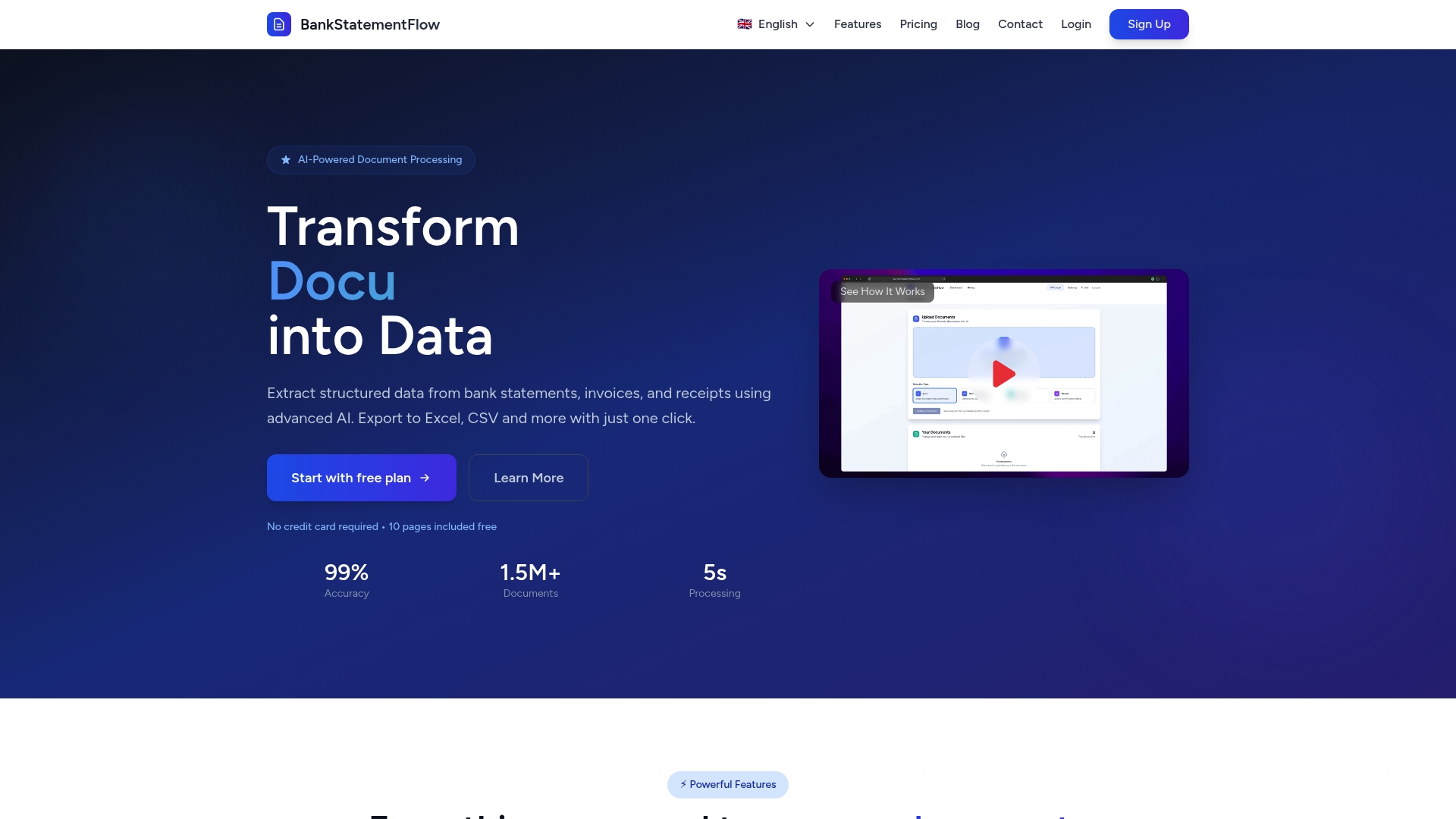
Ready to upgrade your financial document workflows with a trusted alternative to BankStatementExtract.com? Start your free trial today at BankStatementFlow and experience the speed and accuracy that financial professionals rely on. Learn more about our AI-powered extraction technology and join the growing community of teams transforming data chaos into clarity.
Frequently Asked Questions
What features should I look for in alternatives to Bankstatementextract.com?
To find efficient alternatives, prioritize features like high accuracy in data extraction, batch processing capabilities, and user-friendly interfaces. Evaluate how these features can reduce your manual work and improve reporting speed, aiming for a tool that decreases data entry time by at least 50%.
How can I determine the best fit for my financial analysis needs?
Assess your specific requirements within your workflow, such as the types of documents you frequently process and the volume of data. Create a comparison chart listing key features and functions to help identify which tool aligns best with your objectives.
Are there options that support advanced data extraction from complex documents?
Yes, look for platforms that offer custom data extraction and advanced OCR capabilities to handle non-standard document formats. Utilizing such a tool can improve extraction accuracy by up to 90% for irregular layouts, enhancing your analysis efficiency.
What budget should I expect for these alternatives?
Budgets can vary significantly, typically ranging from free plans to subscription tiers costing between $30 and $500 monthly, depending on features and volume limits. Calculate your anticipated usage to align your budget with a tool that provides the best long-term value.
How can I test these alternatives before making a commitment?
Most platforms offer free trials or limited free plans that allow you to test their features and functionality. Sign up for these offers to evaluate the performance of each tool in your workflow, ideally within a measured timeframe of 30 days to gauge effectiveness.
Recommended
- Top 4 bankstatementdataextractor.com Alternatives in 2026 - BankStatementFlow Blog
- Blog - BankStatementFlow | AI Document Processing Insights
- Step by Step Bank Statement Processing for Analysts - BankStatementFlow Blog
- How to Automate Bank Statement Processing Easily - BankStatementFlow Blog
- Finance Recruitment Trends in Birmingham (2026) | IBACO Recruitment